Why the finished shape matters
A QR code is read as a complete pattern. A phone camera needs a clear view of its squares and the plain space around them, often called the quiet zone. If a fold crosses the pattern, a seam covers an edge, or a cut removes part of that surrounding space, scanning can become unreliable. The code may look fine on a flat screen while failing on the finished object.
Placement is therefore more than a layout decision. A brochure will be folded, a box will be assembled, and a label may wrap around a container. Each step can change what the camera sees. Plan for the form people will hold or encounter, not just the flat artwork sent to print.
Leave room around folds and creases
Put the entire code, including its quiet zone, on one flat panel wherever possible. Avoid positioning it across a brochure fold or close enough that an imprecise fold could run into it. Creasing can distort the square pattern, while a raised fold may cast a shadow or make it hard to hold the camera directly above the code.
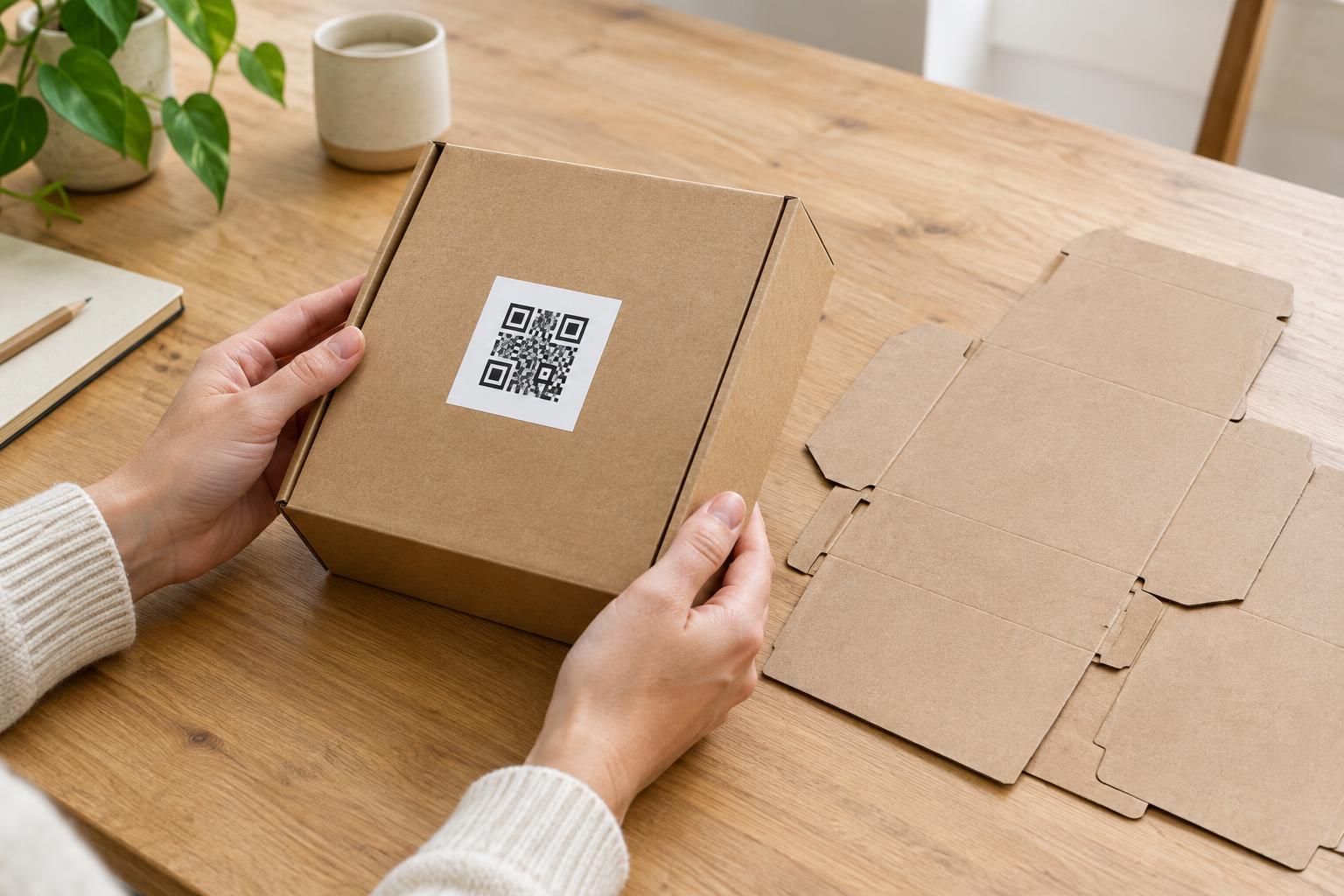
The same principle applies to carton edges and folded packaging tabs. A code that straddles two faces may be visible from neither face in full. If the intended panel is narrow, consider moving the code to a larger panel rather than shrinking it until the details are difficult to print and scan. Remember to leave a practical area for someone to aim a phone without bending the item out of shape.
Treat seams and overlaps as moving boundaries
A seam is not always as predictable as it appears in a template. A label may overlap slightly differently when applied, or a package flap may cover more of a panel than expected. Keep codes clear of glue areas, tape, stitched edges, heat seals, and label overlaps. These features can obscure part of the pattern, introduce glare, or create an uneven surface.
On bottles, tubes, and other rounded items, a label seam is only one concern. A code placed too close to the edge may curve out of view, requiring someone to rotate the package or struggle to bring the full pattern into the camera frame. Choose the flattest, most visible part of the surface available. If the container has no suitable area, a tag or a different label position may work better.
Keep trim and bleed separate from the scan area
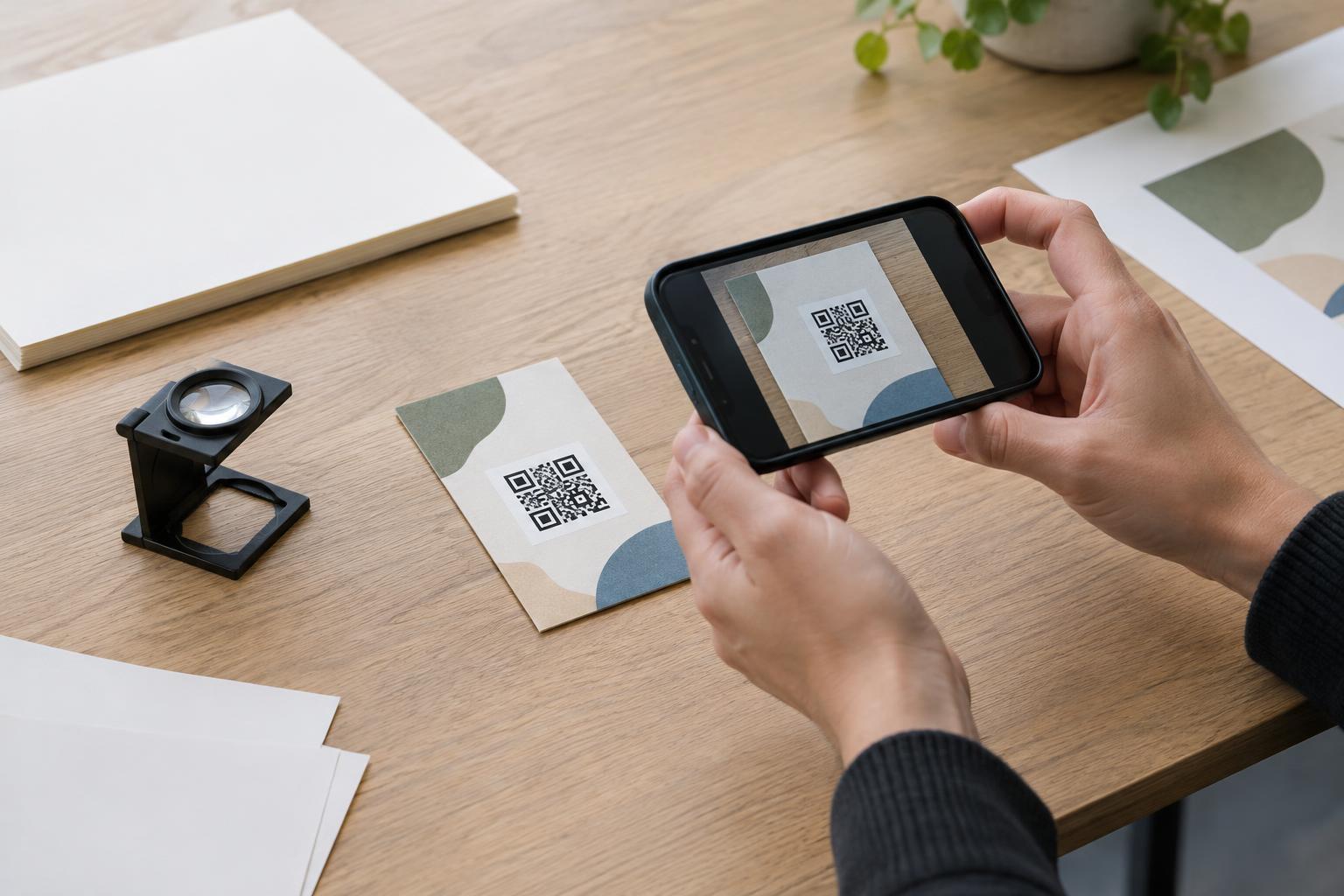
Printed pieces are commonly cut after printing, and the final cut may vary slightly from the line shown in a design file. Do not place a QR code or its quiet zone against the trim line. A background color or image can extend into the bleed area when required by the printer, but the scannable code should sit safely inside the finished edge.
Check the printer’s template for trim, bleed, and safe-area guidance, especially for small stickers, cards, and hang tags. Treat any safe-area line as a starting point rather than a guarantee that a code at its edge will be easy to use. Also consider punched holes, rounded corners, and perforations: each can remove material or distract from the clear border the code needs.
Proof the object, not just the artwork
Before ordering a full run, print and assemble a sample at its intended size. Fold the brochure, close the box, or apply the label to the actual type of container. Look for creases, overlaps, shadows, and curved areas that were not obvious in the flat layout. Then scan the code with more than one phone if available, from the distance and angle a customer would naturally use.
Check the destination as well as the print: the code should lead to the intended page or action, and any nearby text should make that purpose clear. If scanning is awkward, move the code before trying to solve the problem by making it smaller. A little more space on a stable, accessible surface is usually a better design choice than a perfectly aligned code that becomes damaged during finishing.