What makes a QR code inverted?
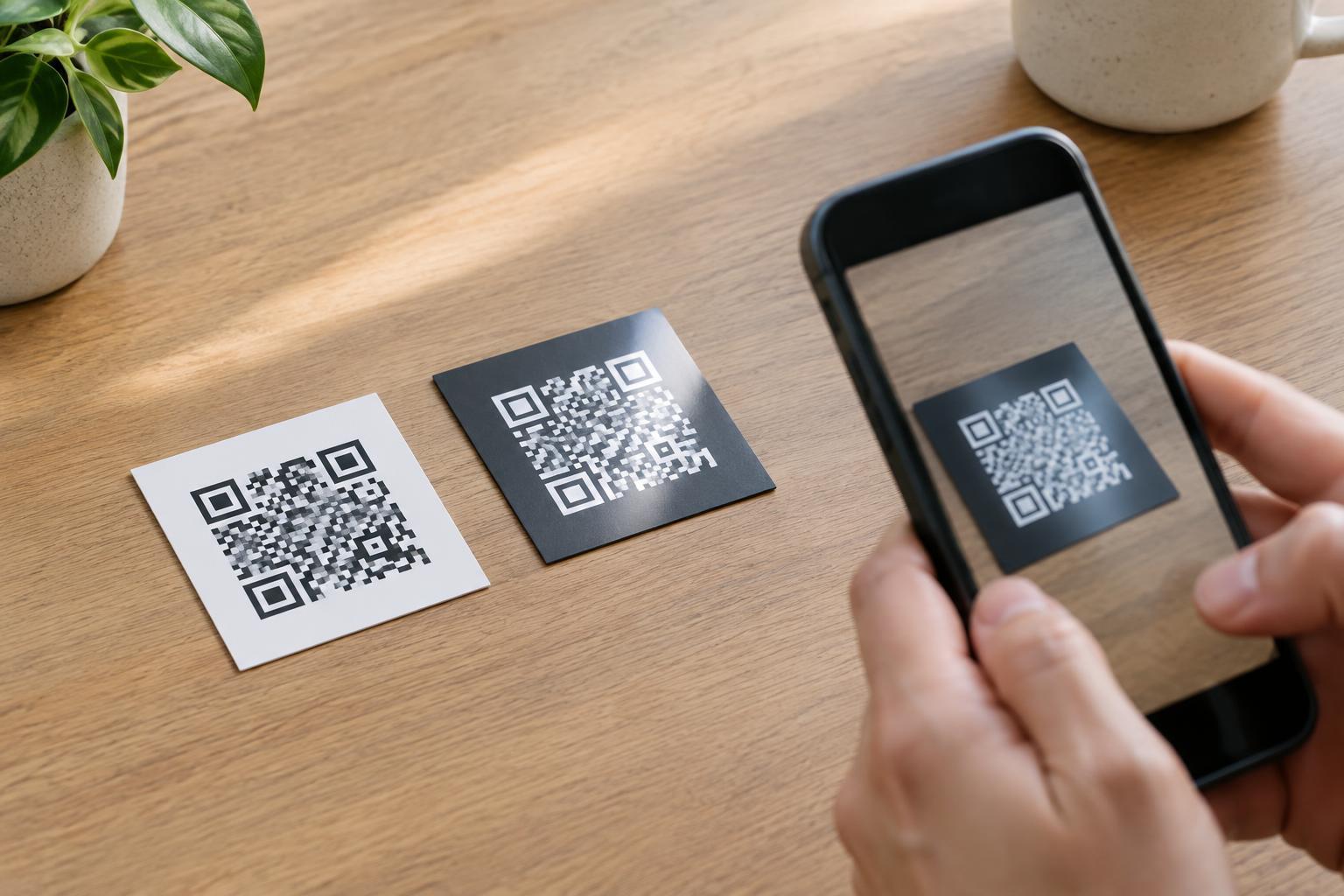
A conventional QR code has dark modules—the small squares that carry its pattern—on a light background. An inverted QR code swaps those tones, placing light modules on a dark field. This can suit dark packaging, menus, signs, or event materials, especially when a standard white square would feel out of place.
The change is more than cosmetic. A scanner must identify the code’s boundaries and its three large corner markers before it can interpret the smaller modules. Many scanning tools handle reversed tones, but support can vary by camera, app, lighting, and image processing. A code that scans on the designer’s phone is not necessarily dependable for everyone who encounters the printed piece.
Why light-on-dark patterns can be difficult to scan
Scanning depends on a clear distinction between the modules and their background. An inverted design may lose that distinction when pale ink prints unevenly on dark stock, when a screen is dim, or when glare washes over a glossy surface. Thin-looking light modules can become harder for a camera to separate, particularly if the code is small or viewed from a distance.
The area immediately around the code matters too. A QR code needs a clear margin, often called a quiet zone, so a scanner can tell where the pattern ends. On a dark design, that margin should remain consistent with the background used inside the code. Crowding the edges with text, illustrations, borders, or another color can make the pattern harder to locate.
Avoid trying to solve a weak design with color alone. Two hues may look different to a person yet appear similar to a camera under certain lighting. Strong light-and-dark contrast is a safer starting point than subtle shades, gradients, textures, or transparent modules placed over a photograph.
Design for the printed surface, not just the screen
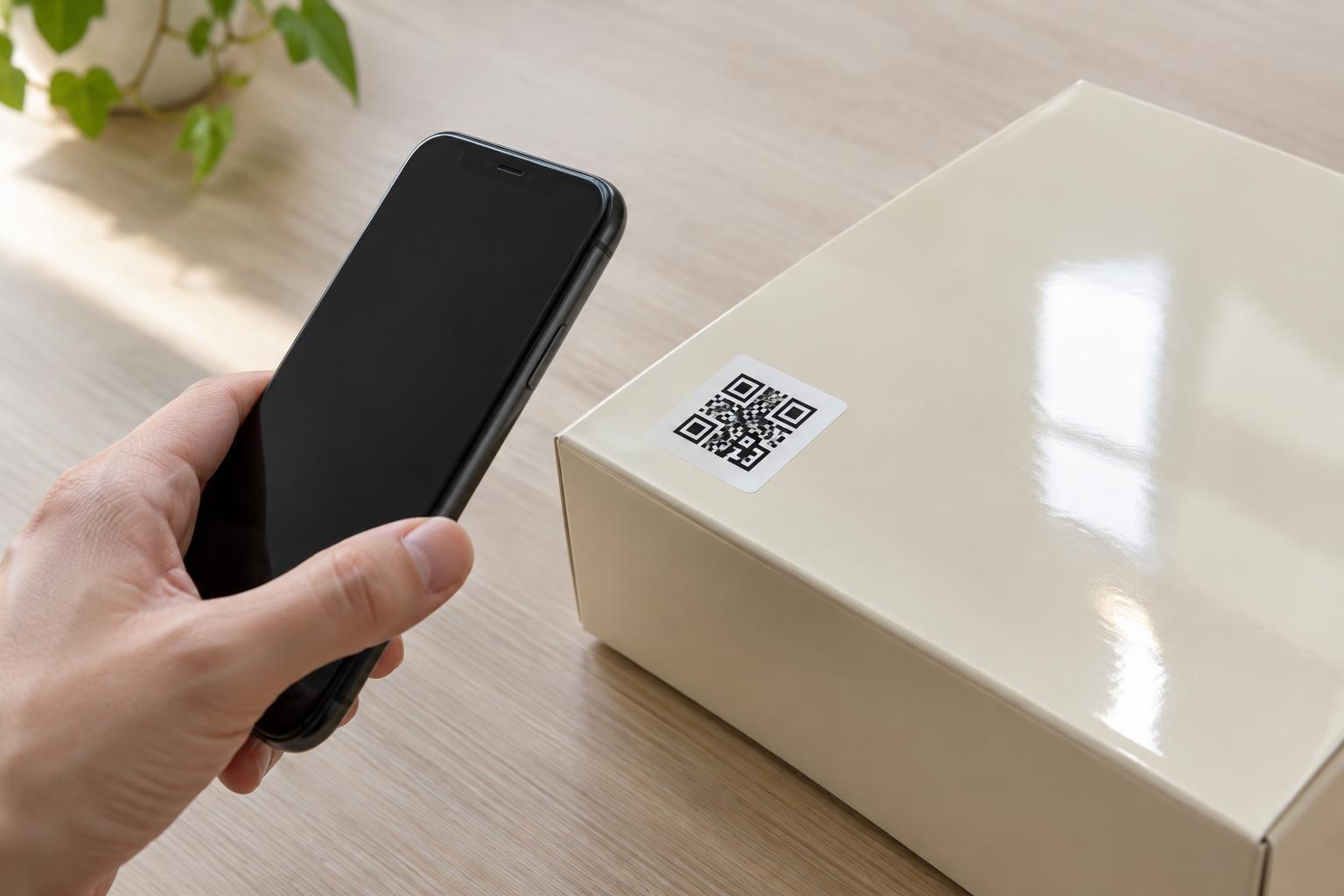
A digital preview cannot fully predict a physical result. Dark ink may spread into light areas, and some printing methods struggle to produce crisp pale details on dark material. Metallic finishes, reflective labels, curved containers, and folds can also interfere with the camera’s view. If the code will appear on packaging, test it on the actual material and at the intended size.
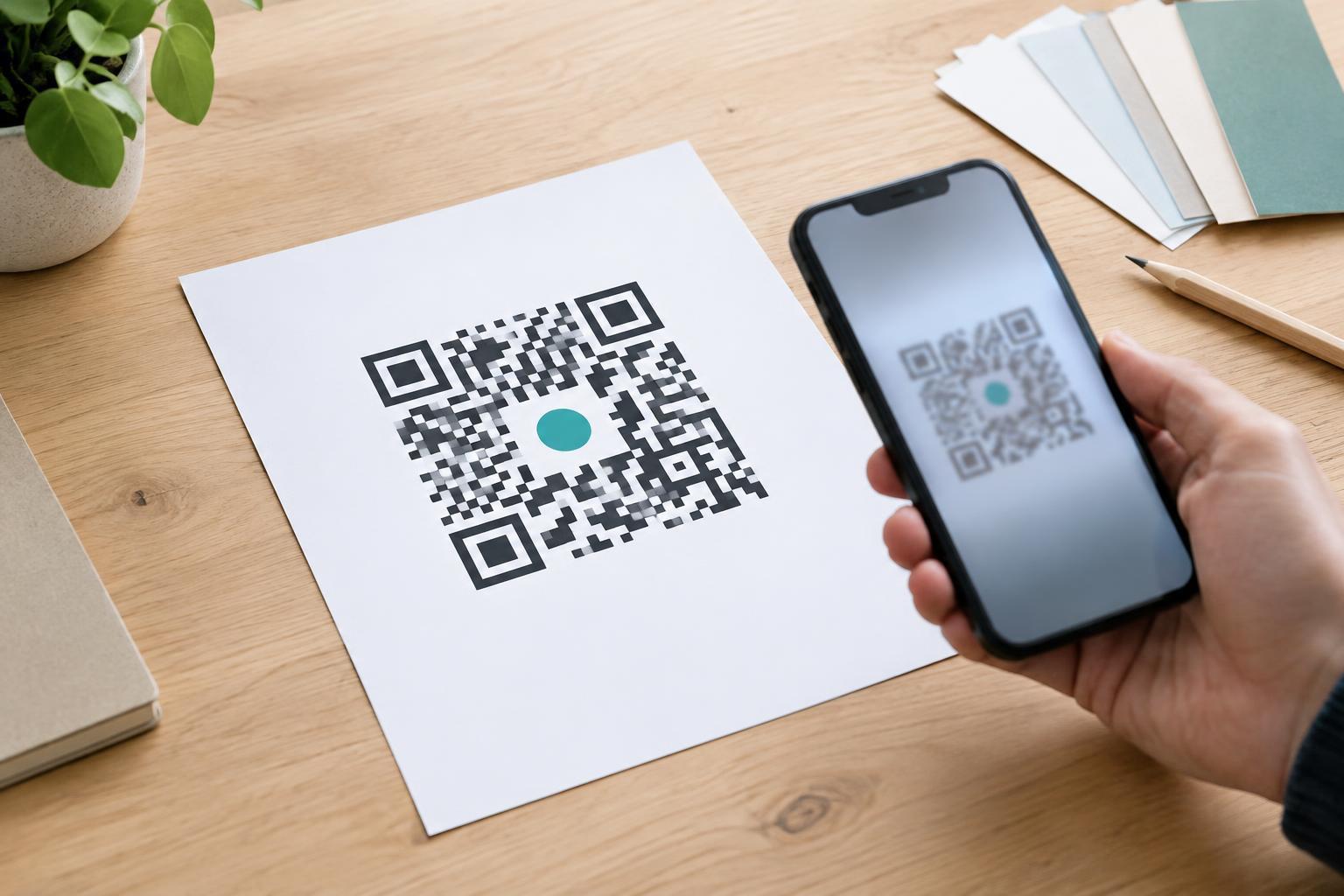
Keep the modules and corner markers intact. Decorative shapes, logos, and rounded edges may reduce the visual information available to a scanner; combining them with inverted tones adds another variable. If brand styling is essential, make one change at a time and check whether each version still works reliably. A light panel containing a conventional dark-on-light code is often a simpler way to preserve the surrounding dark design.
Placement is as important as appearance. Put the code where a person can hold a phone steady and view it without severe glare or an awkward angle. Leave enough space around it, and avoid placing it across a seam or on a surface likely to crease. If the code will be seen from farther away, increase its printed size rather than assuming a phone can recover tiny details.
Test the experience and provide another path
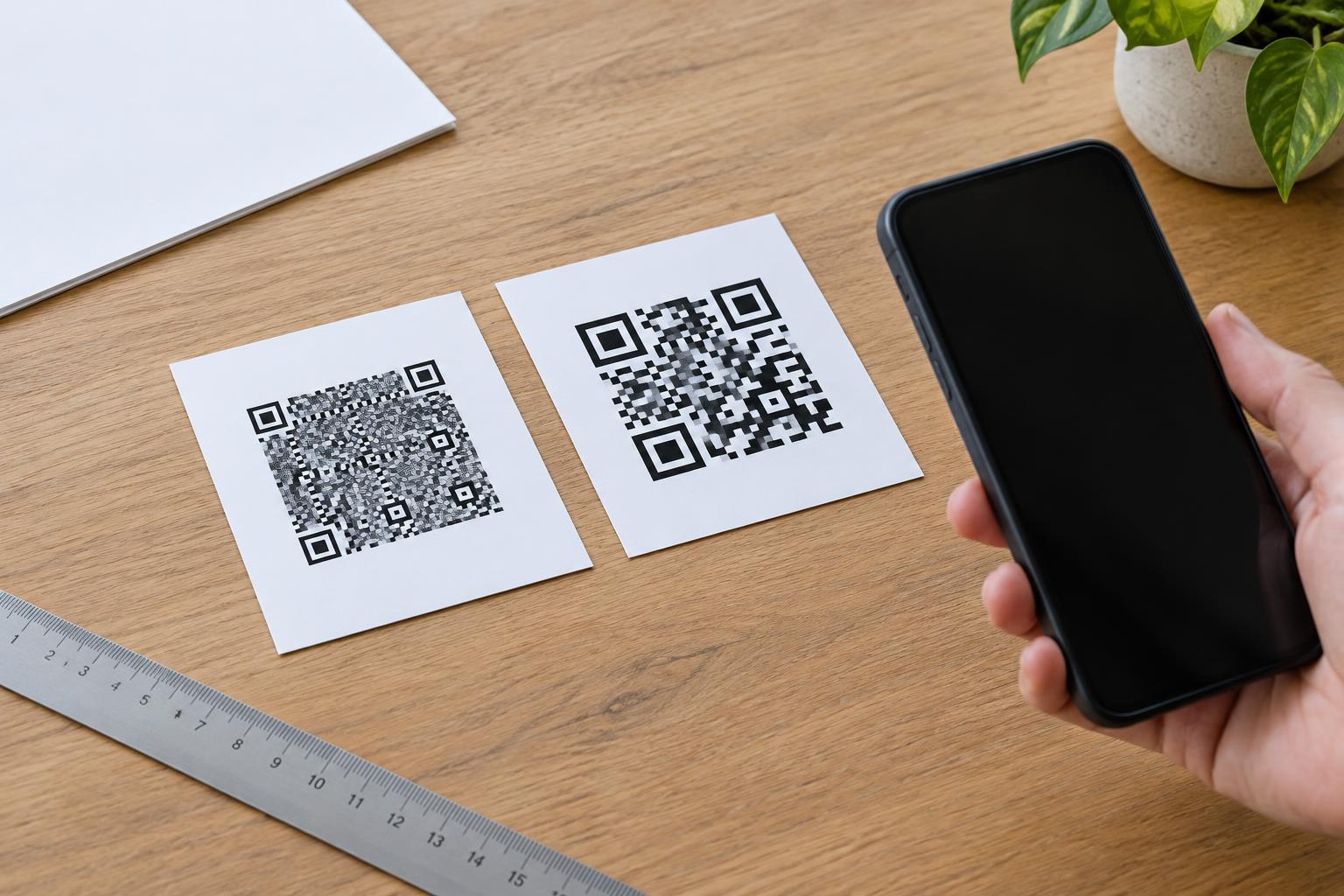
Before printing a full run, scan a physical proof with several phones and, if practical, different built-in camera apps. Try ordinary conditions: indoor lighting, bright daylight, and the angle at which someone will approach the item. Check the final destination as well as the scan itself. A successful scan is not useful if the linked page is difficult to read or navigate on a phone.
If the inverted version fails intermittently, switch to dark modules on a light panel. Do not rely on increasing the code size alone to fix low contrast, glare, or an unclear quiet zone. Reprint and retest after any change to colors, material, finish, or placement.
Give people a non-QR option whenever the code provides important information. A short, readable web address or clear written directions can help someone who cannot scan, does not have a suitable device, or prefers not to use a camera. An inverted QR code is a design option, not an accessibility feature; the best choice is the version your audience can use consistently.