Why a QR code needs a closer look
A QR code can open a website with a quick camera scan. That convenience also makes it easy to skip a step you might take when typing an address: looking closely at where you are going. A code printed on a menu, poster, parking sign or package may lead to a useful page. It may also lead somewhere unexpected, especially if a sticker has been placed over the original code.
Seeing a padlock or “https://” after opening the link is reassuring in one limited sense. It does not settle the bigger question of whether the destination is the one you intended to visit. Understanding that difference helps you use QR codes without treating every scanned link as either automatically safe or automatically suspicious.
What HTTPS actually protects
HTTPS helps protect the connection between your browser and the website named in the address bar. It encrypts information sent over that connection, making it harder for someone monitoring the network to read or alter it in transit. The browser also checks a certificate to help confirm that it is connecting to the domain shown. When those checks succeed, a browser may show a padlock or another connection indicator.
That protection matters if you are loading a page on public Wi-Fi or submitting information through a form. But it is protection for a connection, not an endorsement of the page’s content, the business behind it or the reason it was placed in front of you. A deceptive site can use HTTPS, too. Its connection may be encrypted while its form still asks you to send information to the wrong party.
What the padlock cannot prove
The padlock does not prove that a QR code came from the restaurant, venue or organization whose name appears beside it. Nor does it prove that the page is accurate, that a payment request is legitimate, or that a file offered for download is harmless. It confirms neither the identity you had in mind nor the trustworthiness of what the site asks you to do.
Pay attention to the actual domain, not just familiar words elsewhere in the address. For example, a page can display a recognizable brand name while using a different domain. A long address can also put convincing text before the part that matters. If a scanned page asks you to sign in, pay or share sensitive details, compare its domain with an address you already know from a reliable source. When in doubt, leave the scanned page and reach the service through its usual app or a bookmark you created earlier.
Check before you tap—and after you arrive
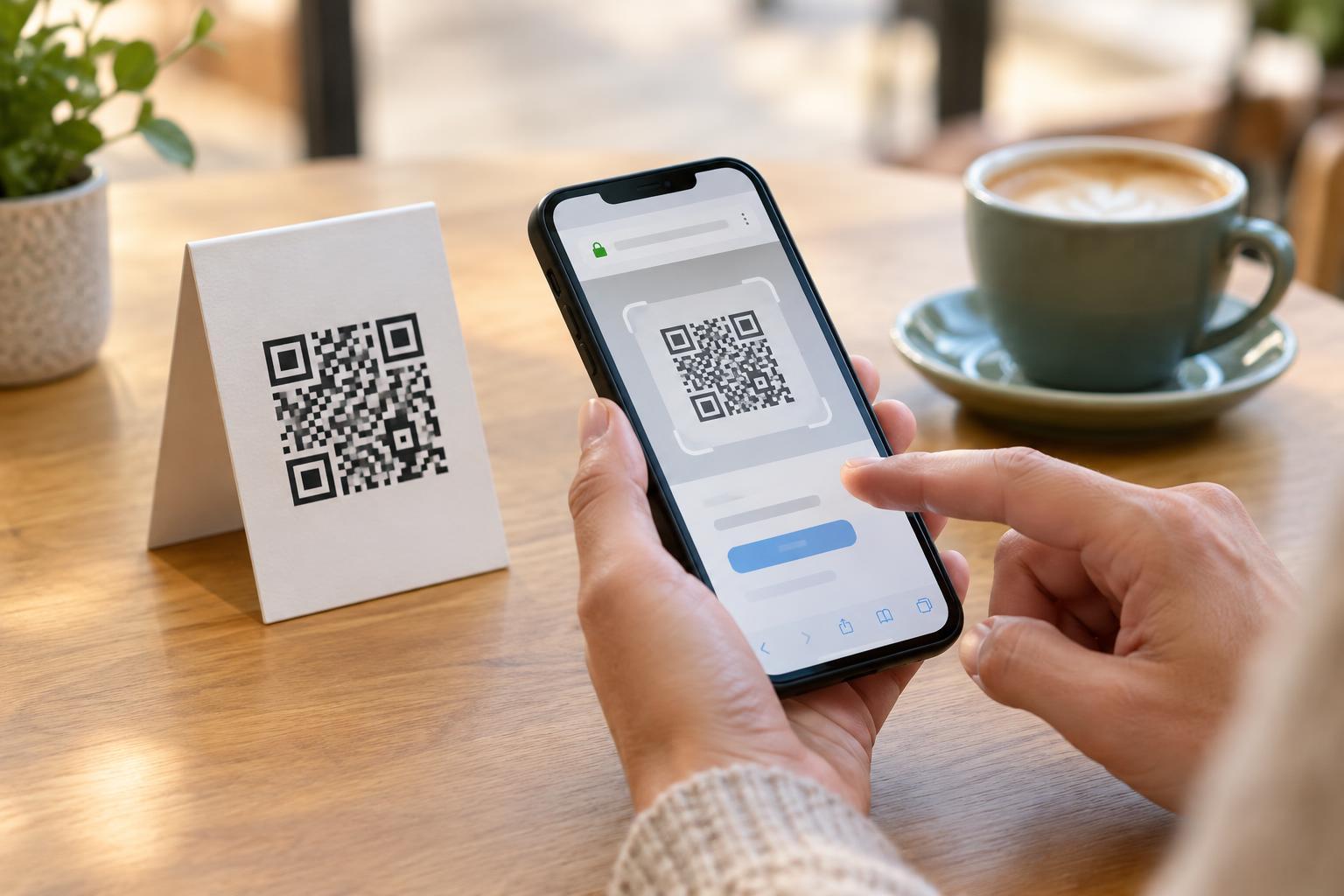
Many phone cameras show a link preview before opening a QR code. Pause there and read what you can, especially the domain. Be more cautious if the preview shows an unfamiliar address, a link shortener that hides the final destination, or a web address that does not match the action advertised. A preview is a useful first check, but it may not reveal where a link will ultimately take you.
After the page loads, check the address bar again. Links can redirect, so the destination you first saw may not be the page you reach. HTTPS should be present when you enter information, but do not use it as your only test. Unexpected urgency, a demand for a password to view a basic menu, or a payment form that differs from the process you expected are reasons to stop and verify through another channel. If the QR code is on a public sign, look for signs of a pasted-on replacement before scanning.
Make trustworthy QR experiences easier
People who publish QR codes can help visitors make informed choices. Place a short, readable web address near the code so someone can recognize the expected destination or type it manually. State plainly what scanning will do, such as “View the menu” or “Open event details.” If the destination involves a sign-in or payment, explain that before visitors scan rather than surprising them on the landing page.
Keep printed codes in good condition and check public placements for tampering when practical. If you manage the linked page, use HTTPS and make sure the destination remains relevant to the promise beside the code. None of these steps can guarantee safety, but they give visitors useful ways to verify what they are opening. For anyone scanning, the simplest rule is to treat the padlock as a connection check, then make a separate judgment about whether the destination and its request make sense.