Start with the final artwork, not an isolated code
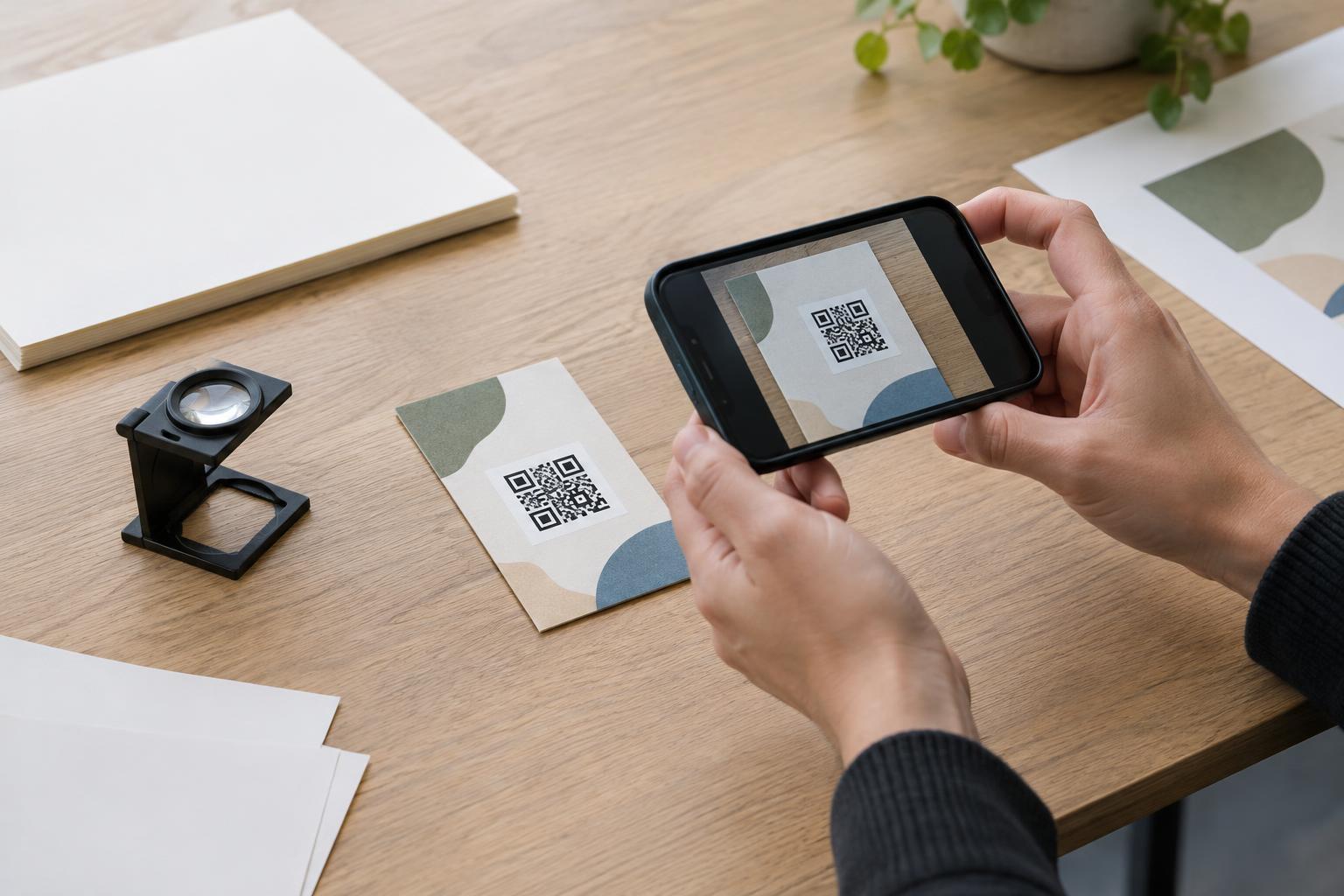
A QR code can work perfectly as a file and still fail on a finished sign, label or brochure. Printing may soften its edges, reduce contrast or place it too close to a fold. A proof lets you evaluate the code as people will actually see it: at its intended size, with its surrounding design and on the proposed material.
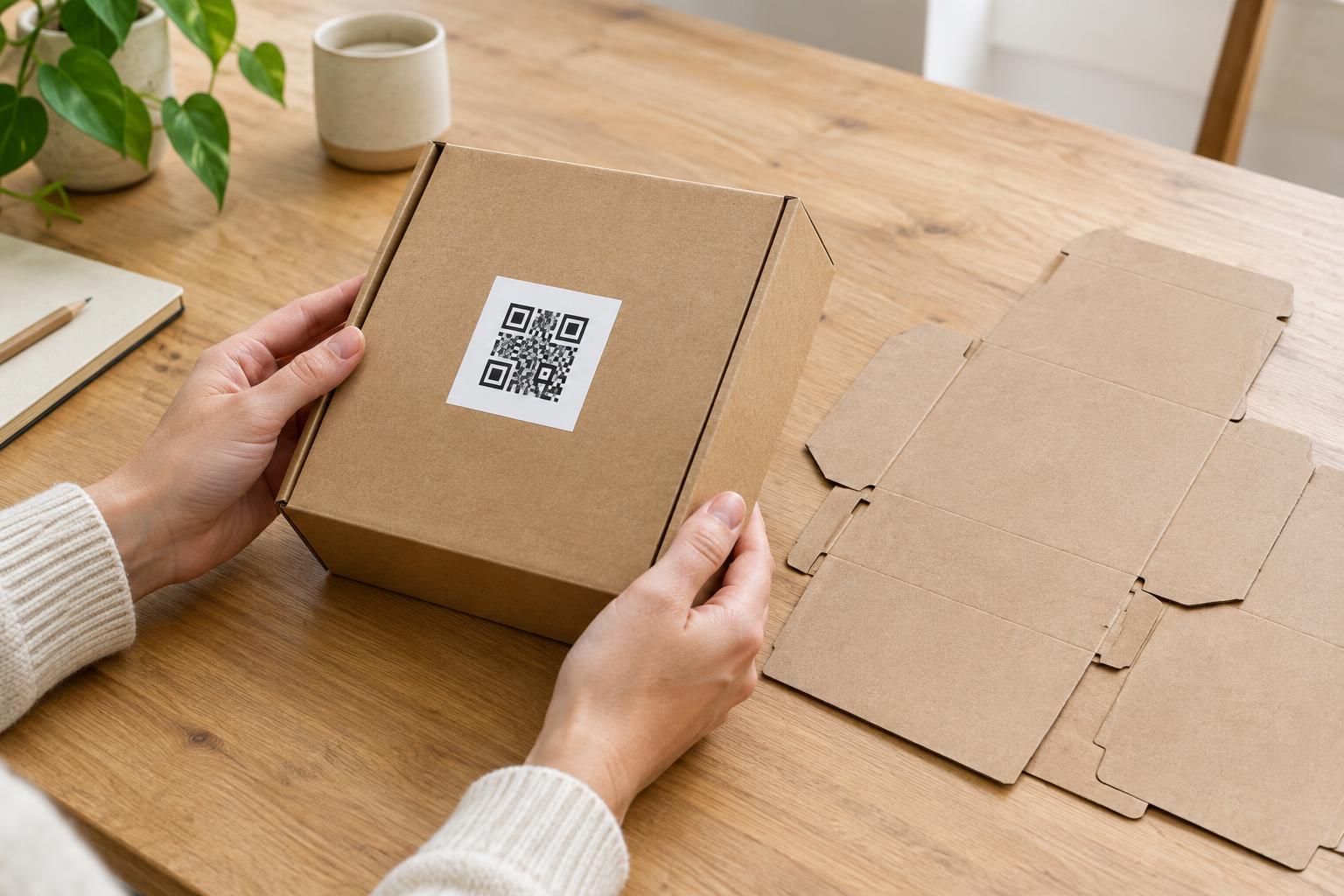
Before testing, confirm that the proof reflects the version you plan to order. Check the artwork dimensions, printing method and material, and make sure nobody has stretched, cropped or recolored the code during layout. If the final piece will be laminated, placed behind glass or printed on a textured surface, a plain-paper proof is only a preliminary check. Ask for a sample that represents the finished piece as closely as practical.
Check the code’s visible details
Look closely at the printed squares. They should have clear edges and strong contrast with the background. Dark code elements on a light, solid background are generally easier to test and more dependable than a code placed over a photograph, gradient or busy pattern. Watch for ink spread that joins nearby squares, faint areas that disappear, or a glossy finish that creates distracting reflections.
Leave clear space around every side of the code. This blank border, often called a quiet zone, helps a scanner distinguish the code from nearby text and graphics. Check the proof rather than relying on the design file: a border, logo, price sticker or trim line may end up closer than expected. Also make sure the code has not been cut off by a rounded corner, fold, seam or hole punch.
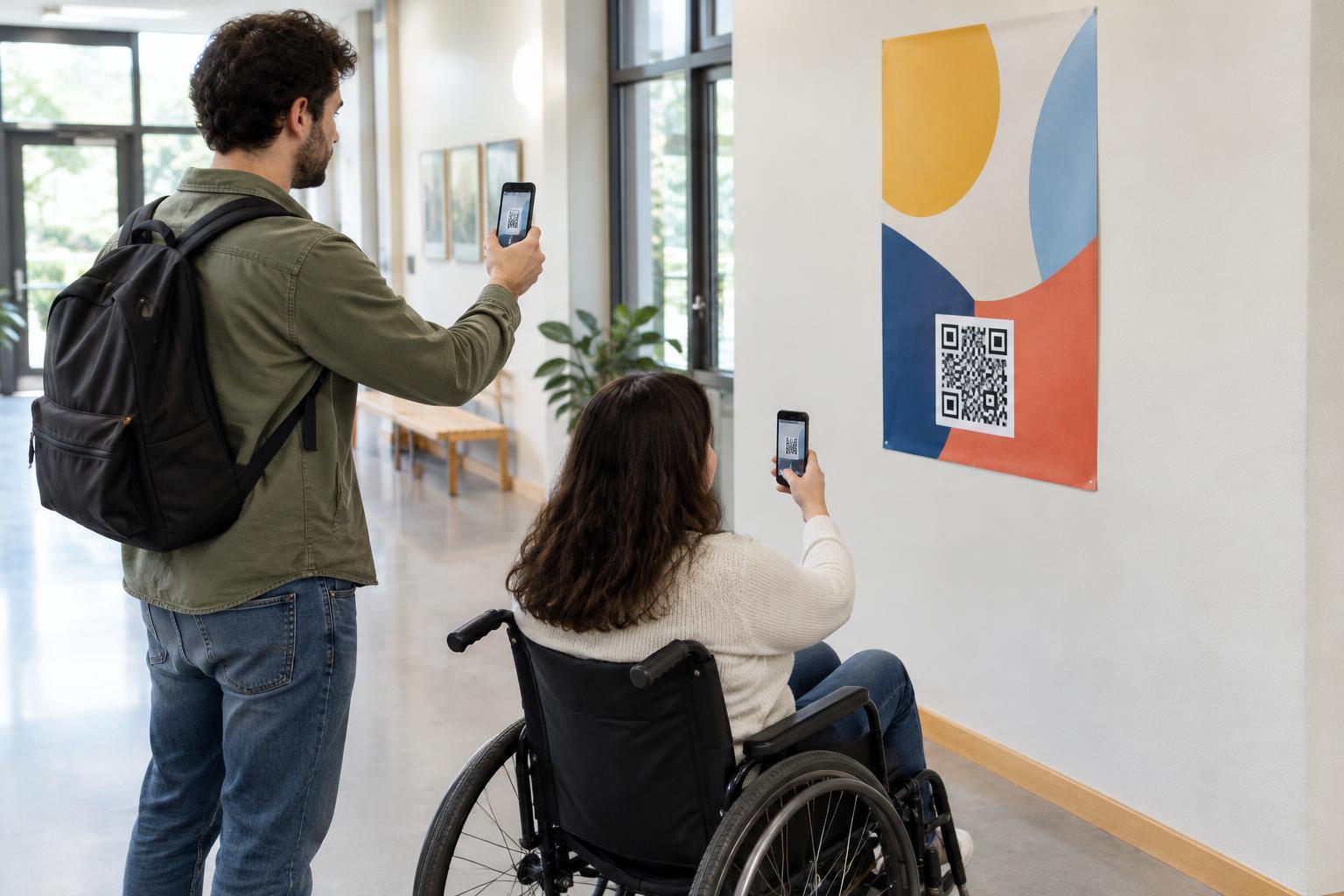
Judge size in context. A code on a hand-held card can be approached closely; one on a wall may need to be scanned from farther away. If the printed code looks cramped, or someone must move unusually close to make it work, consider giving it more space. Enlarging the code and simplifying the surrounding layout is often more useful than trying to fit it into an awkward gap.
Scan the physical proof in realistic conditions
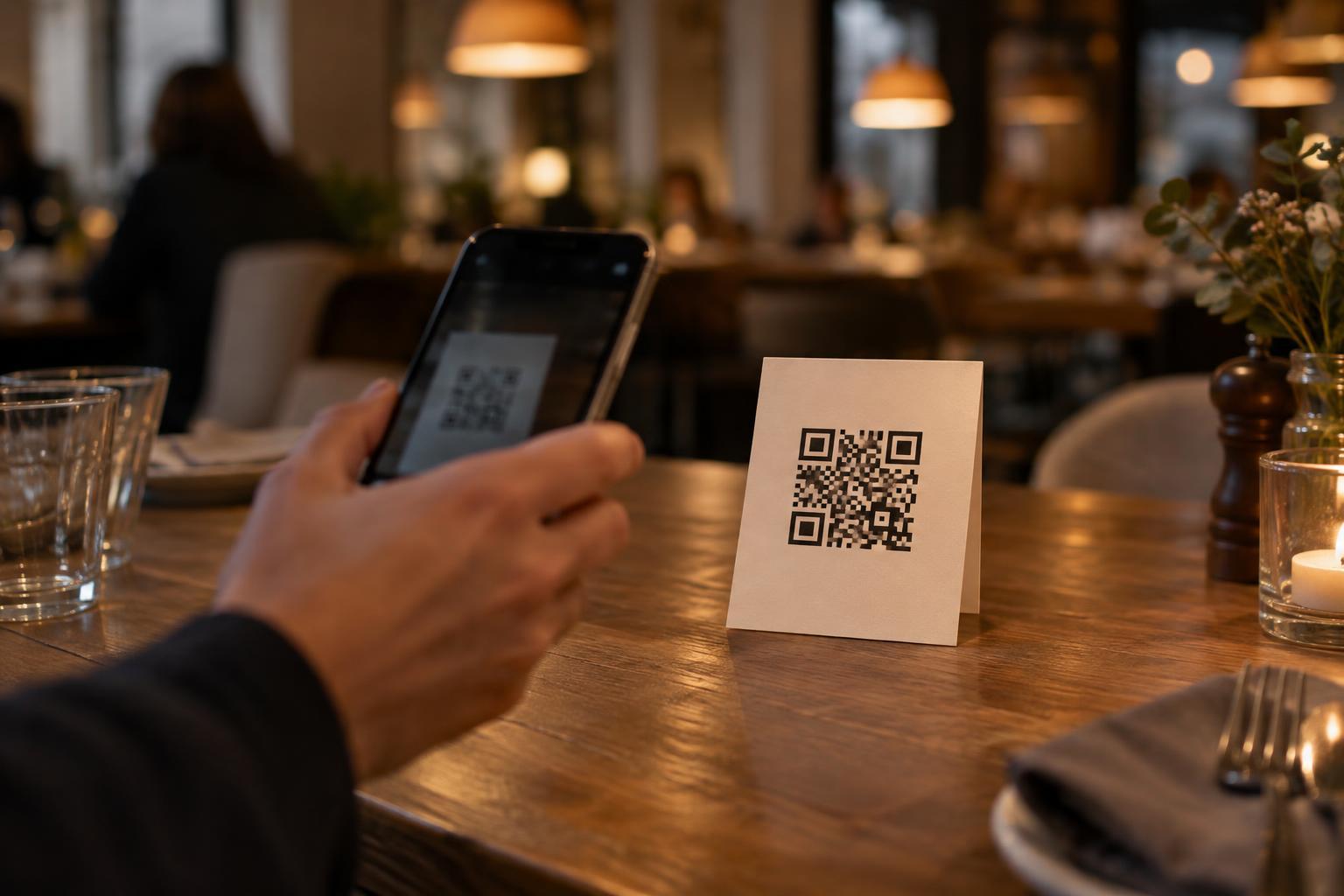
Use the printed proof, not the code displayed on your monitor. Scan it with the built-in camera on more than one phone if you can, ideally including different camera models. Try the distance and angle a customer would naturally use. A code on a tabletop menu, for example, should work while the menu lies on the table, not only when it is held flat at eye level.
Test in lighting similar to the intended location. Check whether glare makes a coated poster hard to scan or whether a dim corner makes a small code troublesome. If the item will curve around a bottle or cup, test it while curved. If it will sit near the floor, behind a window or beside other signs, place the proof there temporarily and try it. A successful scan in a bright office is helpful, but it does not settle every placement question.
Verify what happens after the scan
A quick camera response is only half the test. Open the destination and confirm that it is the intended page or action. Check spelling, page availability and whether the content is comfortable to use on a phone. If the code points to an event detail, menu or instruction page, read enough of that page to catch an outdated draft or the wrong language.
If the destination uses a redirect, test the entire path rather than assuming the first link is correct. Avoid printing a code that depends on a temporary page unless you have a plan to maintain it. For a code that opens a message, phone number or email, confirm the resulting details before approval. A proof is also a good time to check the nearby call to action: people should know what they can expect when they scan.
Record the result before approving the run
Give the proof a simple pass-or-revise decision. Note which device and conditions you tested, where the item was positioned, and whether the destination was correct. Ask someone who has not seen the design to try it without coaching. Their first attempt can reveal issues you have learned to work around, such as a code that blends into the background or an unclear scanning prompt.
If you change the code, its size, its placement or the print finish, test a new proof. Do not treat an earlier successful scan as approval of a revised design. A small round of physical testing before production gives you a chance to fix the code while changes are still manageable—and helps ensure the finished piece is useful, not merely attractive.