Start with the purpose, not the technology
A person should not have to scan a QR code to find out why it is there. Put a short explanation beside it, such as “Scan to read the menu” or “Scan to see the event schedule.” If the code opens a website, say so. If it starts a different action, such as opening an email draft, explain that instead. This helps people decide whether scanning is useful to them.
Use familiar words. “QR code” is a helpful label, but terms such as “decode,” “launch,” or “access digital content” can make a simple task sound complicated. A direct instruction works better: “Open your phone’s camera and point it at this square code.” Write for someone who may never have scanned one before, without suggesting that everyone must use a phone.
Give short steps in the order people need them
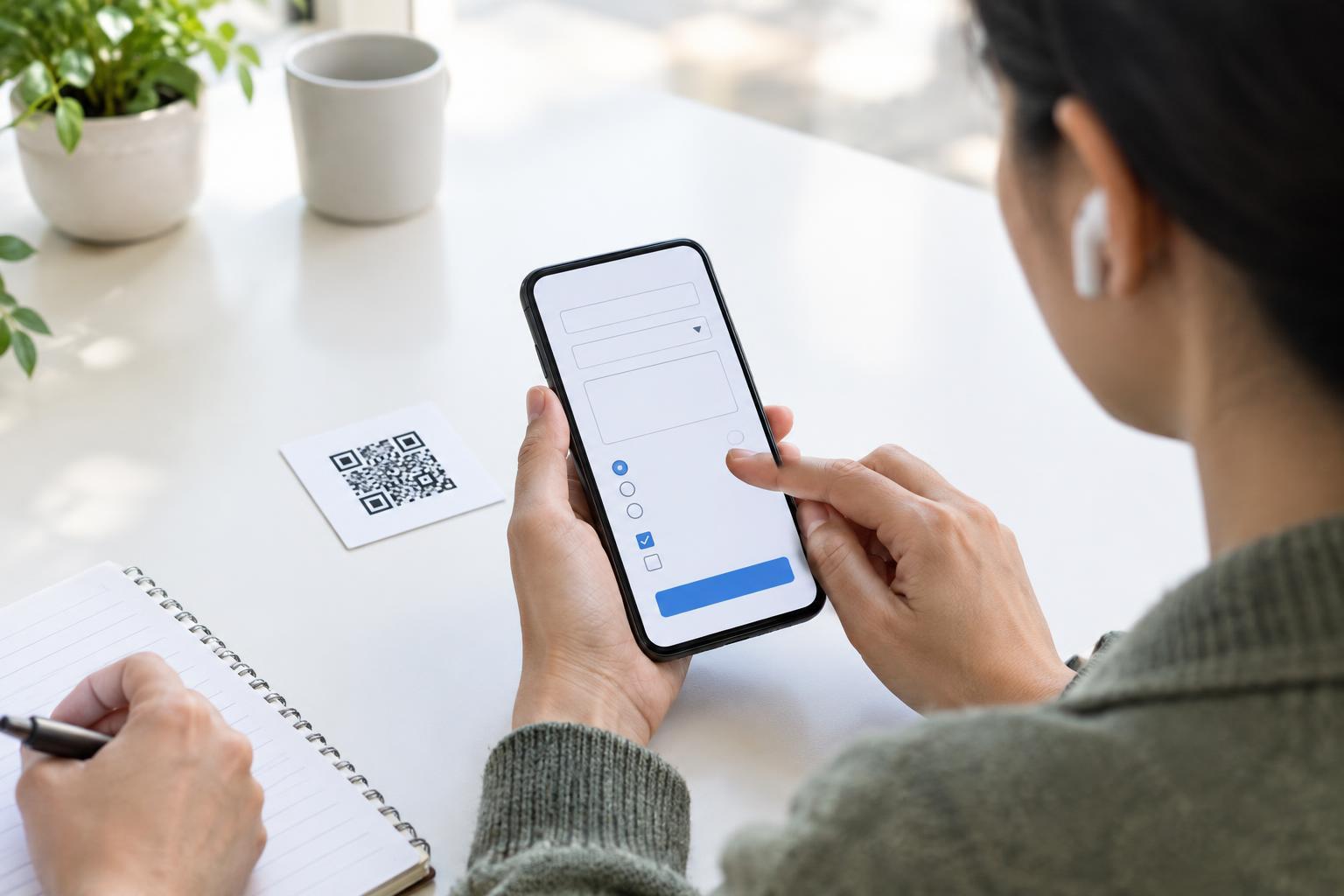
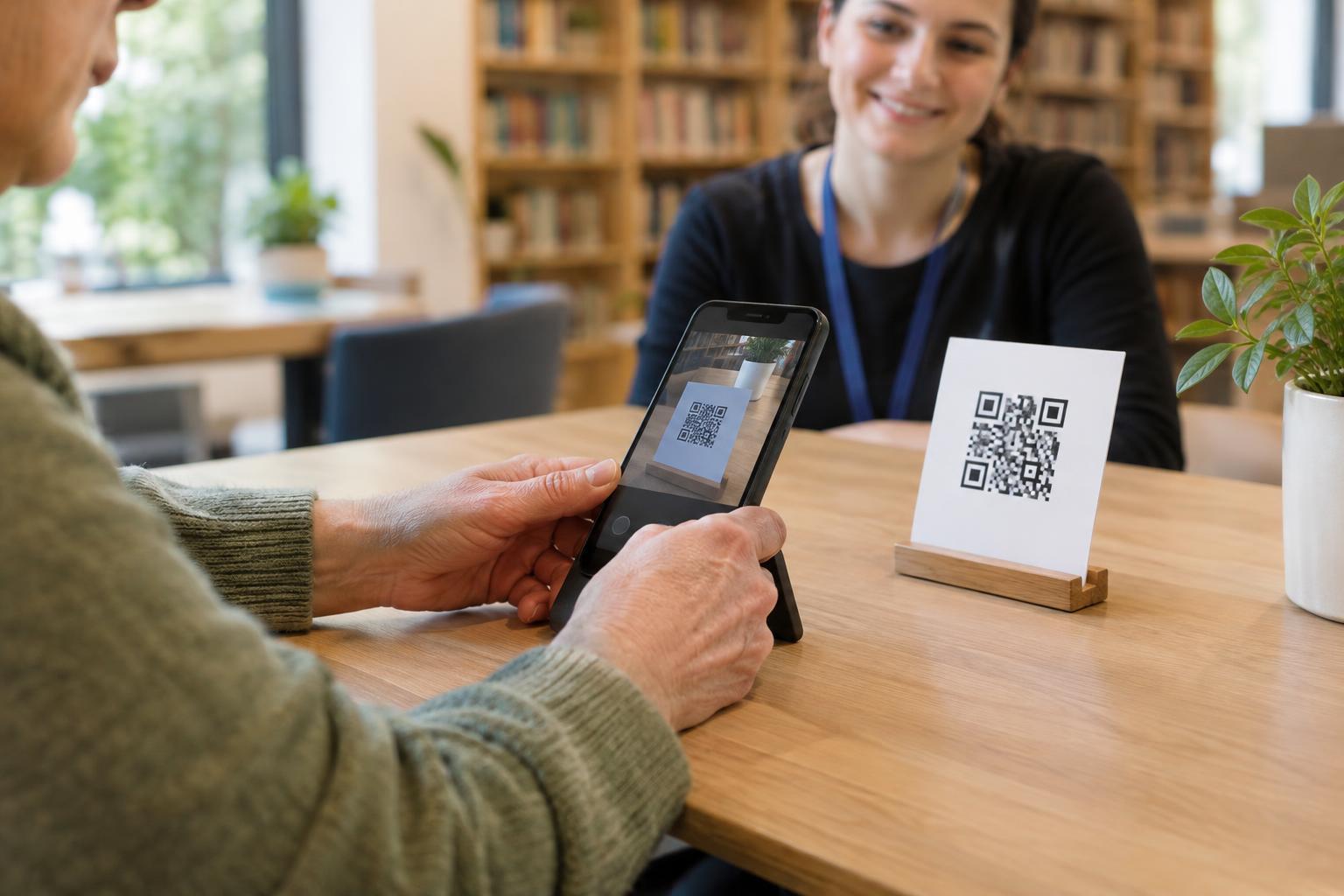
For a printed sign or handout, a few steps are usually enough: “1. Open the camera on your phone. 2. Point it at the QR code and hold still. 3. Tap the link that appears.” You can write the steps as sentences if space is limited. Keep the instructions close to the code so people do not have to search for them.
The exact screen may differ by phone. On many phones, the camera recognizes a QR code without taking a picture, but some devices may need a QR-scanning feature or a different app. Avoid promising that every phone will behave the same way. If someone sees nothing happen, suggest moving the phone a little farther away, improving the light, or making sure the whole code is visible. These are easier first steps than a long list of technical fixes.
Make the destination clear
A label such as “Scan me” describes an action but not its result. A more useful label says what people will get: “Scan to view the large-print visitor guide” or “Scan to read the full instructions.” If the destination requires a sign-in, payment, or an internet connection, mention that when it matters. Surprises can be especially frustrating when someone has already spent time trying to scan.
If you control the destination, make sure it matches the label and is usable on a phone. A code labeled as a menu should lead to the menu, not a general home page where people must search again. Clear wording beside the code and a clear destination work together: one sets expectations, and the other fulfills them.
Offer another way to get the same information
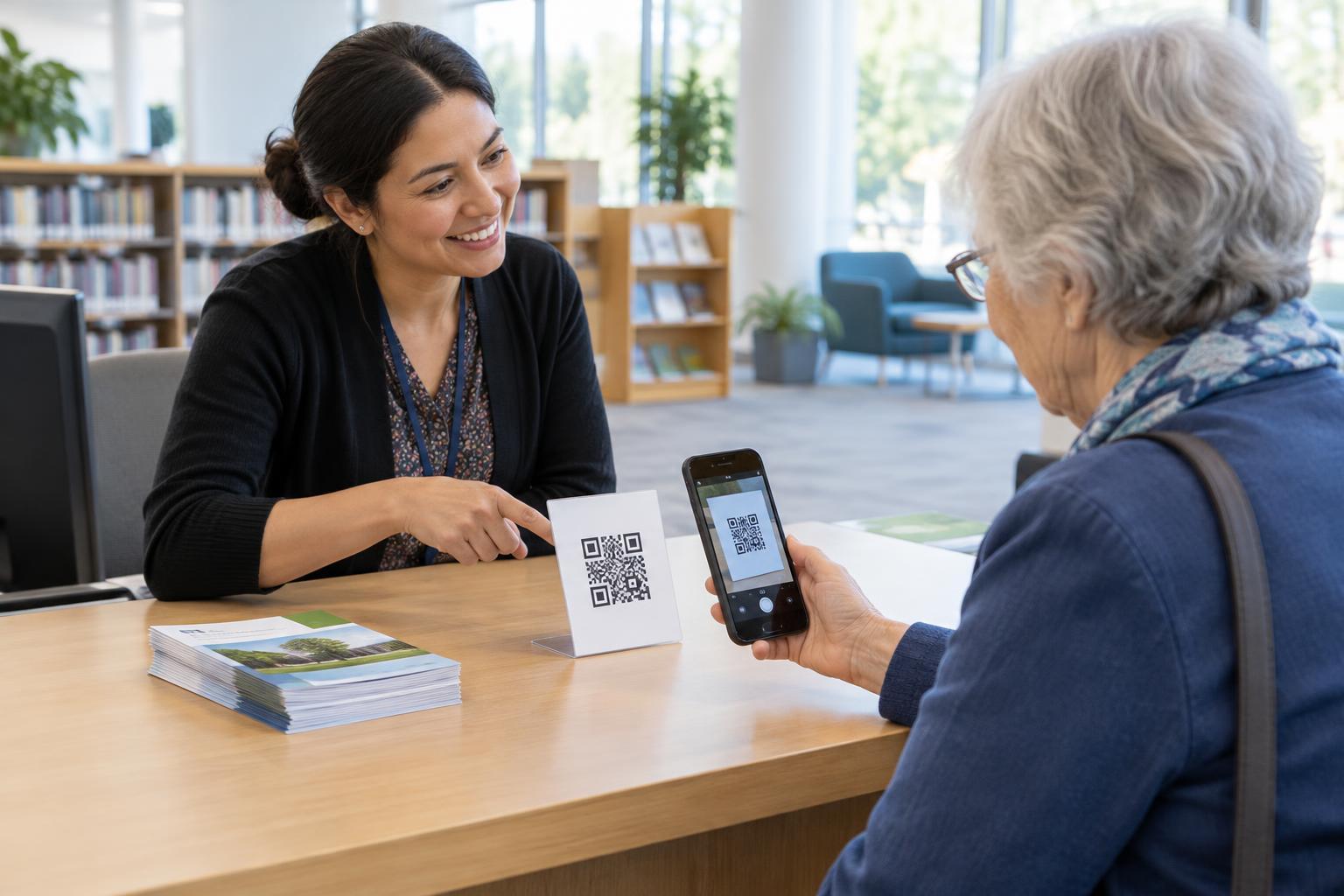
QR codes can be convenient, but they are not an accessible option for everyone. Someone may not have a smartphone, may have difficulty aiming a camera, may be unable to see the code, or may prefer not to open a link. Put essential information on the sign or handout when space allows. For longer material, offer a readable web address, a paper copy, or a person who can help. Choose alternatives that fit the setting rather than treating the code as the only route.
Keep the code easy to find and scan. Give it enough room on the page, use strong contrast, and avoid placing it across a fold or on a reflective surface. Place its purpose and instructions next to it in legible text. These design choices support the plain-language message: people can understand what to do and carry it out without unnecessary obstacles.
Leave room for a safety check
Good instructions should not pressure people to open whatever appears on their screen. Add a brief reminder where appropriate: “Check the link before you tap it.” If the displayed address looks unexpected, people can stop and ask staff or use the alternative you provided. This is particularly helpful for codes displayed in public places, where a sticker could be placed over the original code.
Before publishing your instructions, ask someone unfamiliar with the material to try them. Can they tell what the code is for without scanning? Do the steps make sense on their phone? Can they get the information another way? Their questions may reveal wording that needs to be simpler. The goal is not to explain every detail of QR technology; it is to help people make an informed choice and complete a useful task.