Pause before you tap
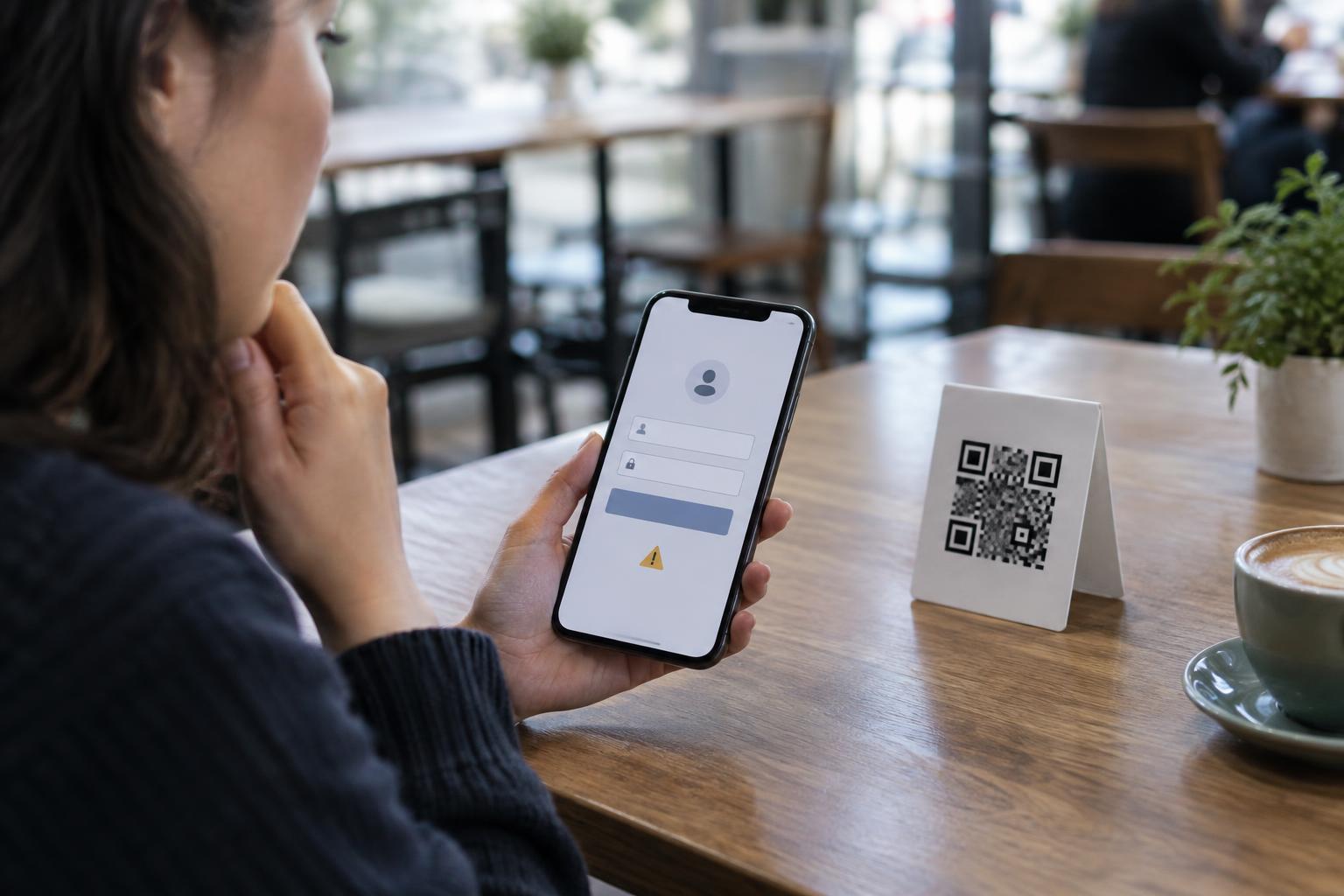
A QR code is a convenient way to share a web address without making someone type it. The pattern itself, however, does not tell you whether the destination is trustworthy. A code on a restaurant table might open a menu, while another code in the same setting could lead to an unrelated sign-in page. Treat a QR code like any other link: check where it appears to lead before you open it.
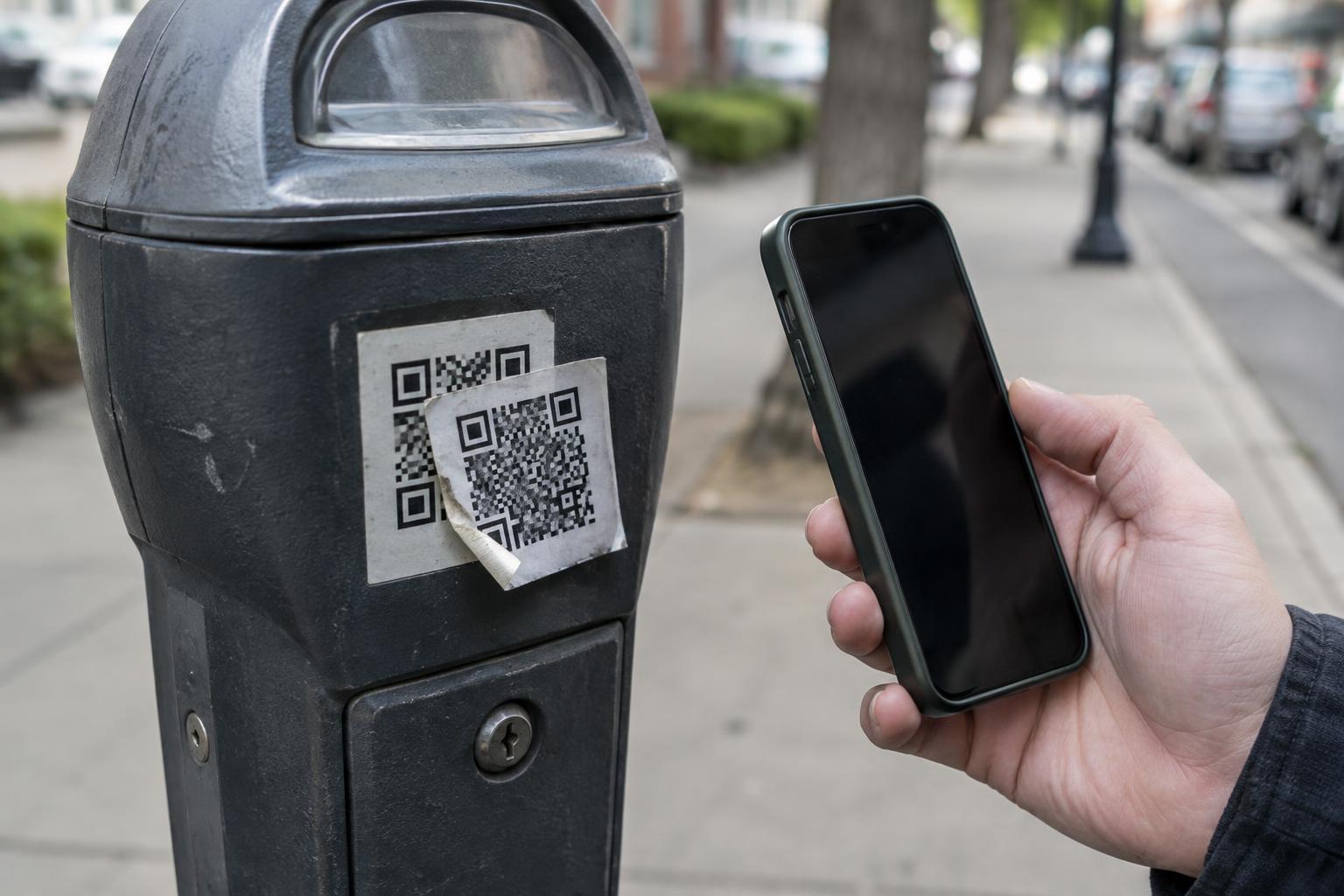
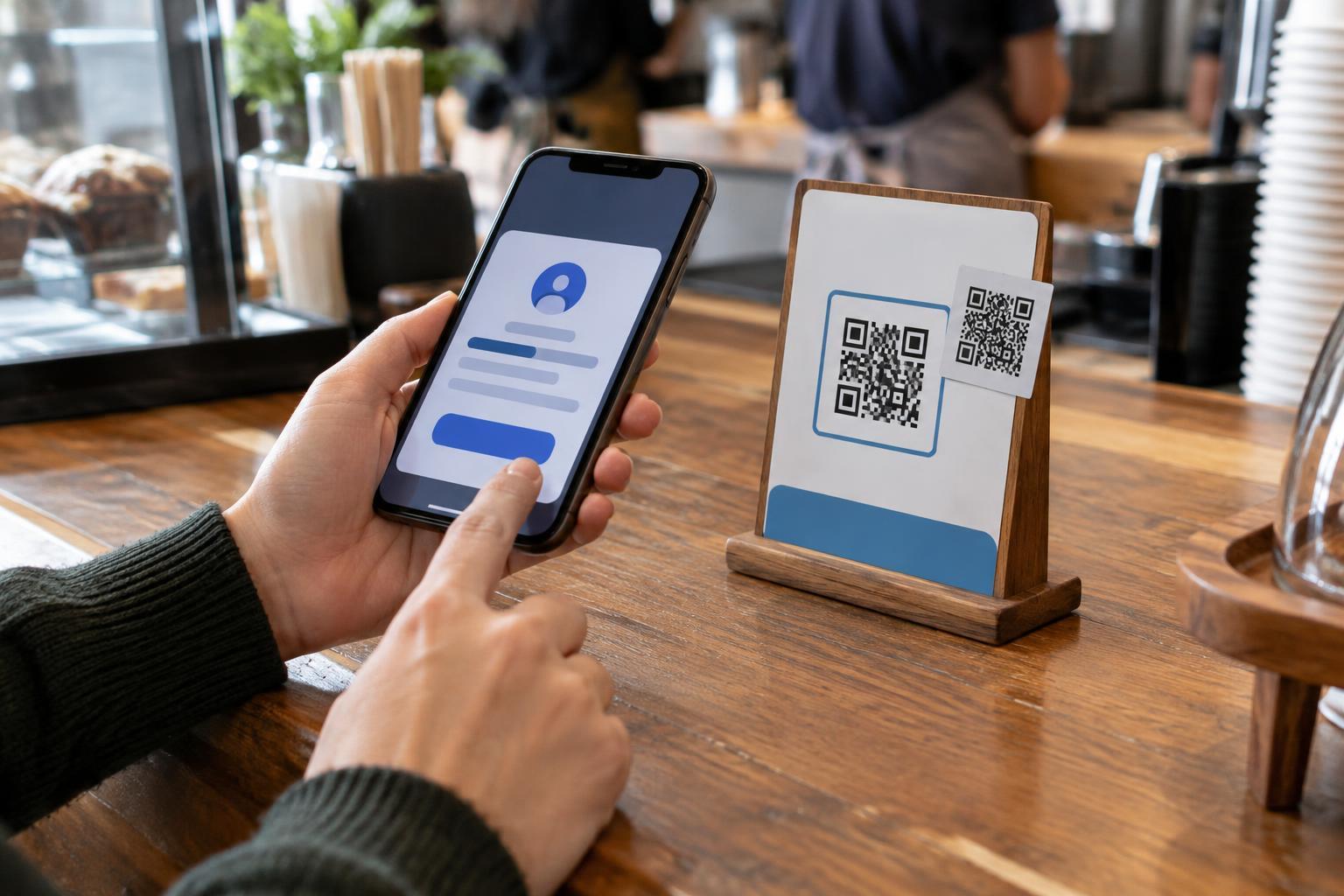
Start with the context. Does the code belong where you found it? Is it printed as part of a sign or package, or does it look like a sticker placed over another code? A sticker is not automatically suspicious; businesses use them to update information. But a code that appears altered, covers printed instructions or urges an unexpected payment deserves a closer look. When possible, ask a staff member or use a web address you already know instead.
Preview the destination
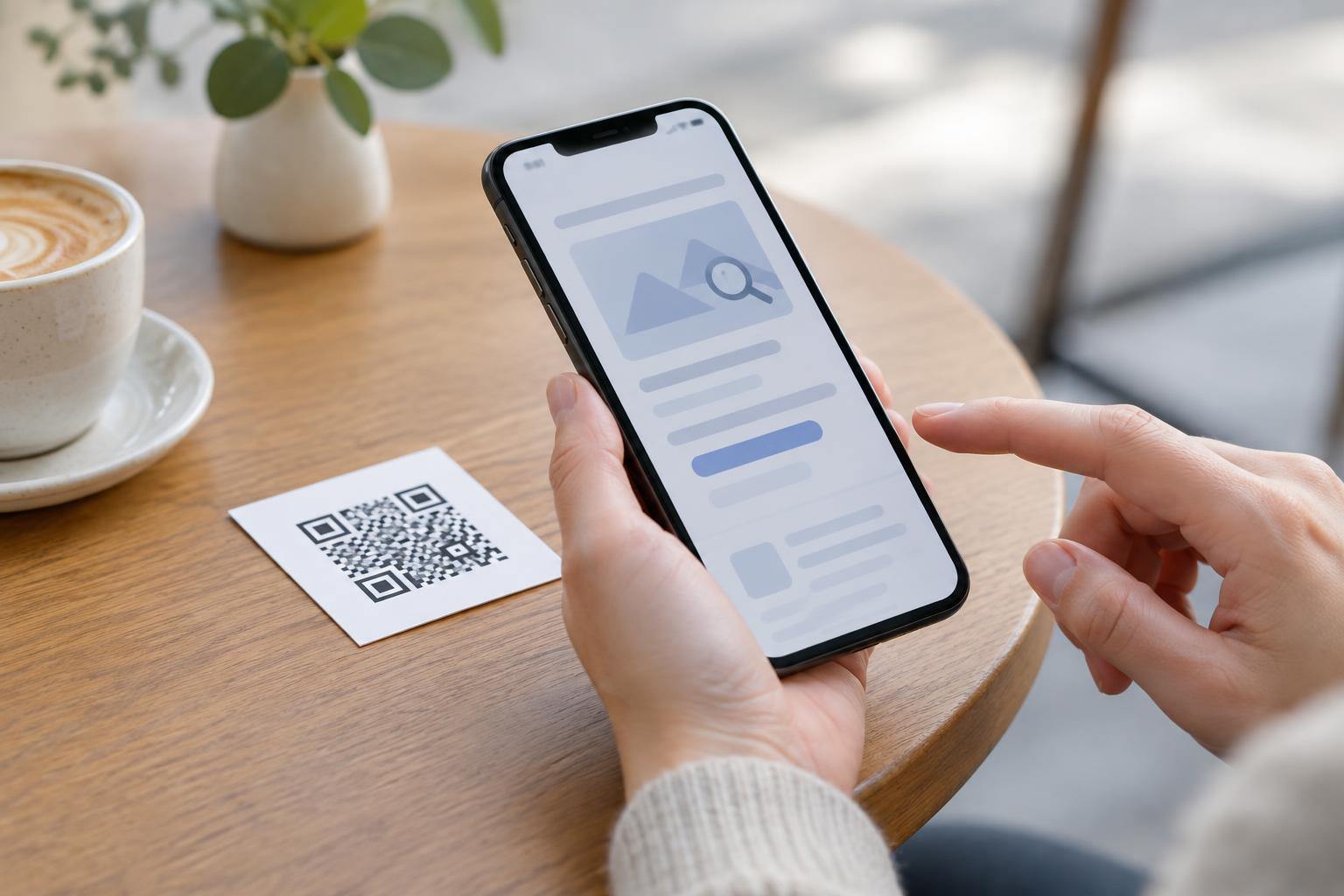
Most phone cameras and QR-scanning features display a link or notification before opening it. Point your camera at the code and read that preview without tapping through. If your scanner opens links immediately, look for a setting that asks for confirmation, or use a built-in camera feature that shows the destination first. The exact controls vary by device.
Pay particular attention to the domain: the main website name in the address. For example, in “menu.example.com,” the domain is “example.com”; words before it identify a subdomain. A familiar name placed elsewhere in a long address does not make the link official. In “example.com.other-site.test,” the destination belongs to “other-site.test,” not “example.com.” Watch for misspellings, extra words and characters that resemble one another. A preview may cut off a long address, so do not treat a partial match as proof that it is safe.
Know what a preview cannot prove
A link preview is a useful first check, not a guarantee. A shortened address may hide its final destination. A link may also redirect after you open it, and a professional-looking web page can still ask for information it has no reason to collect. Even a link that starts with “https” only indicates that the connection can be encrypted; it does not establish who operates the site or whether its request is appropriate.
Compare the link with the task you expected to complete. A museum label that points to an exhibit page makes sense. A label that asks you to install an app, enter payment details or sign in to an unrelated account does not. If you need to access a service you trust, opening its official app or typing its known web address yourself is often a better choice than following an unexpected QR link.
Check again after the page opens
If you decide to open the link, look at the address bar and the page before entering information. Did you arrive at the destination shown in the preview? Does the page match what the printed sign or message promised? Be cautious if it immediately asks for a password, payment card, one-time code, device permission or download that you were not expecting. Close the page if the request does not fit the situation.
Be especially careful with QR codes in messages claiming that you must act urgently. Scanning the code can make an unfamiliar link feel separate from the message that delivered it, but the same questions still apply: Who sent it, what are they asking you to do, and can you reach the service another way? Do not rely on the sender name alone. If the matter seems important, contact the organization through a channel you already trust.
If you already followed a questionable link
Opening a page does not mean you must continue. Stop interacting with it, close it and avoid any requested download or permission. If you entered a password, go directly to the relevant service through its official app or a known address and change the password there. If you reused that password elsewhere, update those accounts too. Follow the service’s account-security steps if you notice unfamiliar activity.
A simple habit can prevent many avoidable mistakes: scan, pause, read the preview and ask whether the destination fits the setting. If the address is hidden or the request feels out of place, choose another route. QR codes are useful shortcuts, but you remain in control of whether to take the next step.