Start with an offer, not an assumption
A QR code can be a convenient way to open a menu, read instructions, or access a form. It is not convenient for everyone. A customer may have trouble seeing the code, positioning a camera, using a phone, or loading the page. They may also prefer not to use their phone at all. Staff do not need to guess the reason. A simple question such as “Would you like help with the code, or would another way to get this information be easier?” gives the customer room to choose.
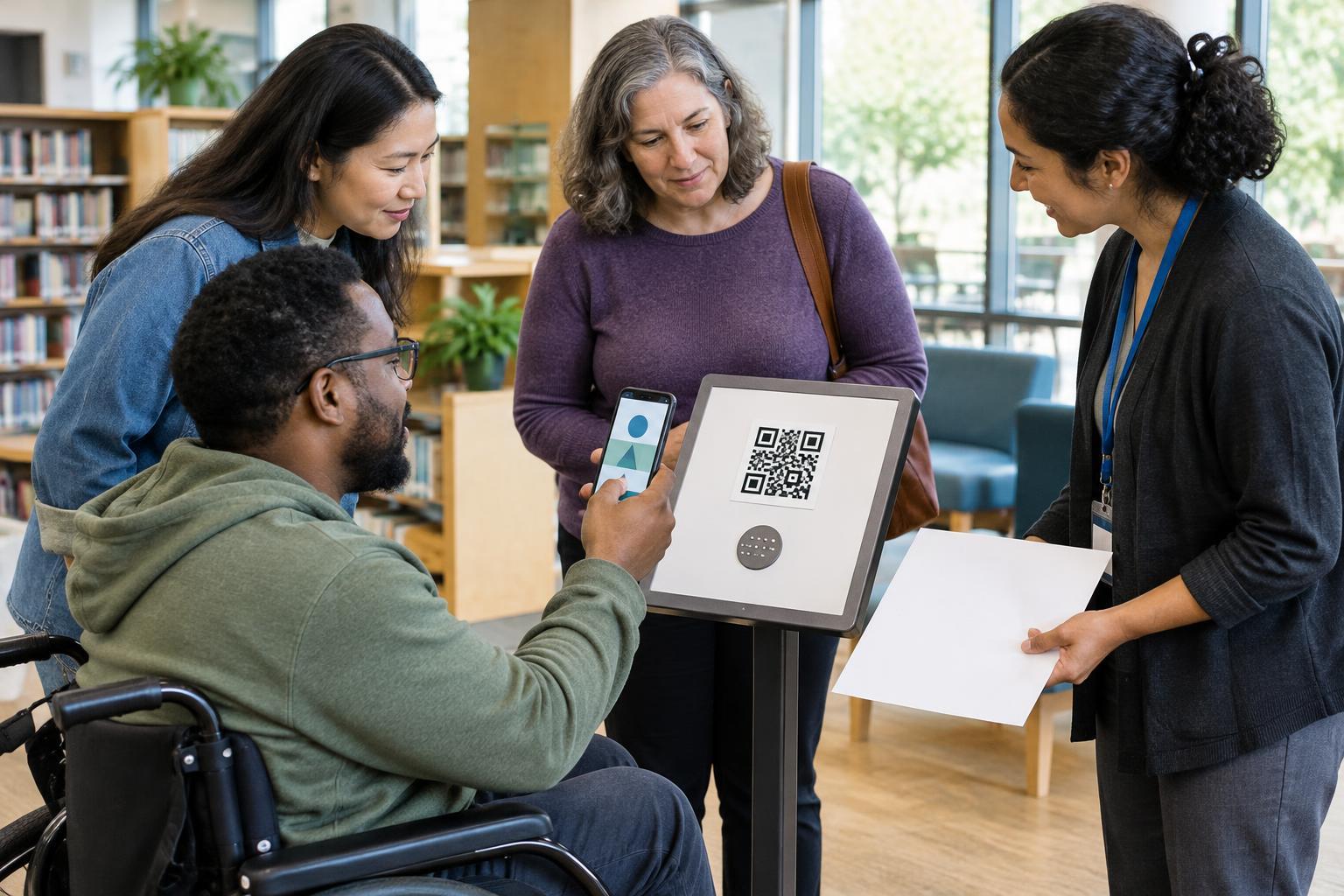
Avoid reaching for a phone or starting with “Let me do it.” Even a well-meant gesture can take away control of a device that holds messages, payment details, and other personal information. Instead, ask what kind of help would be useful. A customer might want the code moved closer, the destination explained, a step described aloud, or the same information in a different format. Accept “no, thanks” without making the interaction awkward.
Guide the scan while the customer holds the phone
If the customer wants scanning help, explain one step at a time and pause after each one. For example: “You can open your camera and point it at this square. If a link appears on your screen, you can tap it when you’re ready.” Keep directions general unless the customer asks for more detail; camera screens and QR features vary by device. If nothing appears, suggest adjusting the distance, improving the light, or making sure the whole code is visible. A printed code that is creased, obscured, or behind glare may be the problem rather than the customer’s technique.
Describe what the code is intended to open before the customer taps anything: “This code should open our menu.” Let them decide whether to follow the link. If the destination requests a login, payment, camera permission, or personal details, give them time to read the screen themselves. Do not ask them to read out a password or verification code, and do not watch while they enter private information. If they request hands-on assistance, ask for specific permission first and return the device as soon as that step is done.
Make the destination understandable
Good help begins before anyone scans. Place a short label beside each code explaining its purpose, such as “Scan for the food menu” rather than “Scan me.” Staff should know where the code is supposed to lead and what customers can expect there. That makes it easier to answer questions without asking to inspect someone’s screen. If a customer says the page looks unfamiliar or the link does not match its stated purpose, do not urge them to continue. Offer another route and report the issue so the code and destination can be checked.
Give customers enough physical space and time to use the code comfortably. Point out a code at a reachable height when possible, rather than expecting someone to stretch toward a counter display or scan while a queue presses behind them. Keep the code well lit and free of clutter. These small choices help people with different visual, mobility, and device needs, and they make staff guidance simpler.
Offer a complete alternative
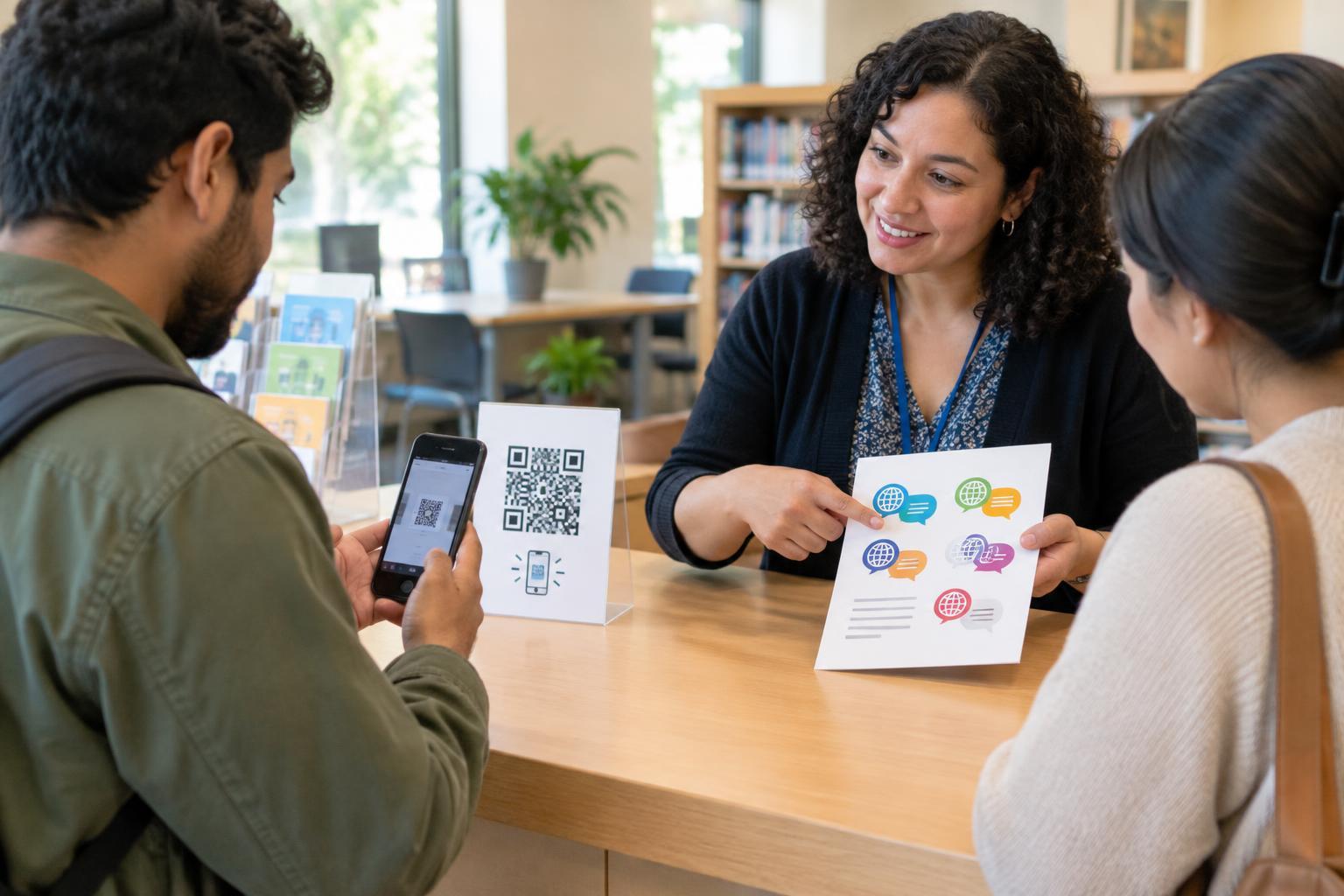
Scanning should not be the only practical path to essential information or service. Depending on the setting, an alternative might be a printed menu, a spoken explanation, a staff-assisted order, or a form available at the desk. An alternative is most useful when it lets the customer complete the same task, not merely hear that a QR page exists. Staff should know which options are available and how to provide them without sending the customer from person to person.
Present alternatives as ordinary choices, not special exceptions. “I can bring you a printed copy” is more welcoming than asking someone to explain why they cannot scan. If an alternative is temporarily unavailable, say so plainly and help find another workable way forward. That response respects the customer’s time and avoids making phone use feel mandatory.
Give staff a repeatable approach
A short routine can help staff stay consistent: explain what the code does, ask whether the customer wants scanning help or an alternative, give verbal directions if requested, and leave any decision to open the page or enter details with the customer. Staff can practise this with the actual signs and materials used on site. They should also know who can fix a damaged code, an unclear label, or a destination that no longer serves its stated purpose.
The goal is not to turn every employee into a phone troubleshooter. It is to make the next step clear while preserving the customer’s choice and privacy. When staff treat QR scanning as one option among several, they can offer useful help without taking control of the experience—or the phone.