Start with a clear limitation
A screen reader speaks or displays information from a phone’s interface. It does not, by itself, tell a person where a QR code is on a poster, package or table sign. Even after the person finds the printed item, they may need to move the camera until the whole code is in view. Some camera and scanning apps announce when they detect a code, but their feedback varies by device and app.
That distinction matters for anyone placing a QR code in a public space. A code can lead to an accessible web page and still be unusable if a visitor cannot locate or scan it. Treat the printed code as one way to reach information, not the only way.
Finding the code on a physical item
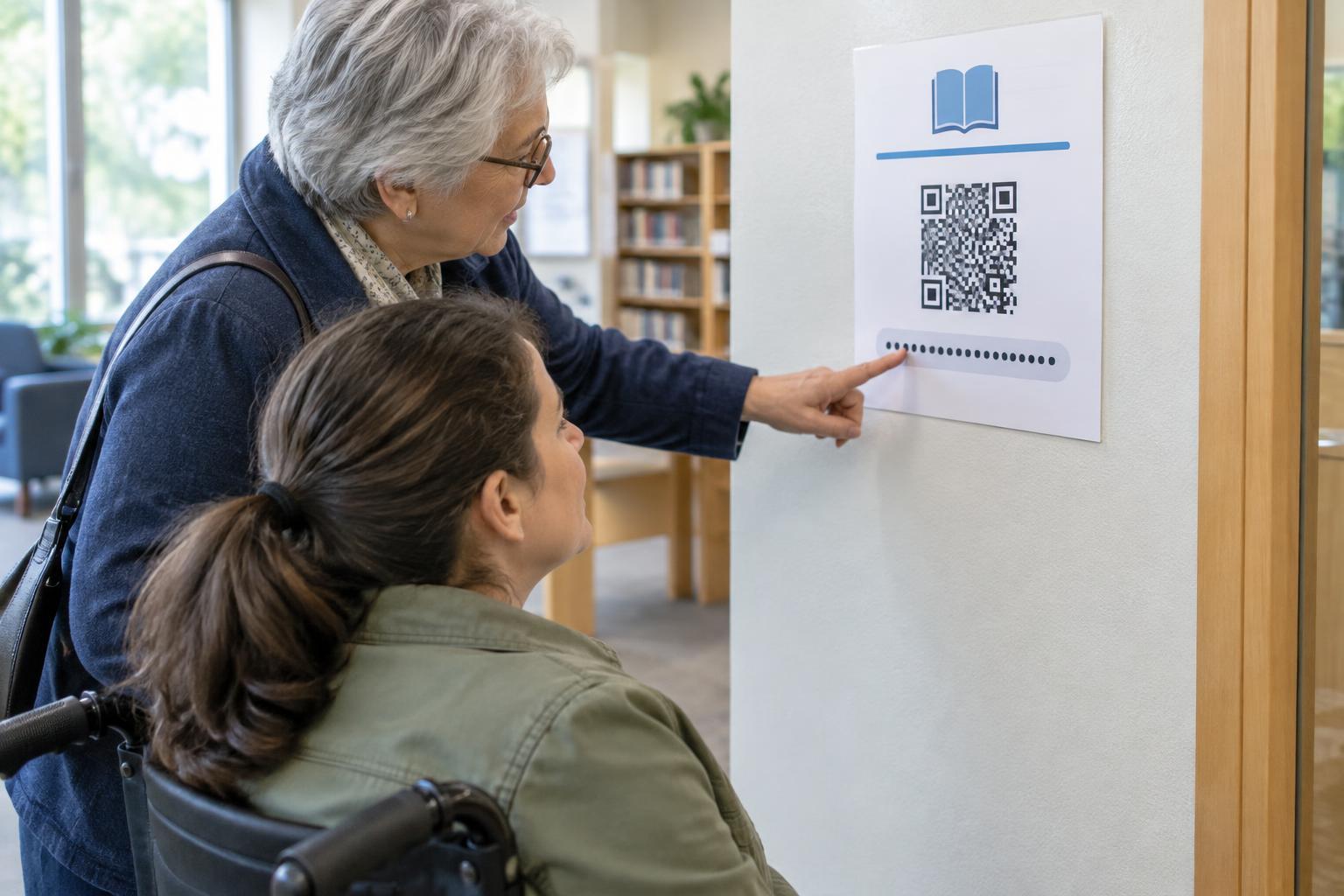
Predictable placement is a useful first step. A restaurant could put its menu code in the same corner of every table card; a museum could place exhibit codes consistently beneath the exhibit title. Nearby text should say what the code opens, such as “Scan for the menu,” rather than leaving visitors to guess. A staff member can then give a specific direction: “The code is near the lower right corner of the table card,” instead of “It’s over there.”
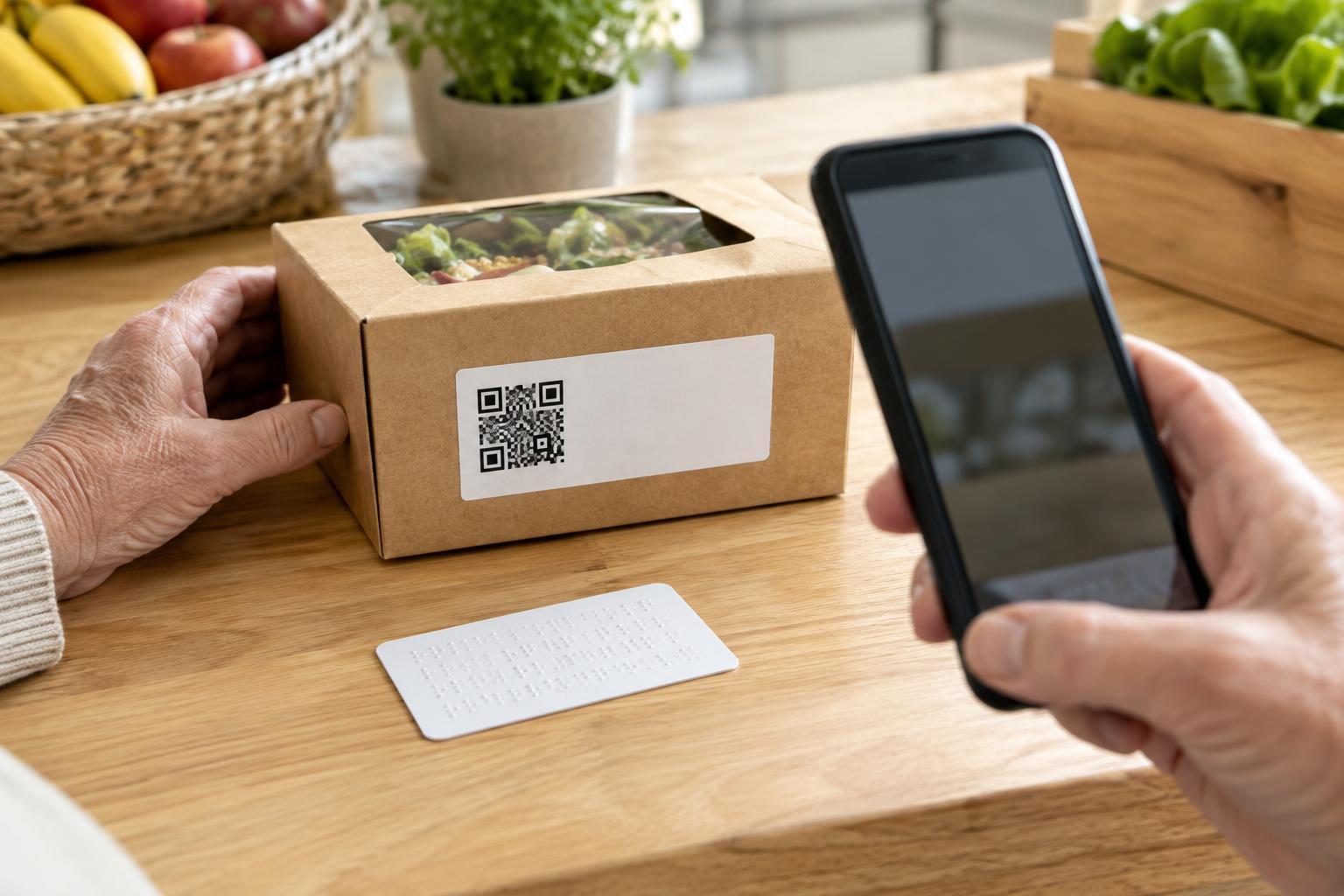
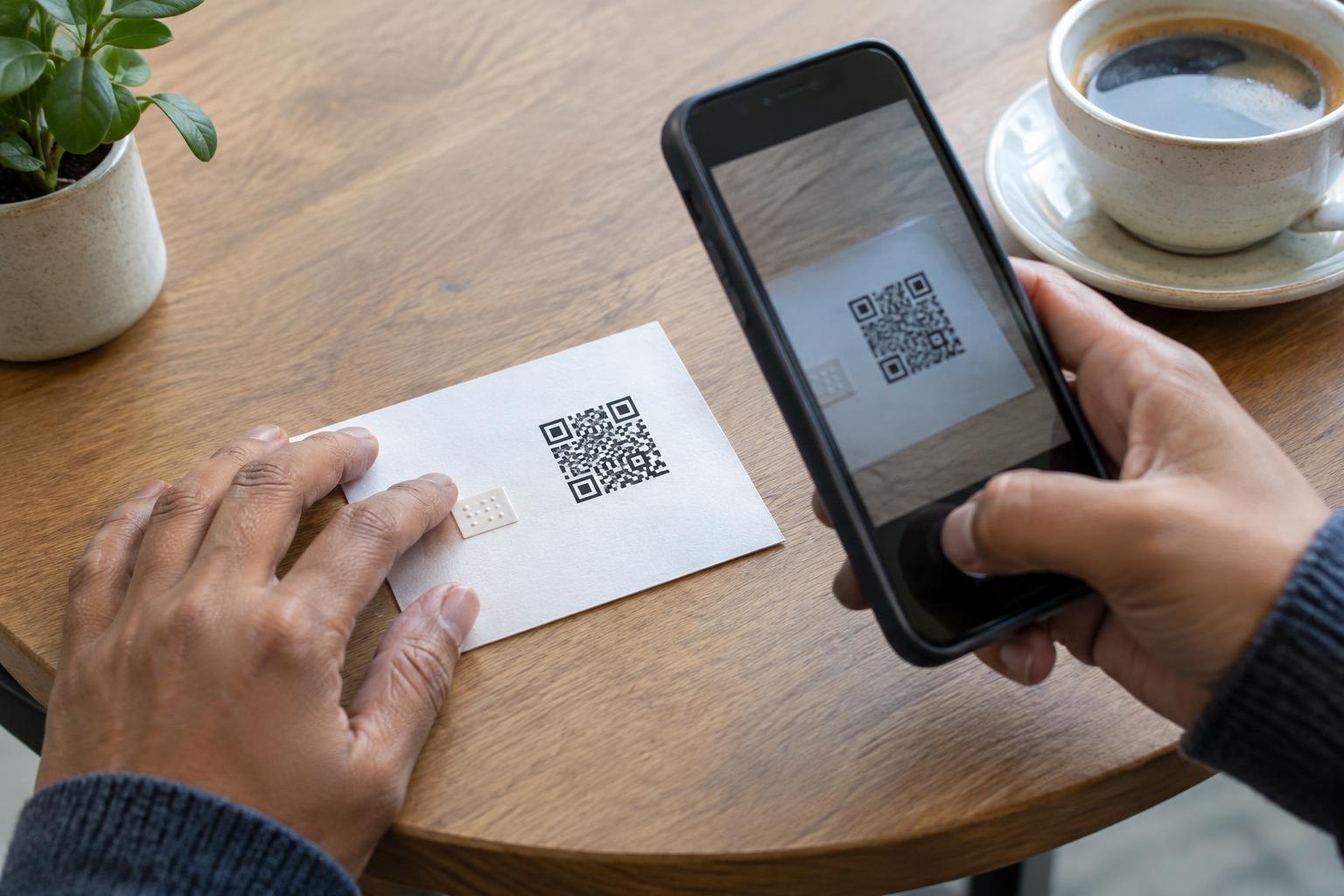
Someone who cannot see the code may locate the sign by touch or by asking for its position. A raised border or other tactile marker near the code can help identify the area, provided it does not cover or distort the printed pattern. A phone’s scene-description features may offer clues about a sign’s layout, but they can miss a code or describe its position inaccurately. They are aids, not a dependable substitute for clear placement and an alternative way to get the information.
Scanning with a screen reader
The exact steps depend on the phone. A user can open its camera or an accessible QR-scanning app, then point the rear camera toward the expected location of the code. Holding the phone a short distance from the print, keeping it roughly parallel to the surface and moving it slowly may help the camera detect the pattern. Glare, shadows, a curved package or a code that is too small can make scanning harder for anyone.
When a link is detected, the phone may announce a notification, identify a link or present an on-screen action. Before opening it, the user can review whatever destination information the phone makes available. Screen reader users may have their own preferred camera app, gestures and positioning techniques, so instructions on a sign should not assume one device or one exact sequence of buttons.
If scanning does not work, repeating the same movement indefinitely is not a useful accessibility plan. The person should be able to request the information directly, use a printed short address they can have read aloud, or access an equivalent non-QR option. For a service desk or event, staff should know what the code leads to and how to provide the same essential information without requiring a scan.
Design a useful alternative, not just a better code
Put a brief description next to the code and offer another route to the same content. Depending on the setting, that might be a clearly printed web address, a staffed point of contact or information available directly on the sign. A printed address is most helpful when it is short enough to communicate accurately; it does not replace an accessible digital destination. If the code opens a menu or form, check that the destination works with keyboard navigation and screen readers.
Good printing still matters. Leave clear space around the code, use strong contrast between the code and its background, and avoid placing it across folds or on reflective material. Place it where a person can comfortably bring a phone close, without blocking a walkway or reaching across a hazardous area. These choices improve scanning, but none can guarantee that a person will find a code they cannot see.
Finally, make the purpose and destination of the code understandable before anyone opens it. Physical codes can be covered or replaced, and an unfamiliar link deserves caution. A clear label and a readily available alternative let visitors decide how they want to access the information without making the QR code a barrier.