A grid with a job for every square
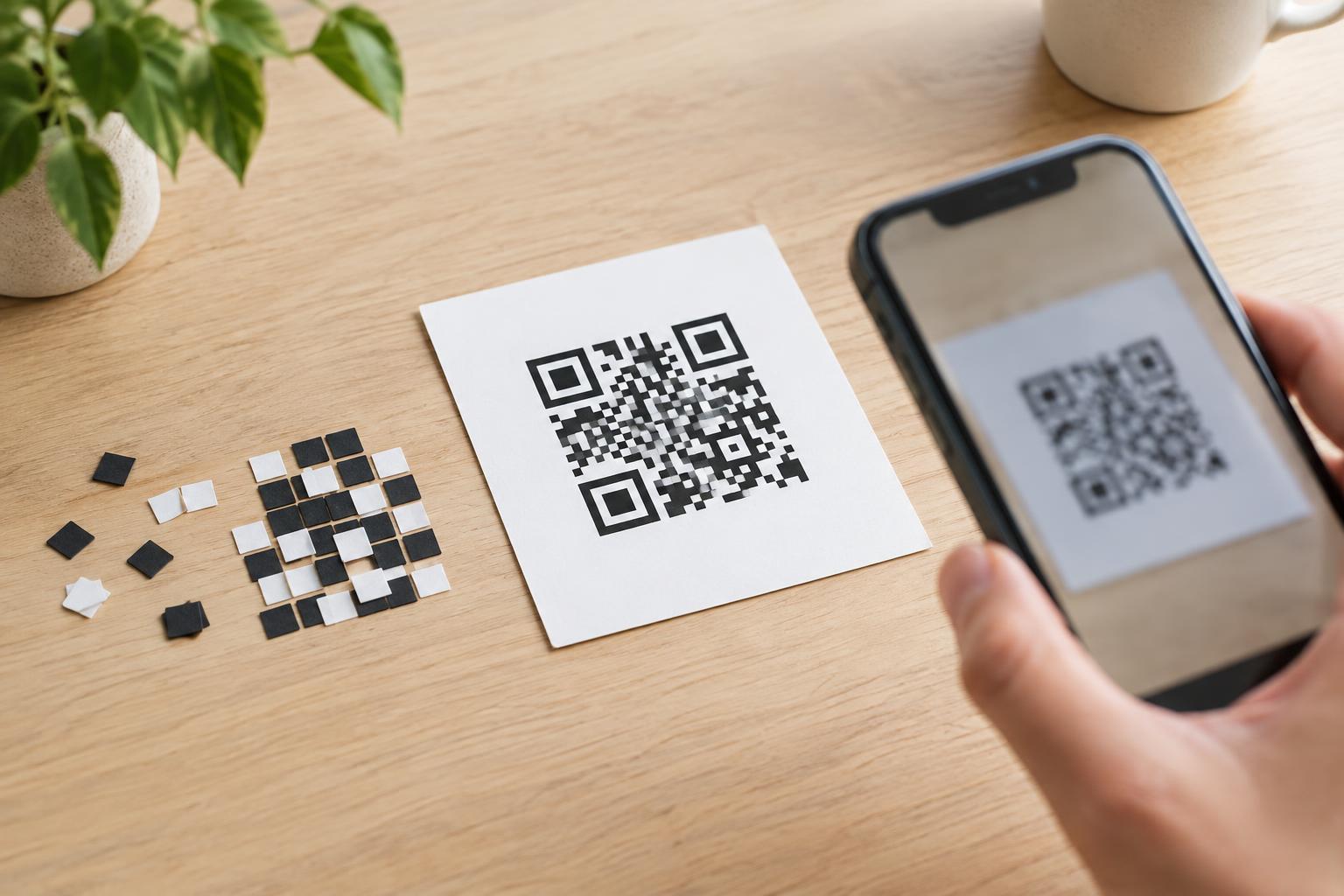
A QR code is a square grid made of small dark and light units called modules. Some modules carry the message; others help a scanner find the code, work out its orientation, or interpret what it contains. The pattern is not a picture of the text, and it is not chosen at random. It is the visible result of a set of encoding rules.
The message might be a short phrase, a number, contact details, or a web address. A QR code that contains a web address does not store an entire website: it stores the address as data. After scanning, the device decides how to handle that data, often by offering to open the link. A QR code can also contain ordinary text that does not lead anywhere.
From characters to encoded bits
Encoding begins with the characters in the message. QR codes can use different modes for different kinds of content. Numeric mode is suited to digits; alphanumeric mode supports a defined set of letters, digits, and symbols. Byte mode can represent a wider range of content. The choice of mode affects how much information fits in a given grid.
The encoder turns the content into a sequence of bits: ones and zeros. It also includes information that tells a reader which mode was used and how much data follows. For a message that mixes digits and other characters, an encoder may split the content into segments to use space efficiently. Two codes containing the same visible words can therefore look different if they were encoded in different ways.
Next, the encoder adds error-correction information. This extra data gives a reader a chance to recover the message when a small part of the code is obscured or damaged. Higher error-correction settings use more space, so they can leave less room for the message at the same grid size. Error correction is useful, but it cannot guarantee that a badly covered or distorted code will scan.
How the bits become a scannable pattern
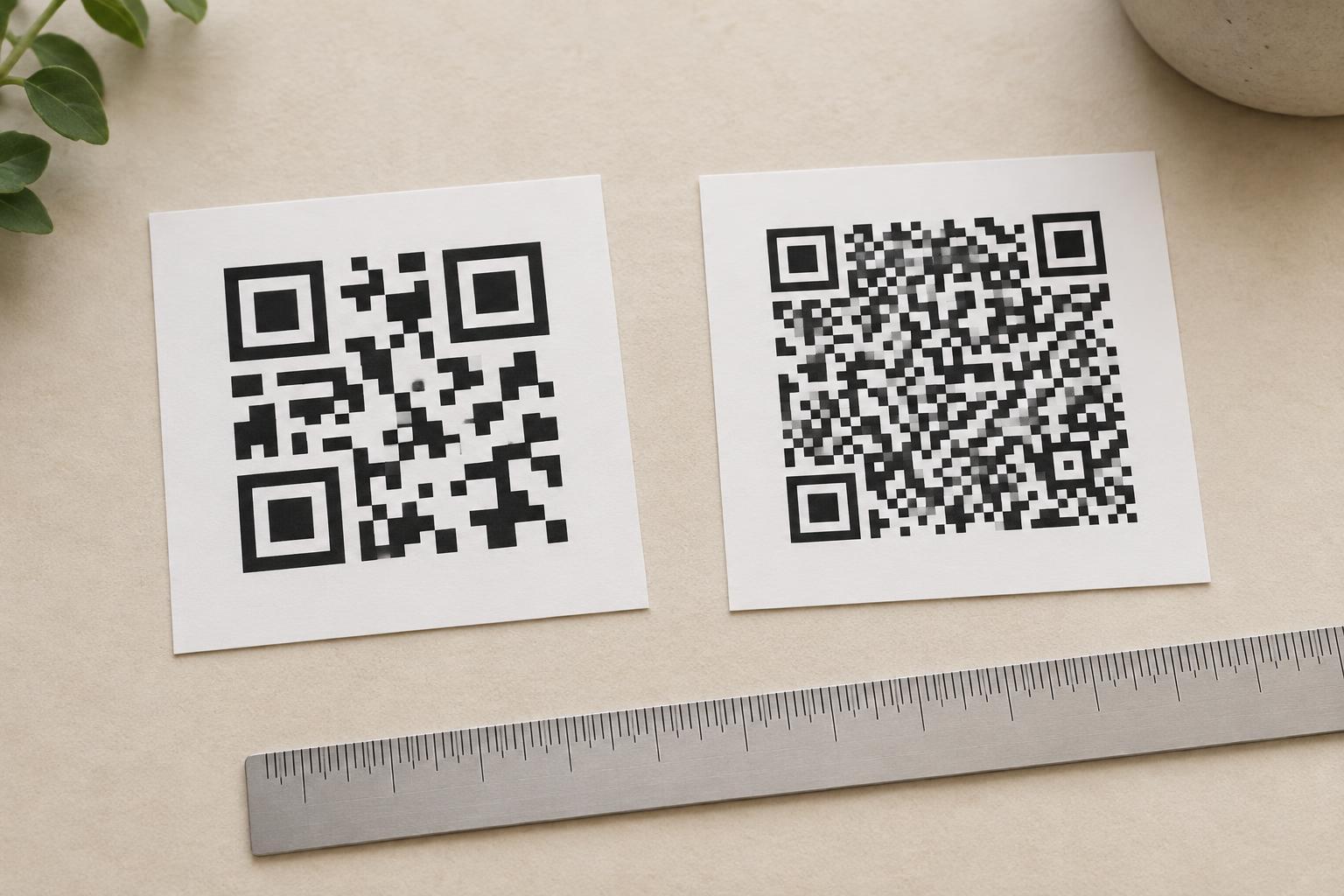
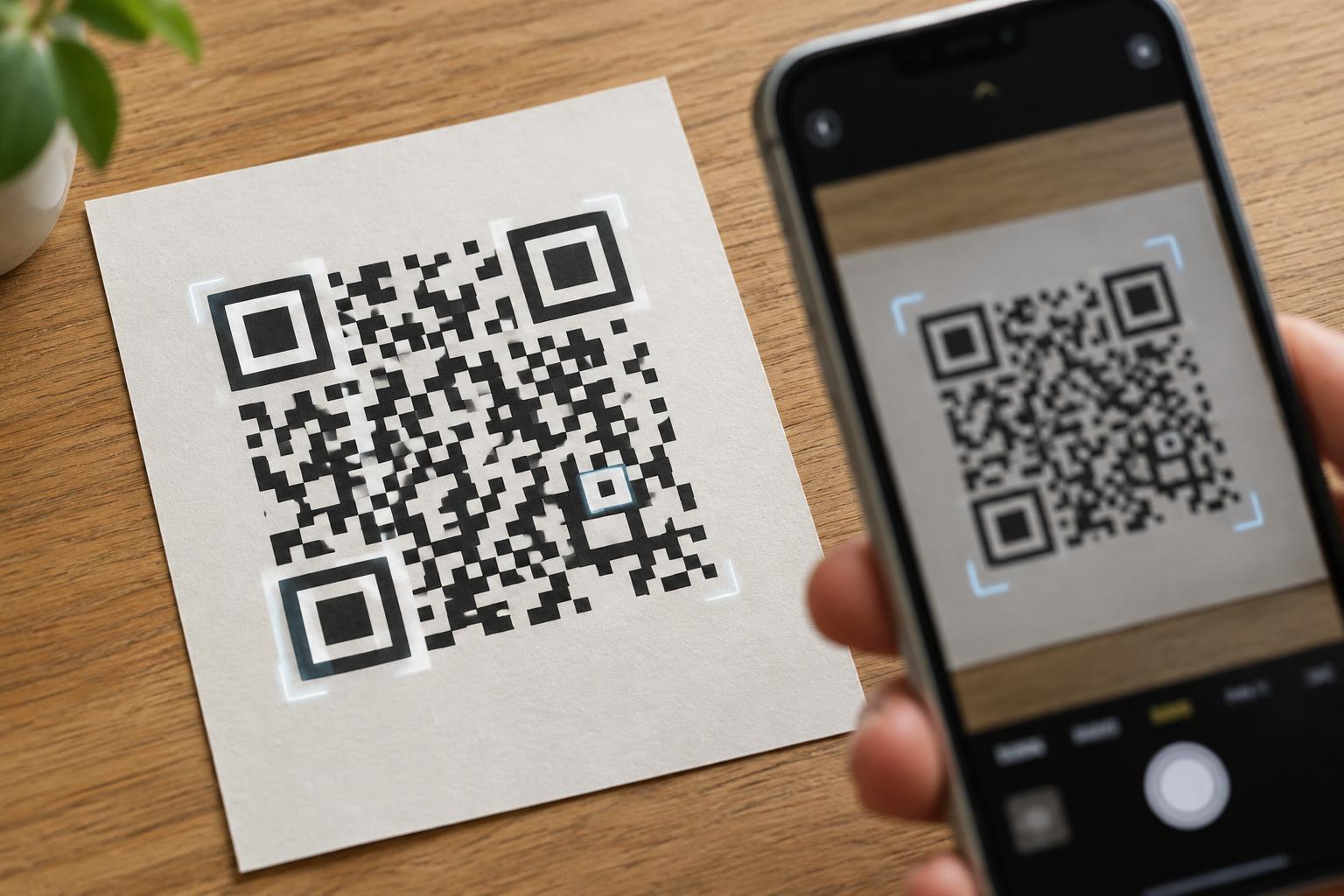
The encoder places the data and error-correction bits into the grid according to QR code rules. It also reserves space for recognizable structures. The three large corner squares are finder patterns, which help a scanner locate the code and identify its orientation. Other structures help the scanner follow the grid and read it accurately, especially as the grid gets larger.
A QR code also uses a mask: a rule that changes selected modules from dark to light or light to dark. This helps avoid patterns that could be difficult for a scanner to interpret, such as large areas of one color. Information in the code tells the reader which mask was applied so it can reverse that step. These choices are another reason a code’s appearance is not a simple, letter-by-letter drawing of its message.
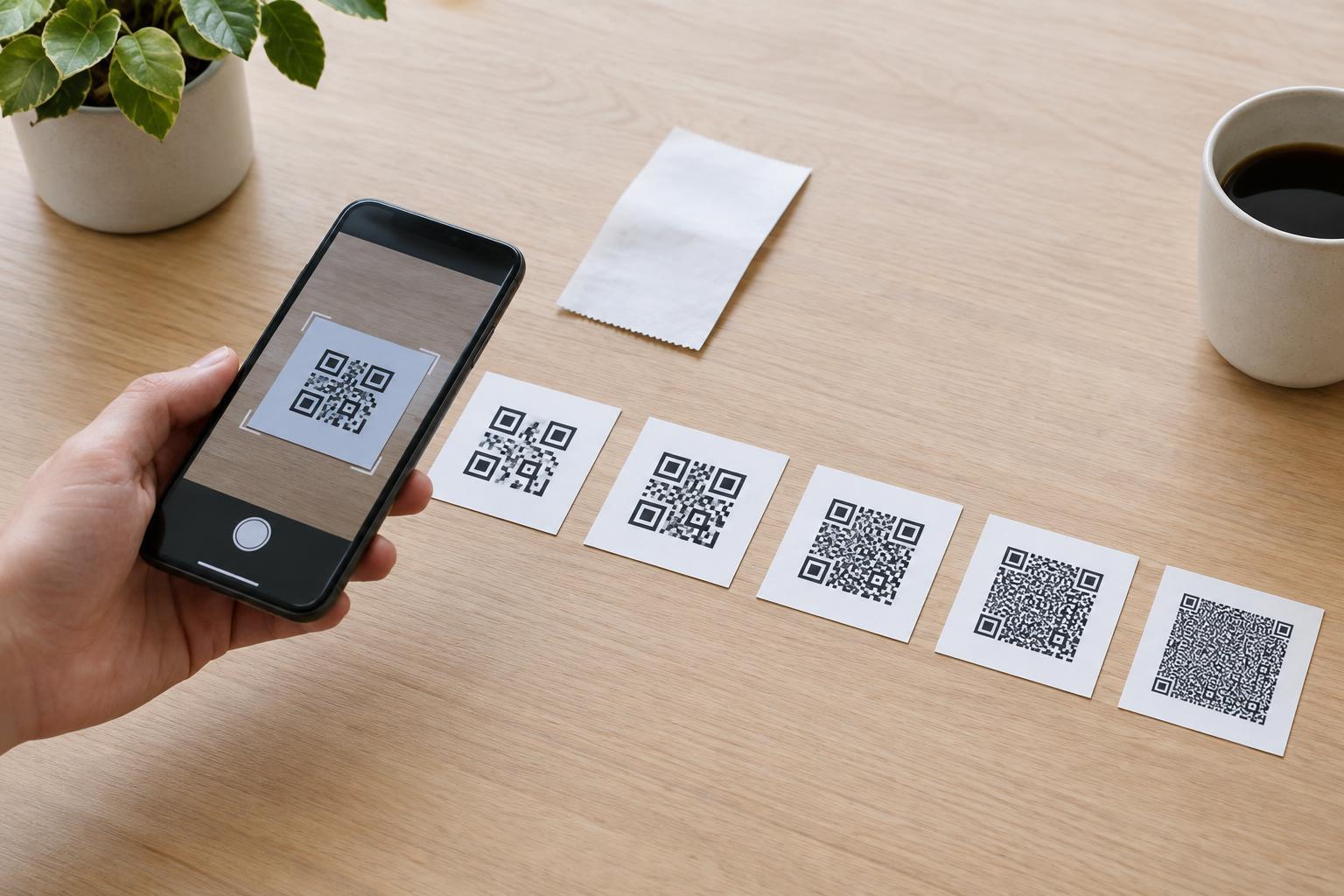
Longer messages generally need more space. A larger QR grid has more modules, while the encoding mode and error-correction setting also affect capacity. This is why a short number may produce a relatively simple code, whereas a long address or paragraph may require a denser one.
What happens when you scan
A scanner first has to identify the code in the camera image. It uses the finder patterns to locate and orient it, then estimates where the individual modules fall. It reads the dark and light values, interprets the code’s settings, and works through the encoded data and error correction to recover the message.
For that process to work reliably, the camera needs a clear view of the modules. Strong contrast, adequate print size, and a blank margin around the code all help. That blank margin, called the quiet zone, separates the grid from nearby text or graphics. Crowding a code against a border may make it harder to detect even when the message itself has been encoded correctly.
What this means when making or using a code
Keep the encoded message as short as practical, particularly when the code must be printed small or scanned from a distance. Avoid placing artwork over important parts of the grid, and test the finished code at its intended size and location with more than one device if possible. A code that scans clearly on a bright screen may be less reliable on a curved label or low-contrast print.
Finally, remember that being readable says nothing about whether the content is trustworthy. A scanner can recover a link from a QR code without verifying the destination. Before opening an unfamiliar link or entering information, check the address displayed by your device. Understanding what the pattern does makes QR codes easier to design, scan, and use thoughtfully.