Capacity depends on more than character count
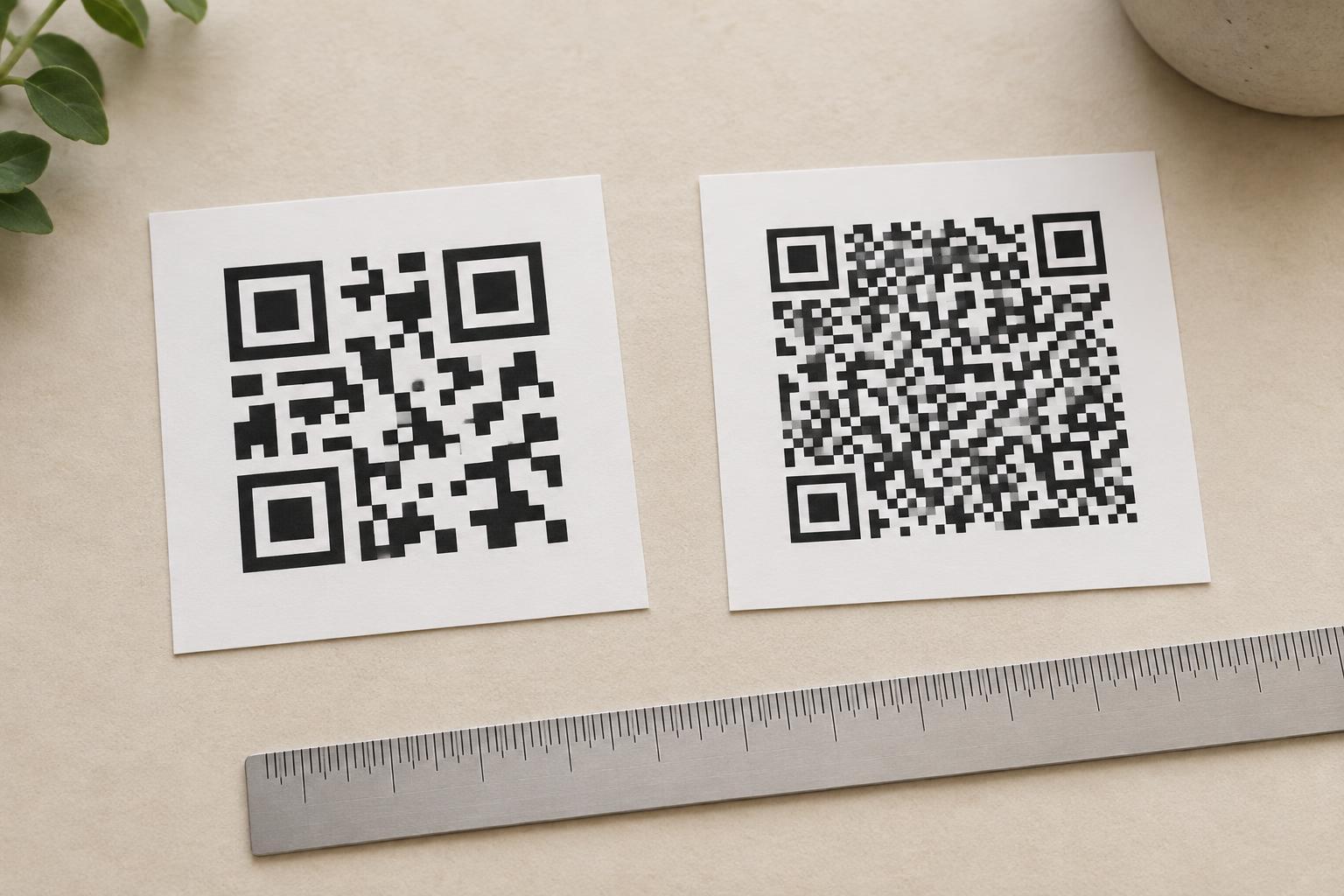
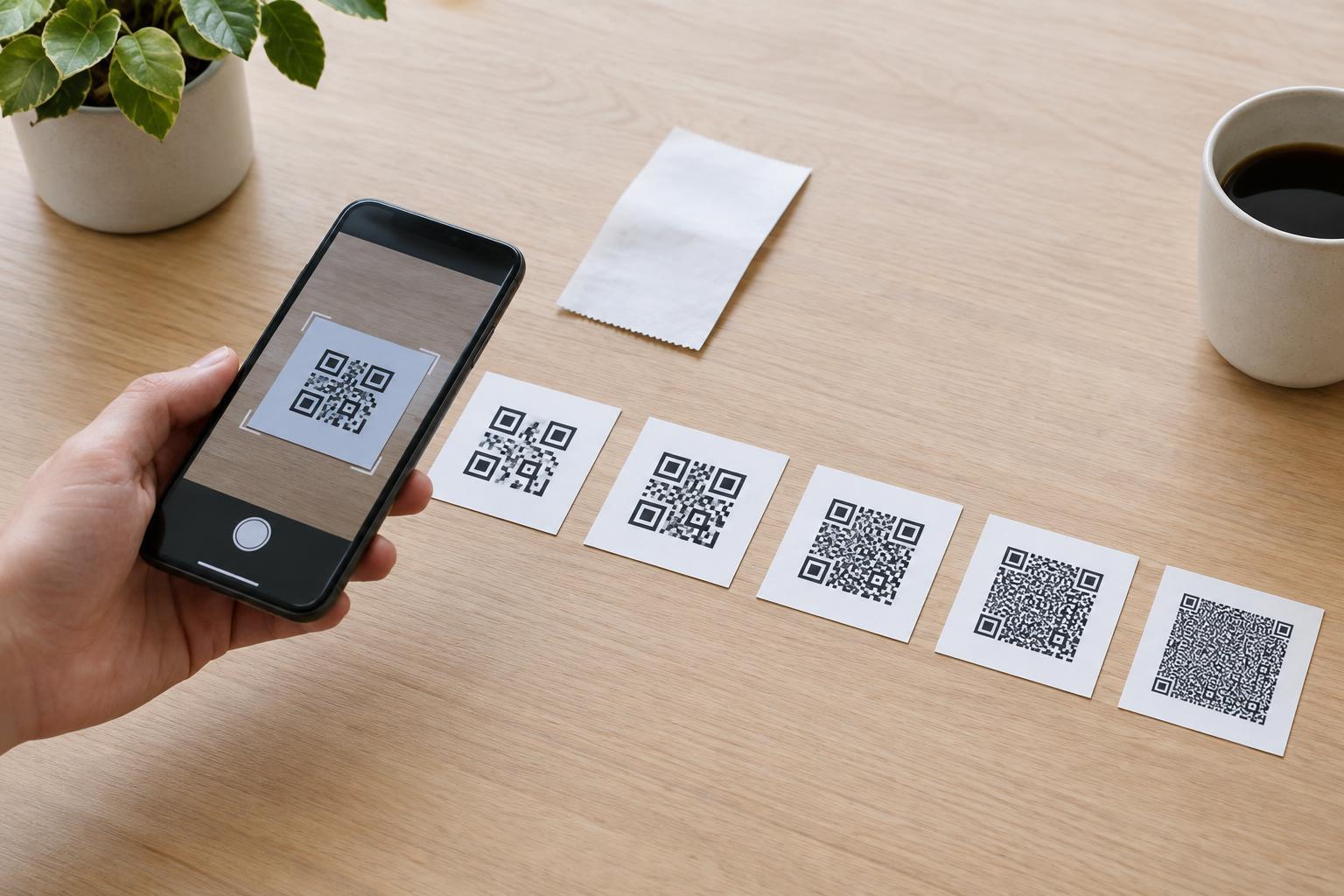
A QR code stores data in a grid of small squares called modules. Standard QR codes come in versions 1 through 40. Version 1 has a 21-by-21-module grid; each higher version adds space, up to 177 by 177 modules for version 40. More modules can hold more data, but they also create a denser pattern that may need to be printed larger to scan reliably.
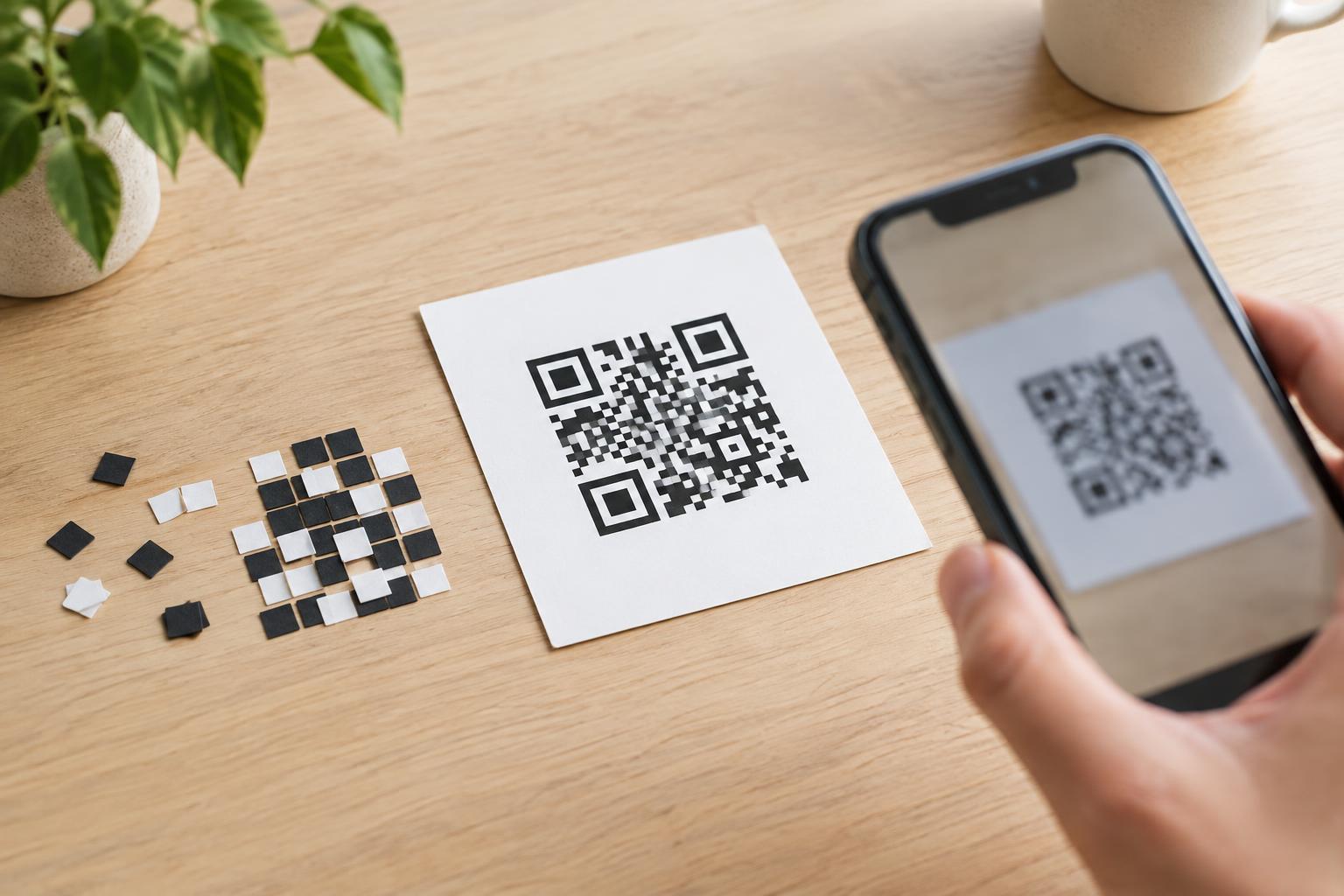
Capacity also depends on the data’s encoding mode and the chosen error-correction level. QR codes can store digits more efficiently than ordinary text. Error correction uses some of the available space so a code can still be read when parts of it are damaged or obscured. Choosing stronger error correction therefore leaves less room for the message itself.
The published maximum capacities describe what the format can hold under particular settings. They are not a target for an everyday sign, label, or handout. A code near its limit can be difficult to scan if it is printed too small, placed on a curved surface, or viewed from a distance.
How the limits differ for numbers and text
At the largest standard size and the lowest error-correction level, a QR code can hold up to 7,089 numeric digits. For characters in the QR alphanumeric set, the limit is 4,296. That set includes uppercase A–Z, digits, a space, and a small group of symbols. Lowercase letters are not part of that mode.
For general text encoded as bytes, the maximum is 2,953 bytes—not necessarily 2,953 characters. Basic English letters usually take one byte each in UTF-8, while many accented letters and characters from other writing systems take more. An emoji commonly takes four bytes. The format also has a Kanji mode, with a maximum of 1,817 characters under the same large-code, low-error-correction conditions.
Those figures are separate maximums, not amounts you can combine. A message mixing numbers, lowercase letters, punctuation, and other characters may use more than one encoding mode, with some space used to identify the modes. For a practical estimate, consider the complete content you intend to encode rather than counting only its visible letters.
Why links fill a code faster than you might expect
A QR code that opens a webpage normally stores the link itself, not the webpage’s contents. Even so, every part of the link matters: the address, path, query parameters, and any tracking information all add data. Many links include lowercase letters, which cannot use the compact QR alphanumeric mode and are commonly stored as bytes.
A short, stable link generally makes a simpler code than a long address full of parameters. If you control the destination, a concise page path can help. Avoid shortening a link in a way that hides where visitors will go, especially when the code appears in a setting where trust matters. Before publishing, check that the encoded address leads to the intended page and remains appropriate for the life of the printed material.
The same principle applies to other content. A brief instruction such as a room number or product identifier may fit in a compact code. Several paragraphs of text might technically fit in a larger one, but a nearby printed explanation or a link to a readable page may offer a better experience.
Error correction and print size are practical limits
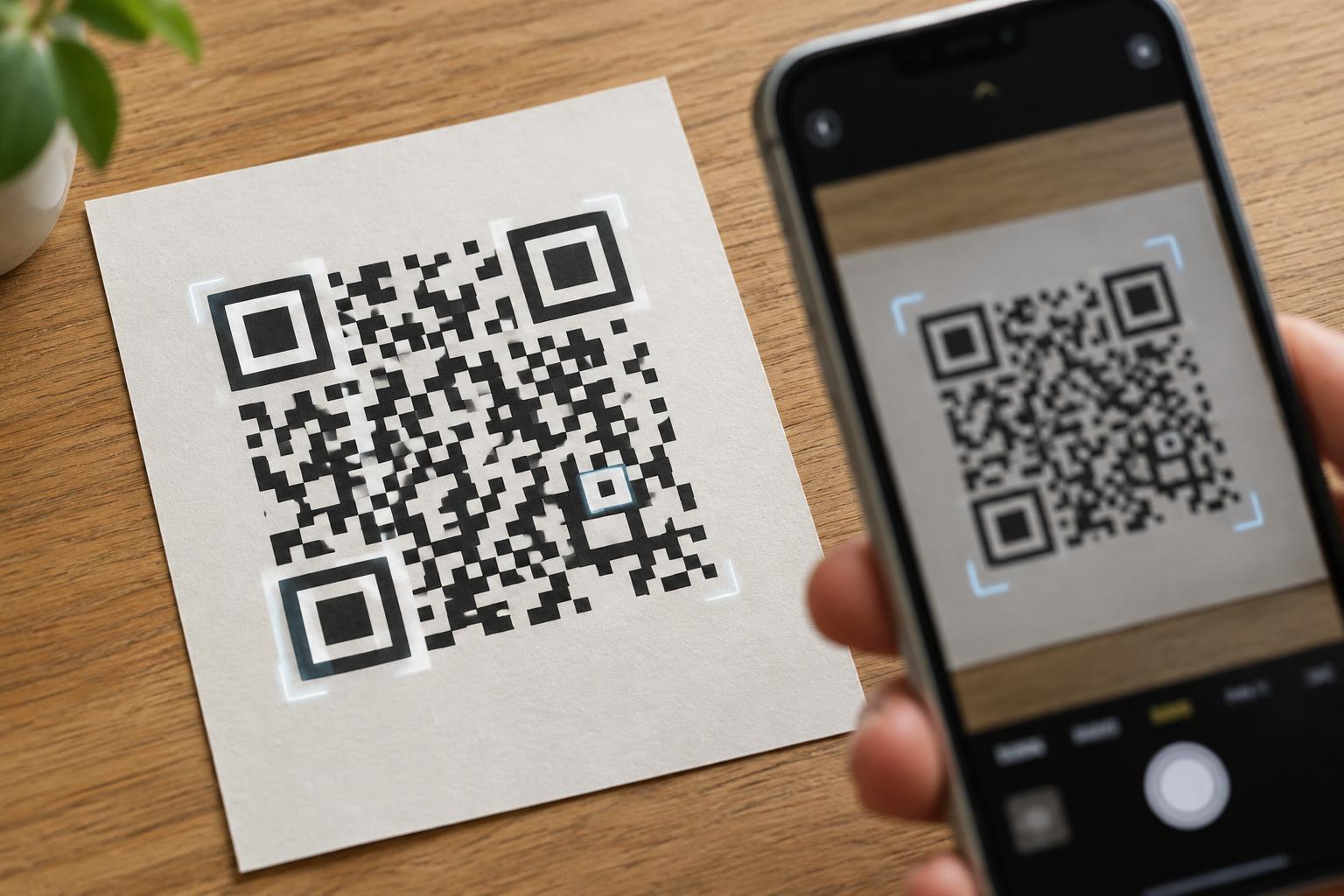
QR codes offer four error-correction levels, commonly labeled L, M, Q, and H. Moving toward H improves tolerance of damage at the cost of data capacity. It does not guarantee that a code will scan through glare, poor contrast, distortion, or heavy obstruction. A clean, high-contrast code with enough physical space is still important.
As the payload grows, the code may need a higher version with more modules. If two codes are printed at the same width, the one with more modules has smaller individual squares. Fine details can blur in low-quality printing or become hard for a phone camera to resolve. Leave a clear margin around the code, avoid stretching it, and test a print at its intended size and viewing distance.
Testing is especially useful on packaging, posters, and surfaces that may bend or reflect light. Try more than one phone if possible, and check the final printed piece rather than relying only on an image displayed on a screen.
Choose the smallest payload that does the job
Start with what the person scanning needs to accomplish. For a menu, instructions, or an accessible text alternative, linking to a well-organized page is often more useful than embedding all the information in the code. For a short reference number that must be available without a network connection, storing the number directly may make sense.
Capacity is only one measure of a successful QR code. People also need to know what it will do. Put a clear label beside it, such as “Open assembly instructions,” and provide an alternative way to reach important information when possible. A shorter payload, sensible print placement, and an understandable destination usually matter more than reaching the format’s maximum.