Start with the distance, not the paper size
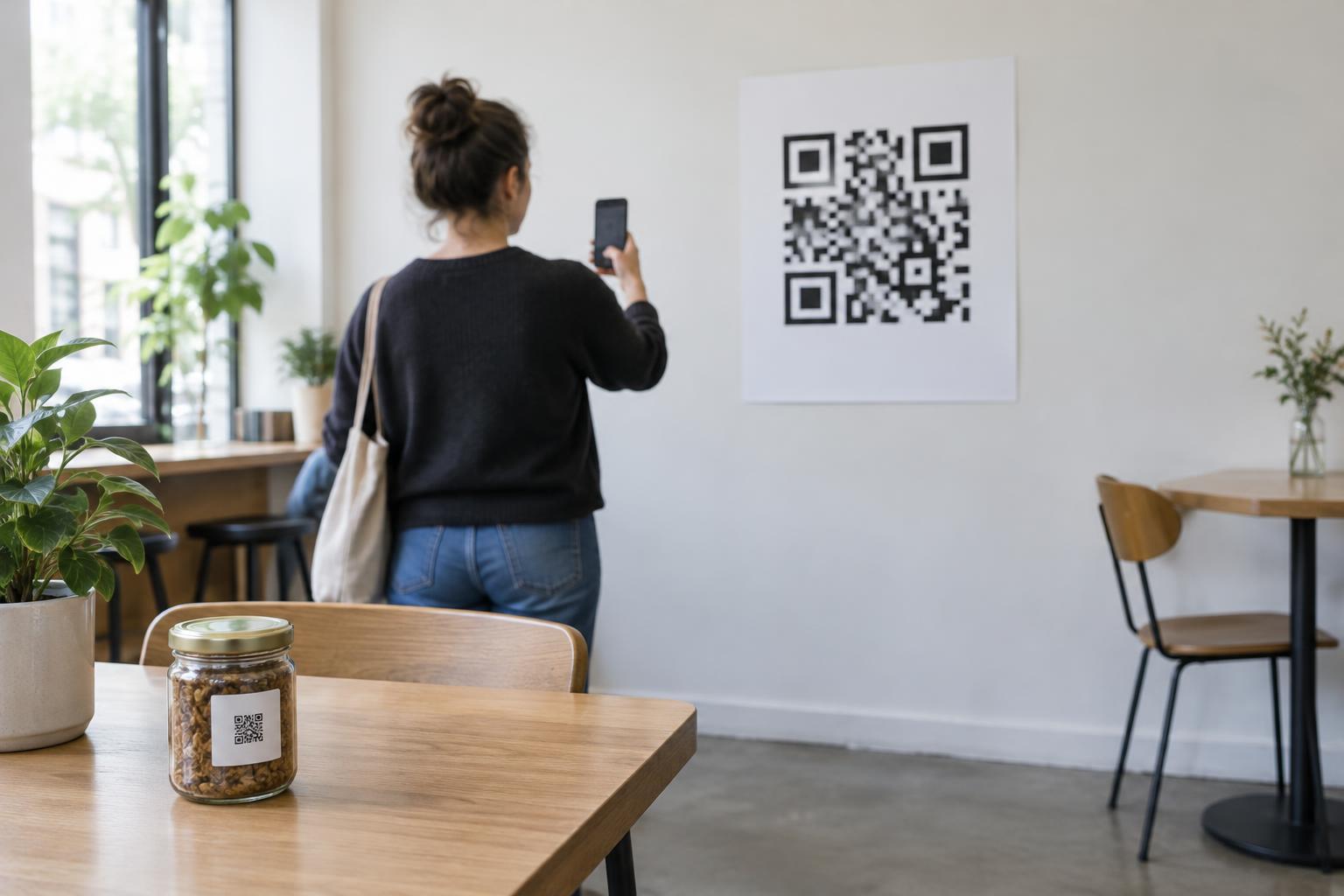
The right size for a printed QR code depends on where a person will stand when scanning it. A code on a product label may be held close to a phone, while one on a wall sign may need to work from several steps away. If the code is too small at that distance, the camera may not be able to distinguish its individual dark and light squares.
For planning, try making the QR symbol at least one-tenth of the expected scanning distance across. That suggests a code about 3 cm wide for a scan from 30 cm, 10 cm wide for a scan from 1 metre, or 20 cm wide for a scan from 2 metres. These are starting points, not guaranteed minimums: phone cameras, lighting, print quality and the amount of detail in the code all matter. When space allows, making the code larger gives people more flexibility about where to stand.
Allow for the border and the code’s complexity
Do not judge size by the dark squares alone. A QR code needs clear, empty space around it, known as the quiet zone, so a scanner can separate the code from nearby text or graphics. A standard quiet zone is at least four small squares, or modules, wide on every side. Keep that space clear rather than placing the code tightly against a border, photograph or line of copy.
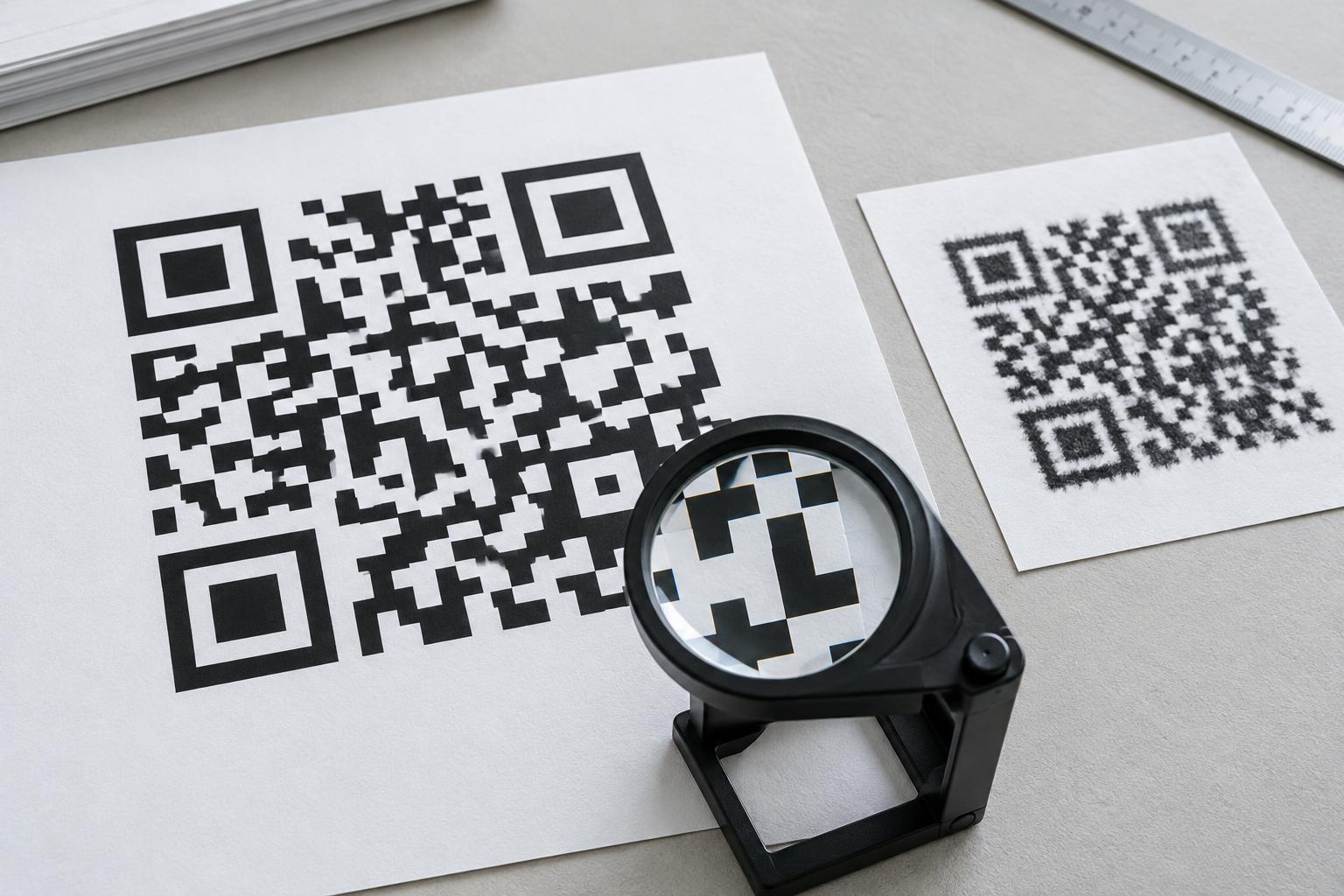
The number and size of the modules also affect the final print. A code containing more information generally has more modules packed into the same area. If you shrink it to fit a small label, those modules may become too fine for reliable printing or scanning. Using a short destination address or reducing unnecessary encoded text can help keep the pattern simpler. If the pattern is dense, increase its physical size instead of assuming every QR code will work at the same dimensions.
Size for the place people will actually scan
For packaging, menus and handouts, consider whether a person can comfortably bring the print closer to their phone. A small code might work on a flat card held in the hand but fail on the same card mounted behind a counter. On a poster, put the code where someone can approach and pause without blocking a walkway. A large code high on a wall may still be awkward to scan if people cannot point a phone at it steadily.
Placement changes the effective scanning distance. A code near the bottom of a floor-standing sign may force people to bend down; one behind glass may pick up reflections. Curved packaging can distort the pattern when viewed by a camera. In these situations, increase the size if possible, choose a flatter or less reflective position, and leave enough room for a person to aim their phone.
Protect clarity when preparing and printing
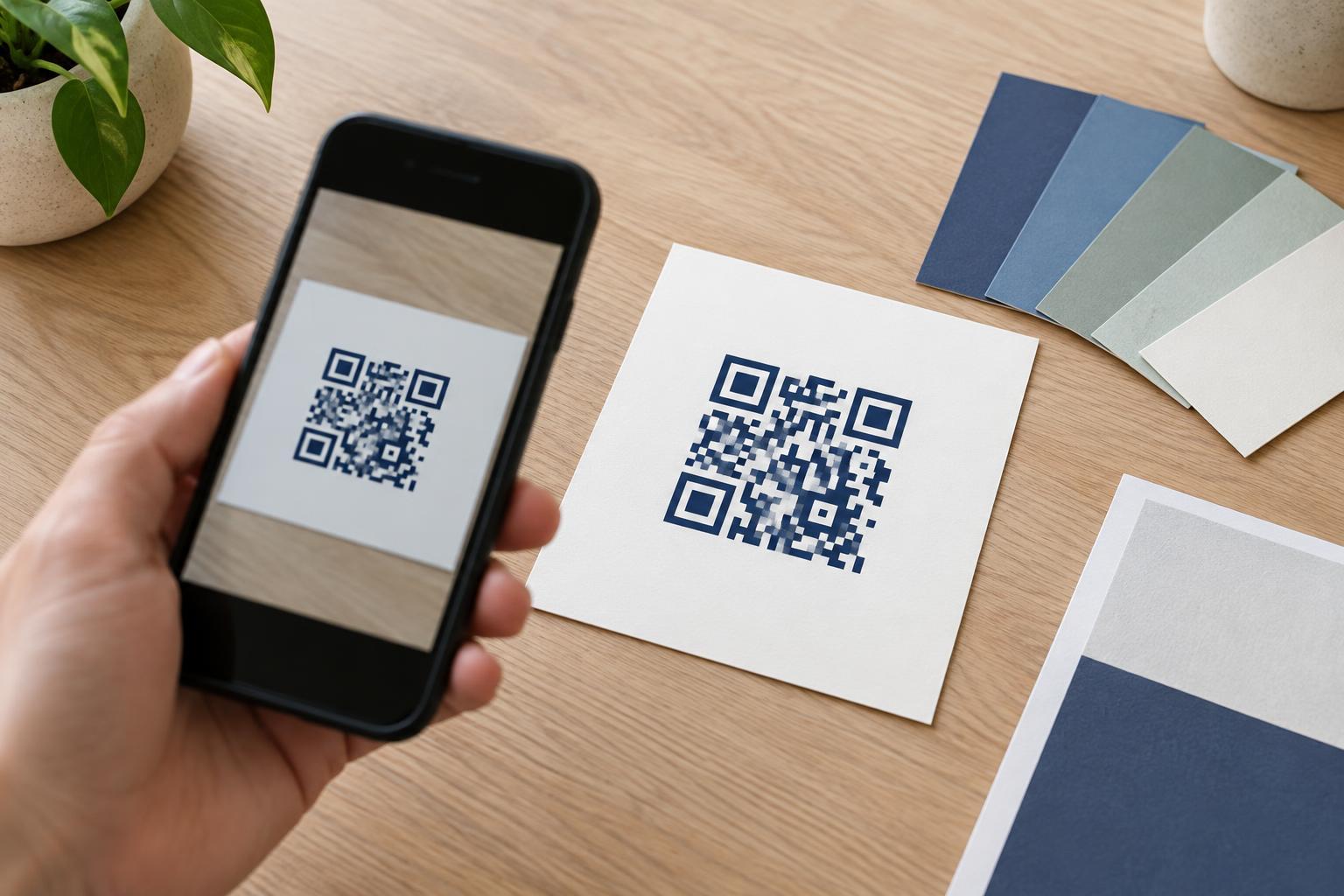
Export the code at a quality suitable for its final size. A vector file can be resized without making its edges blurry; if you use a raster image, avoid enlarging a small file until the squares look soft or jagged. Keep a strong contrast between the pattern and its background, such as dark squares on a light, plain surface. Decorative effects, low-contrast colours and patterns visible through the code can make scanning less dependable.
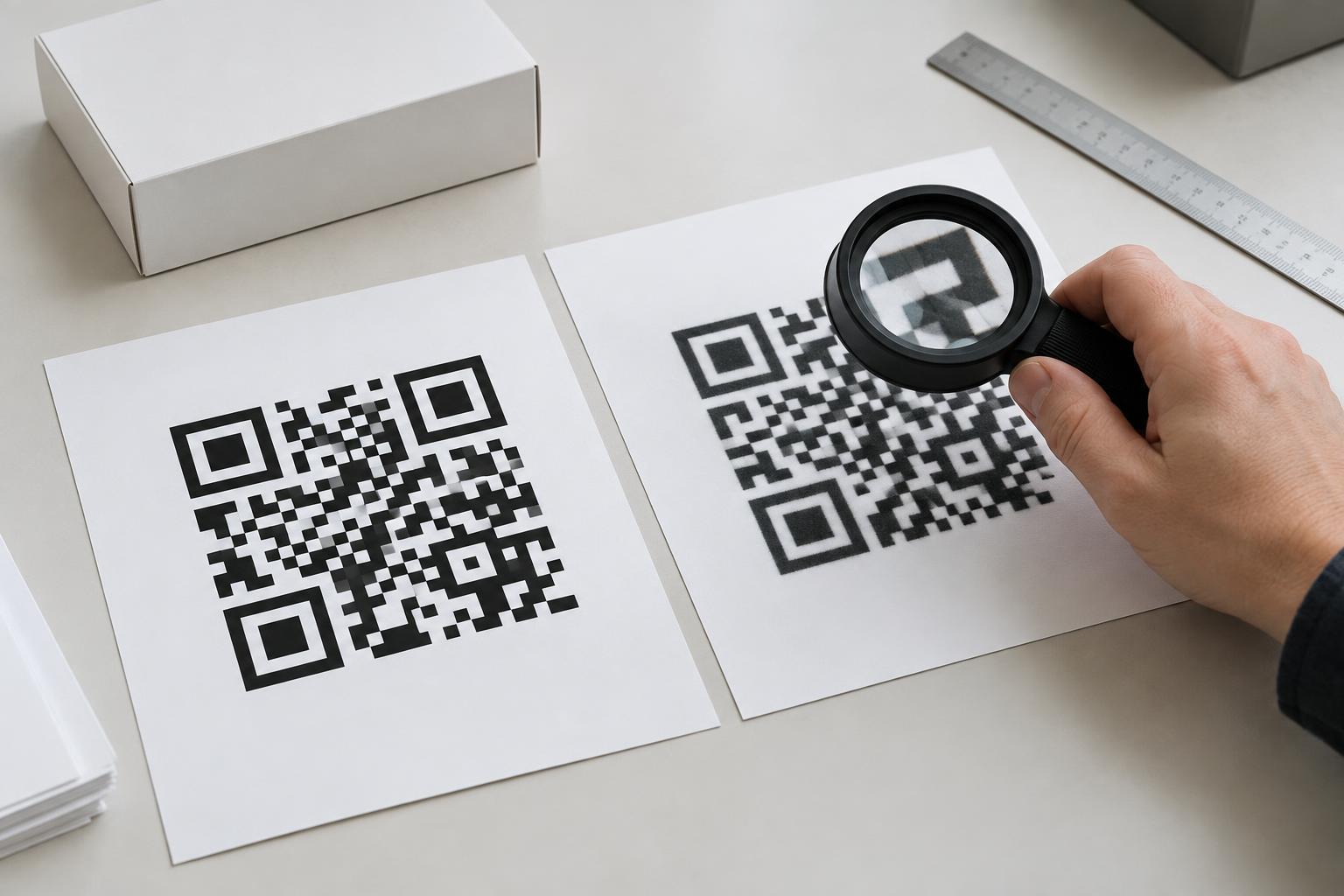
Check the finished material, not just the design on screen. Ink spread can blur tiny gaps on absorbent paper, while glare can interfere with glossy signs. Printing a proof at actual size helps reveal problems that a zoomed-in layout may hide. Do not trim away the quiet zone when cutting a label or placing the code inside a printed frame.
Test from the intended distance before publishing
Scan a physical proof from the distance and angle a visitor is likely to use. Try it in the expected lighting and, if available, with more than one phone. Confirm that the code opens the intended destination, not merely that a camera recognizes a QR pattern. If scanning is slow or requires moving unusually close, enlarge the code, simplify it, improve contrast or change its placement.
Finally, give people a way to understand where the code leads. A short label such as “Scan for the menu” provides context, and a readable alternative address or another way to access the information can help someone who cannot or does not want to scan. The best printed QR code is not simply one that fits the layout: it is one people can find, approach and use without guesswork.