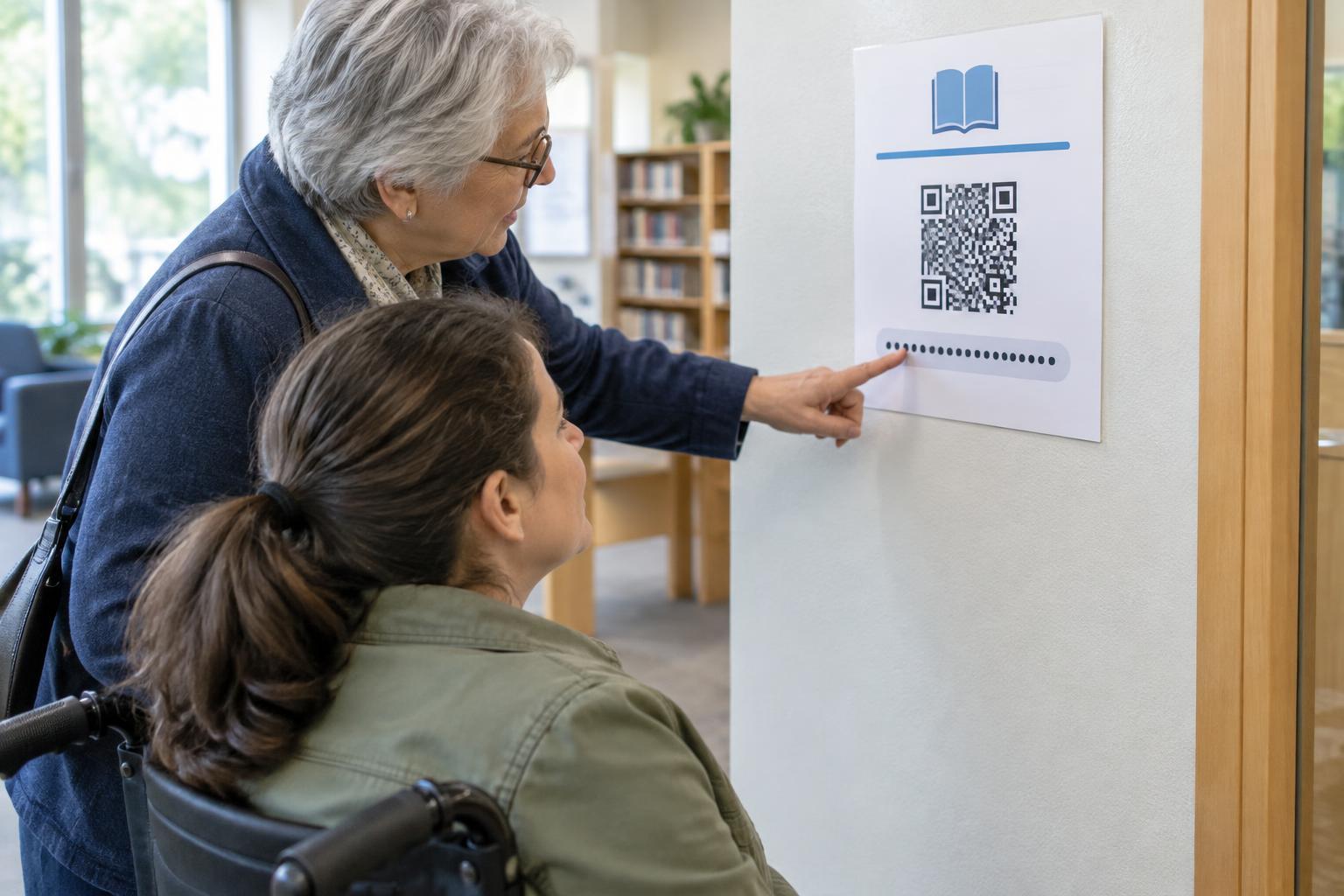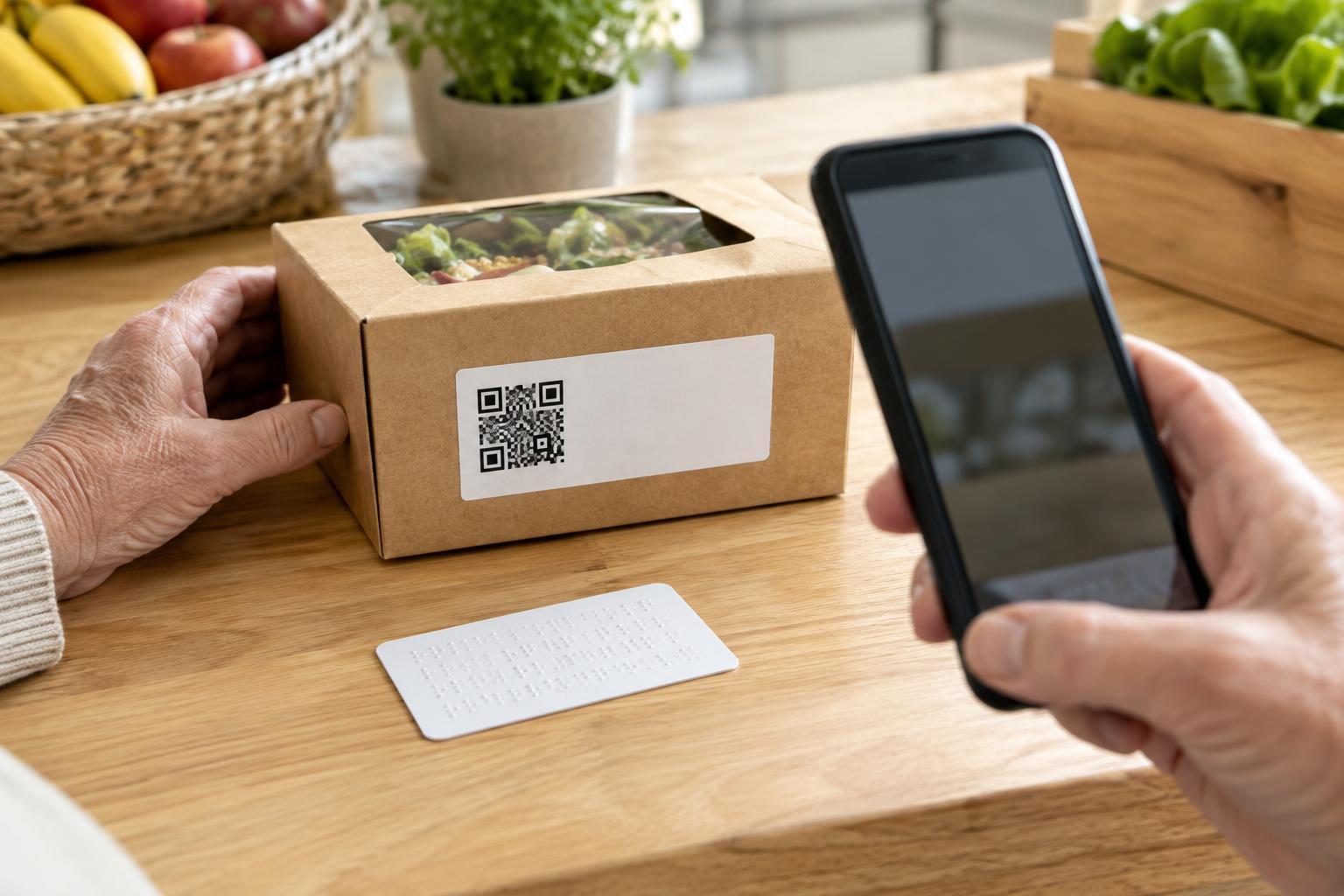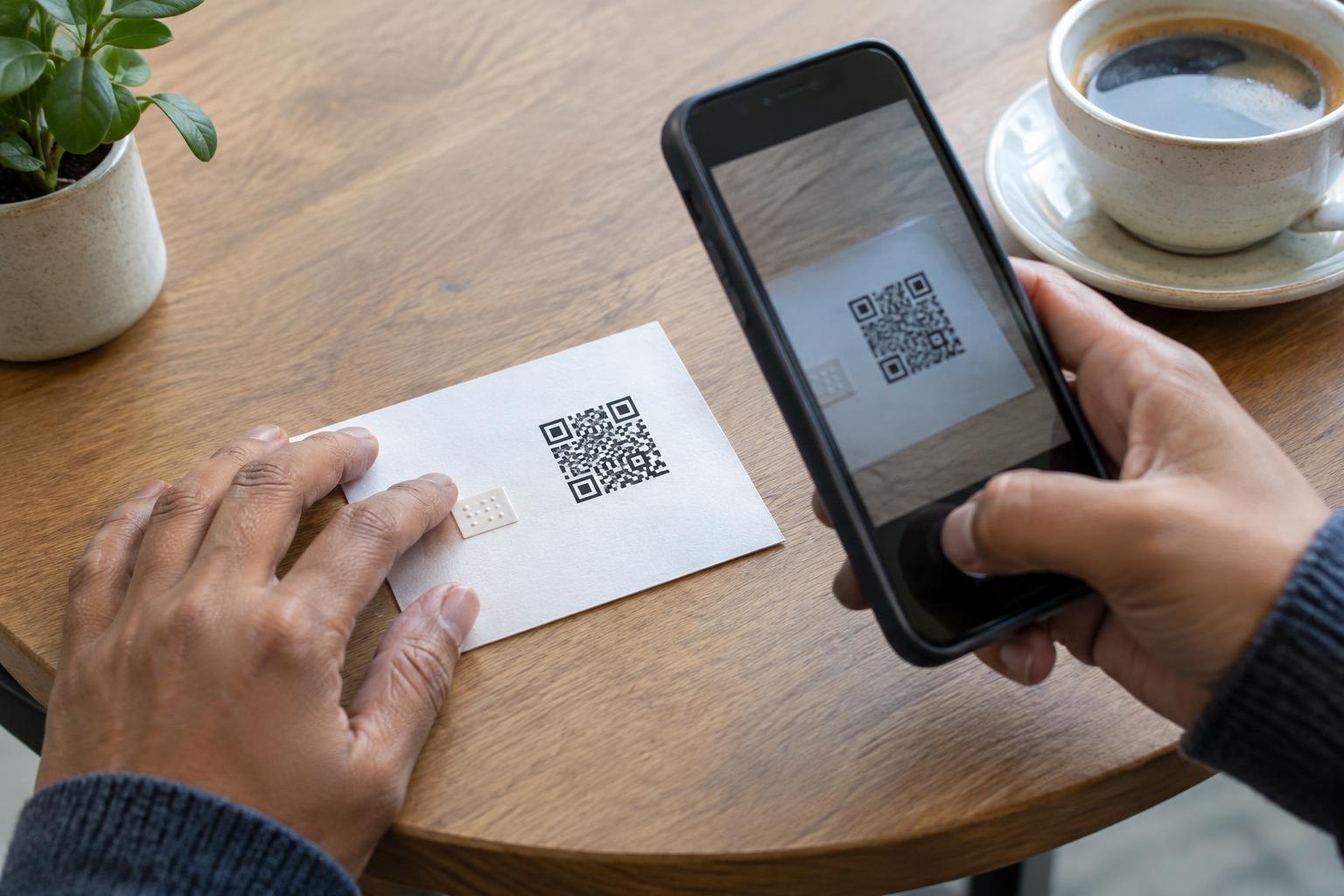
Treat the QR code as one route, not the only route
A QR code is a shortcut to information, not the information itself. It can help a customer open a menu, read instructions or find a form, but only if that customer has a suitable device and can use it at that moment. Someone may not own a smartphone, may have left it at home or may have a device with a flat battery. A useful starting question is: if the code were removed from this sign, could the customer still complete the task?
Identify what each code does before choosing an alternative. A code that opens background information may call for a printed summary. A code required to place an order or complete check-in needs a way to finish that action without a phone. Focus on the customer’s goal rather than trying to reproduce the technology in every format.
Keep a visible, usable offline option
For short information, put the essential details beside the QR code. A sign for an exhibit might include its name and a brief description; a product label might include key instructions. For longer material, keep printed copies nearby or tell customers where to request one. Printed menus, service details and step-by-step instructions should be legible, easy to handle and updated when the linked version changes.
An alternative is most helpful when people can find it without asking. A sign could say, “Scan for the full menu, or ask for a printed copy.” If space is limited, a short web address that a person can type on another device may offer an additional route, but it does not replace an offline option for someone who has no device. Avoid making the QR code the sole source of prices, choices or instructions needed to make a decision on the spot.
Give staff a clear way to help
Staff should know what the QR code opens, where the equivalent information is kept and how to help a customer complete the same task another way. At a café, that may mean handing over a current menu and taking an order directly. At a reception desk, it may mean providing a paper form or entering details with the customer’s permission. The alternative should be a normal part of service, not an exception that leaves someone waiting while staff work out what to do.
Keep the process simple enough to explain in one sentence, such as, “If you cannot scan, we can give you a printed copy here.” Where a task involves personal information, avoid asking customers to use a staff member’s personal phone or to speak sensitive details aloud in a public area. Offer a more private route when one is available, and let customers choose how they would like to receive help.
Match the alternative to the setting
Different placements call for different solutions. On a package, include essential use and safety information on the label or an enclosed insert rather than relying on a linked page. At a counter, place printed information within reach and make it clear that staff can assist. For an event, a paper schedule or staffed information point can help visitors who cannot open a code displayed on a poster.
Think about the whole journey, not just the first scan. If a QR code opens a form that then confirms a reservation, what happens for someone using the paper route? Make sure they can submit it and receive the details they need. If linked content changes frequently, assign someone to check that printed copies and staff guidance still match the information customers will encounter online.
Check whether the alternative works in practice
Walk through the experience as a customer without a phone. Can you tell what the QR code is for? Can you find another route before reaching a dead end? Is the printed material readable in the lighting where it will be used? Can the task be completed during the same opening hours, without an unnecessary extra trip? These checks often reveal small barriers that are easy to miss when testing only the linked page.
Ask staff what questions they hear and invite customers to point out unclear signs or missing materials. Then adjust the wording, placement or process. A QR code can remain a convenient choice, while a well-marked alternative helps ensure that access to the underlying information does not depend on owning a smartphone.