A map hidden in the squares
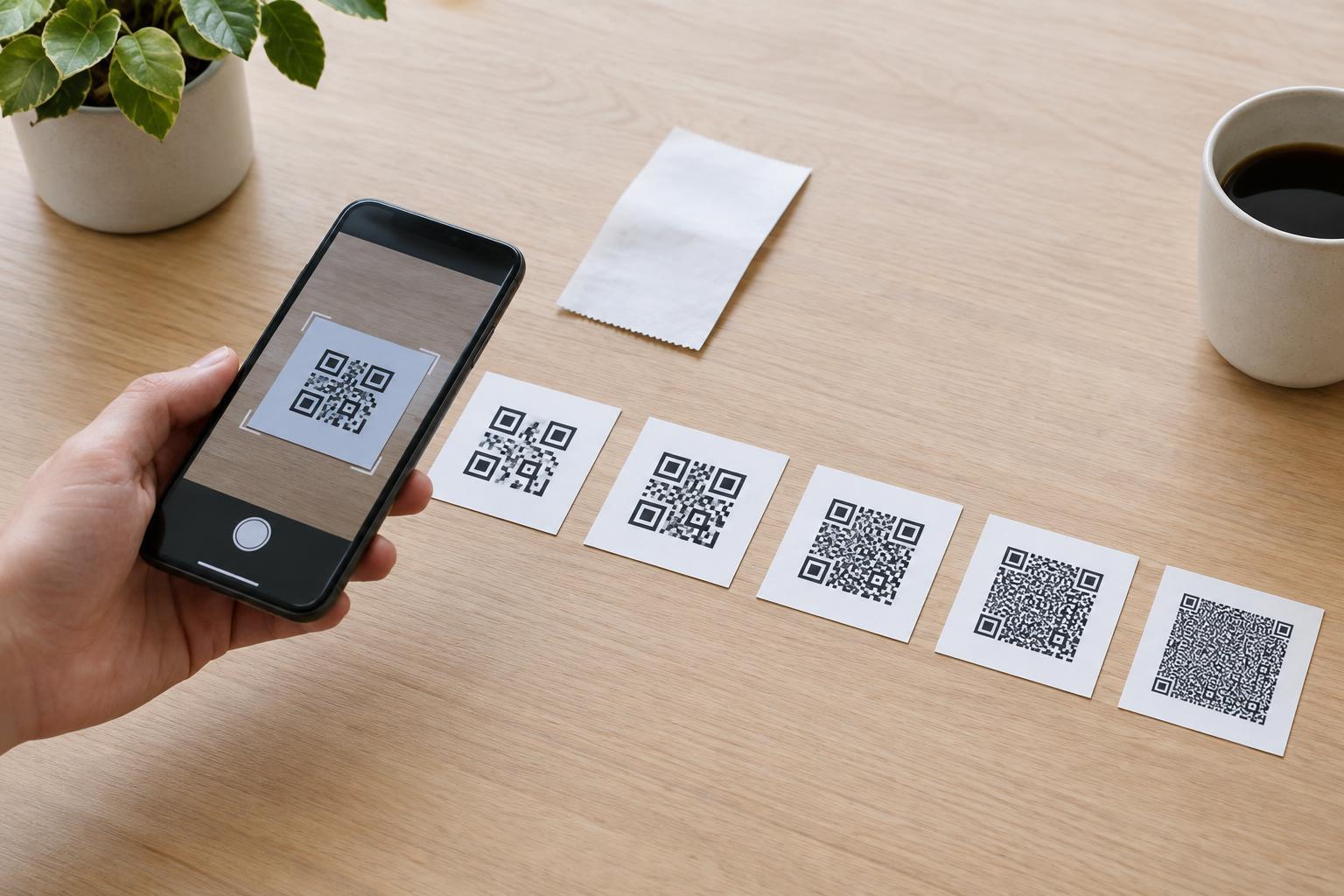
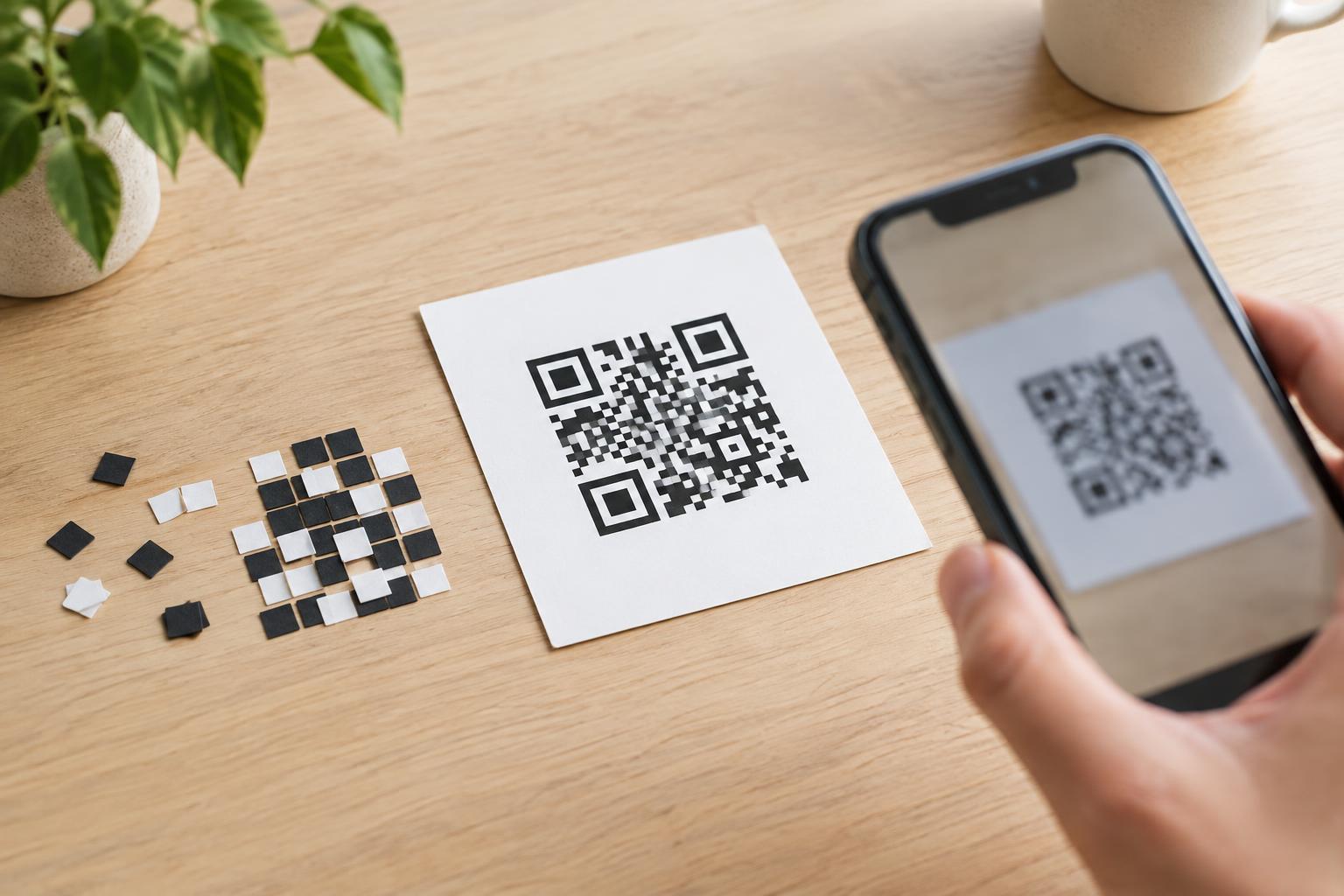
A QR code is a grid of small light and dark squares called modules. Some modules carry encoded data; others help a scanner work out where the grid is and how to read it. These built-in landmarks matter because a code may be photographed at an angle, printed on a curved surface, or surrounded by text and graphics.
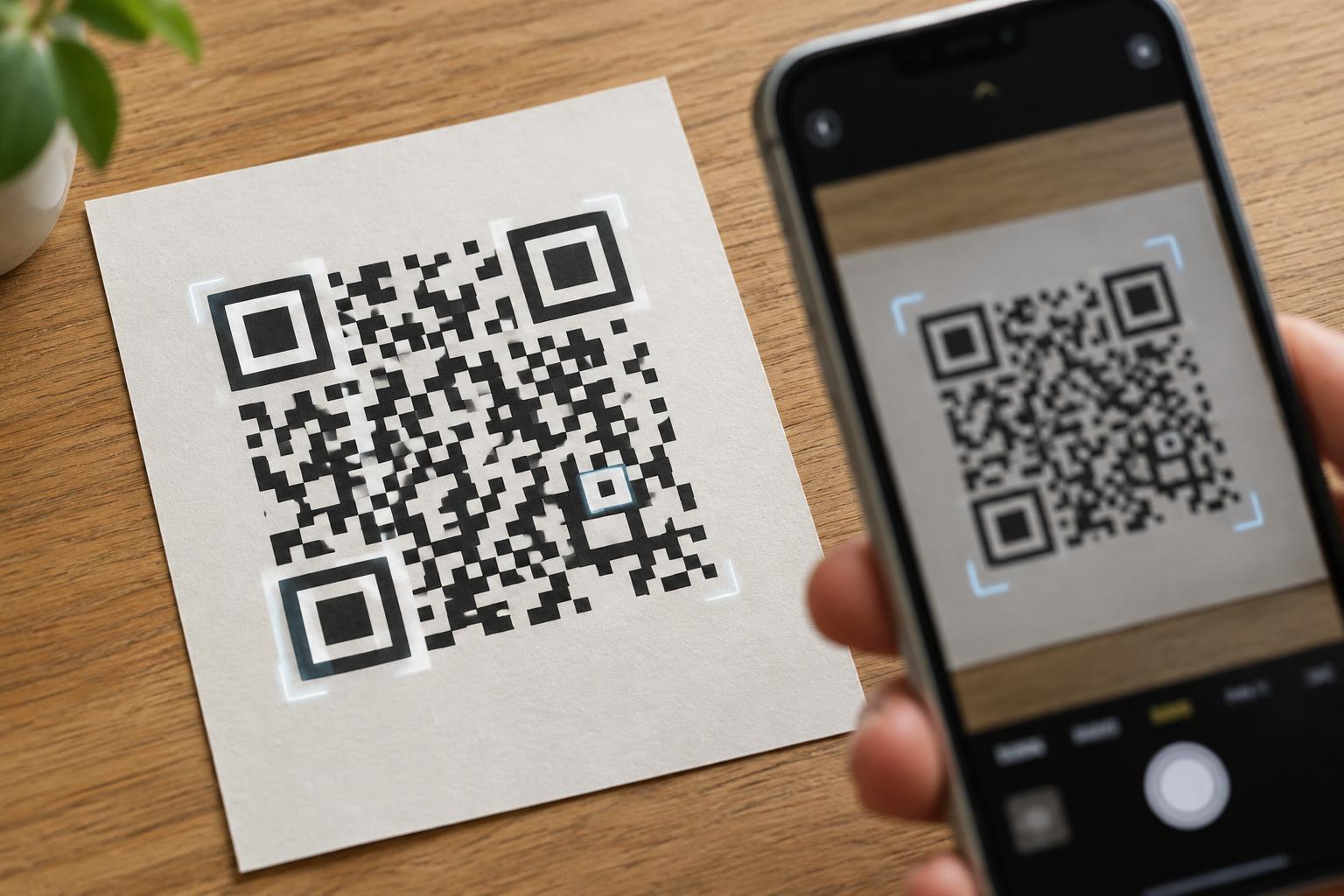
Three features do much of the locating work: finder patterns mark the code’s corners, alignment patterns help account for distortion, and timing patterns establish the spacing of the grid. A scanner uses these clues before it can reliably interpret the data modules.
Finder patterns identify the code and its orientation
The three large square targets at the top left, top right, and bottom left of a QR code are finder patterns. Their nested dark and light shapes stand out from ordinary content in the grid. By detecting all three, a scanner can estimate the code’s position, size, and rotation—even if the phone is not held perfectly upright.
There is no matching finder pattern in the fourth corner. That asymmetry helps the scanner tell which way the code is oriented. The light space around each finder pattern also separates it from nearby modules. A logo, border, or decorative mark placed across one of these corners can make the code harder to locate, regardless of whether the data area remains intact.
Alignment patterns help with skew and distortion
Alignment patterns are smaller square targets positioned within the grid. They give a scanner additional reference points when the image is stretched or skewed. This is useful when a code is viewed from an angle or its printed surface is not completely flat.
Not every QR code has an alignment pattern. The smallest standard QR code size, known as version 1, has none. Larger versions include one or more, with the number and placement depending on the grid size. If you see a small target away from the three large corners, it is likely part of the code’s structure, not spare space for artwork. Keeping it visible gives scanners a better chance of mapping the grid accurately.
Timing patterns reveal the grid spacing
Between the finder patterns, a QR code has horizontal and vertical runs of alternating dark and light modules. These are timing patterns. Their regular rhythm helps a scanner determine where one row or column ends and the next begins.
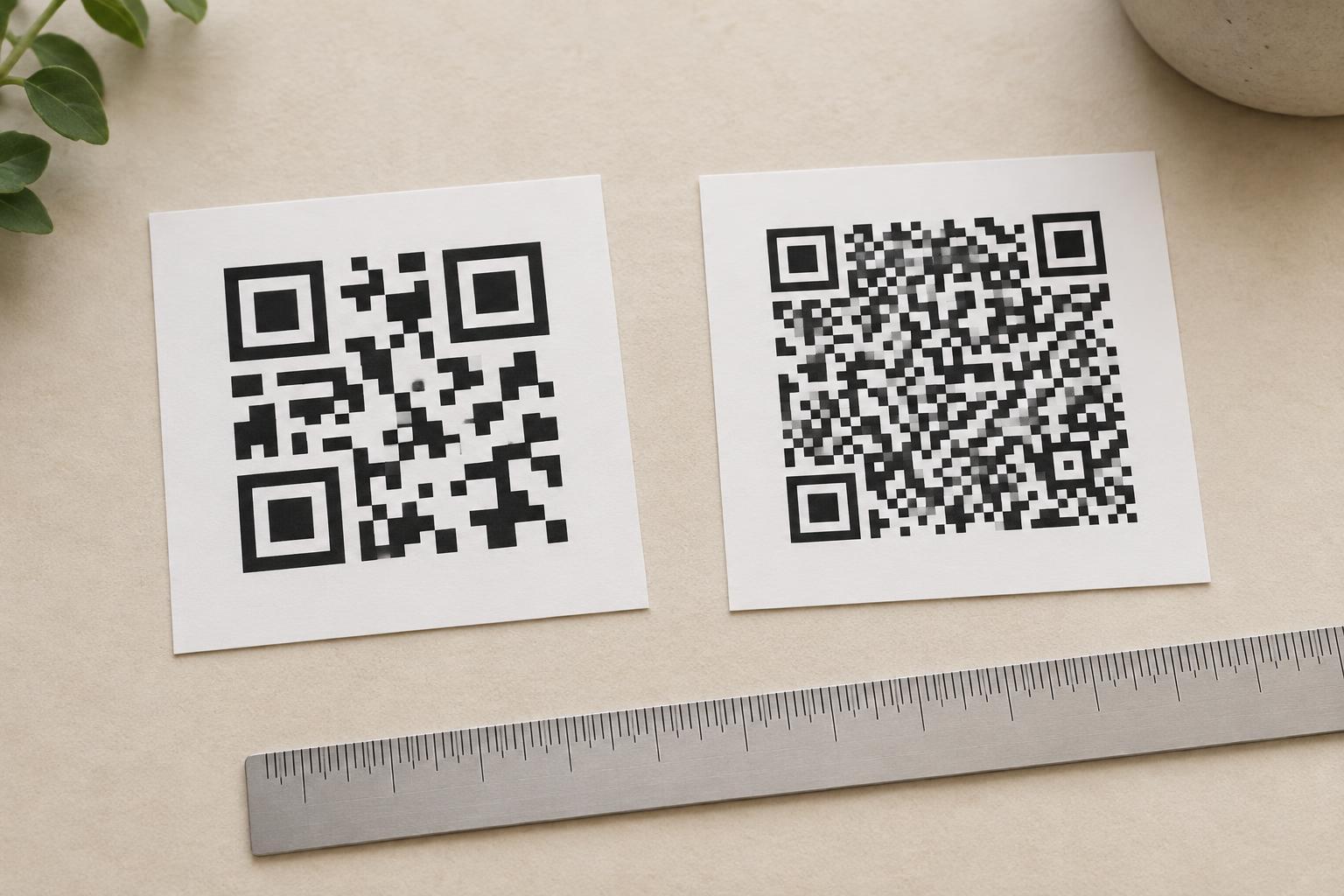
That spacing matters because a scanner must sample individual modules, not merely recognize a square outline. If printing blurs neighboring modules together, or an image is reduced until the alternating pattern becomes indistinct, the scanner may struggle to establish the grid. A large image that is heavily compressed or printed poorly can be less reliable than a smaller, crisp one.
Keep the landmarks easy to find
When placing a QR code in a layout, preserve its finder, alignment, and timing patterns. Leave a clear margin around the entire code, called the quiet zone; a common recommendation is at least four modules of empty space on every side. Avoid letting nearby text, borders, or illustrations enter that margin. Use strong contrast between the dark and light areas, and choose a print size that keeps individual modules distinct at the expected scanning distance.
A scanner may sometimes read a code despite a partly obscured area, but that does not make structural patterns safe to cover. Error correction can help recover some missing data; it is not a substitute for the landmarks used to locate and map the code. If you customize a design, test the final version—not just a clean digital preview—with several phones in the lighting and at the distance people will actually use.