A QR code is a shortcut, not proof of identity
A payment QR code may open a payment app, display a merchant profile, or fill in details for a transfer. That saves typing, but the code itself does not prove that the destination belongs to the person or business you intend to pay. A fake code can point to a different account or take you to a page designed to look like a familiar payment service.
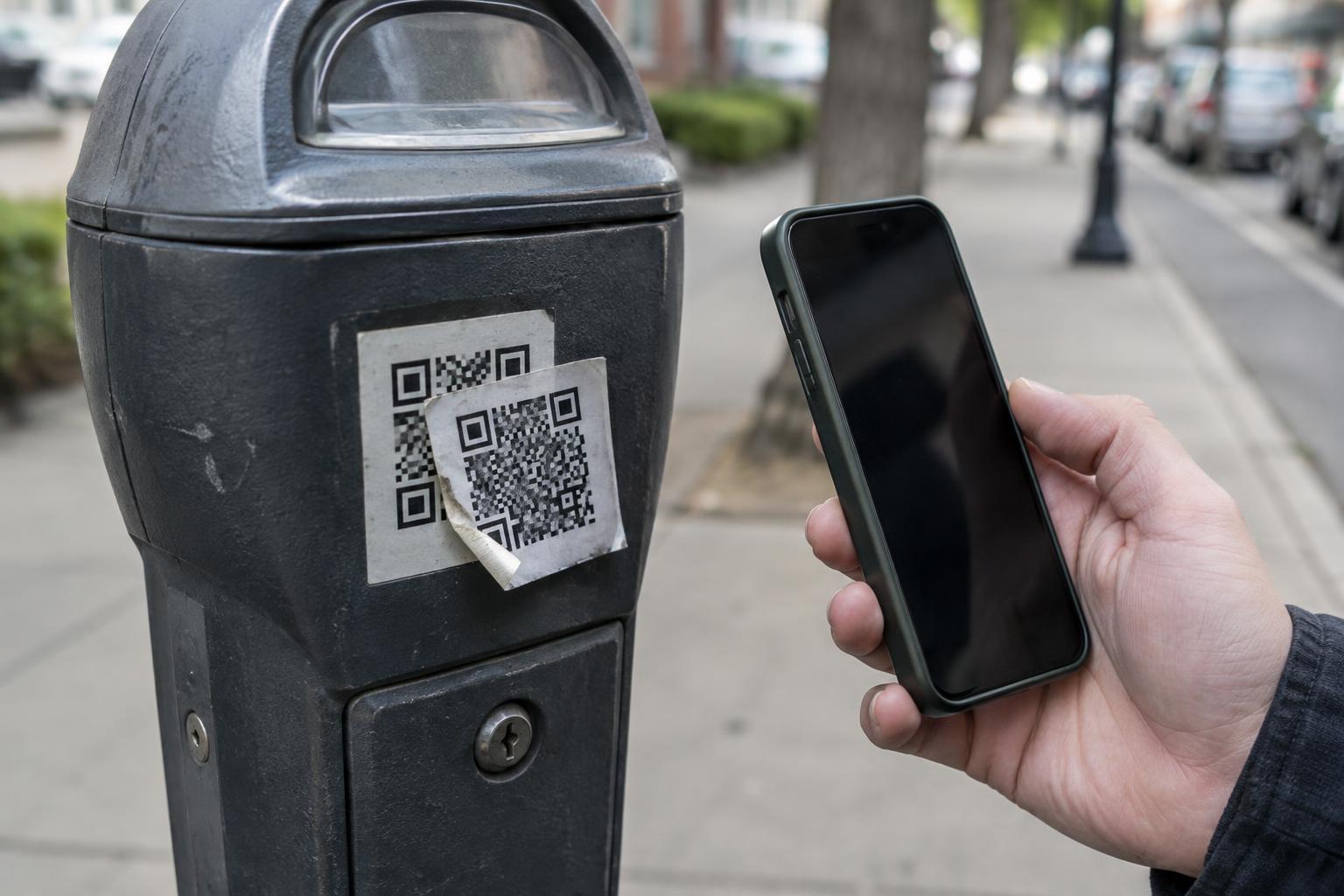
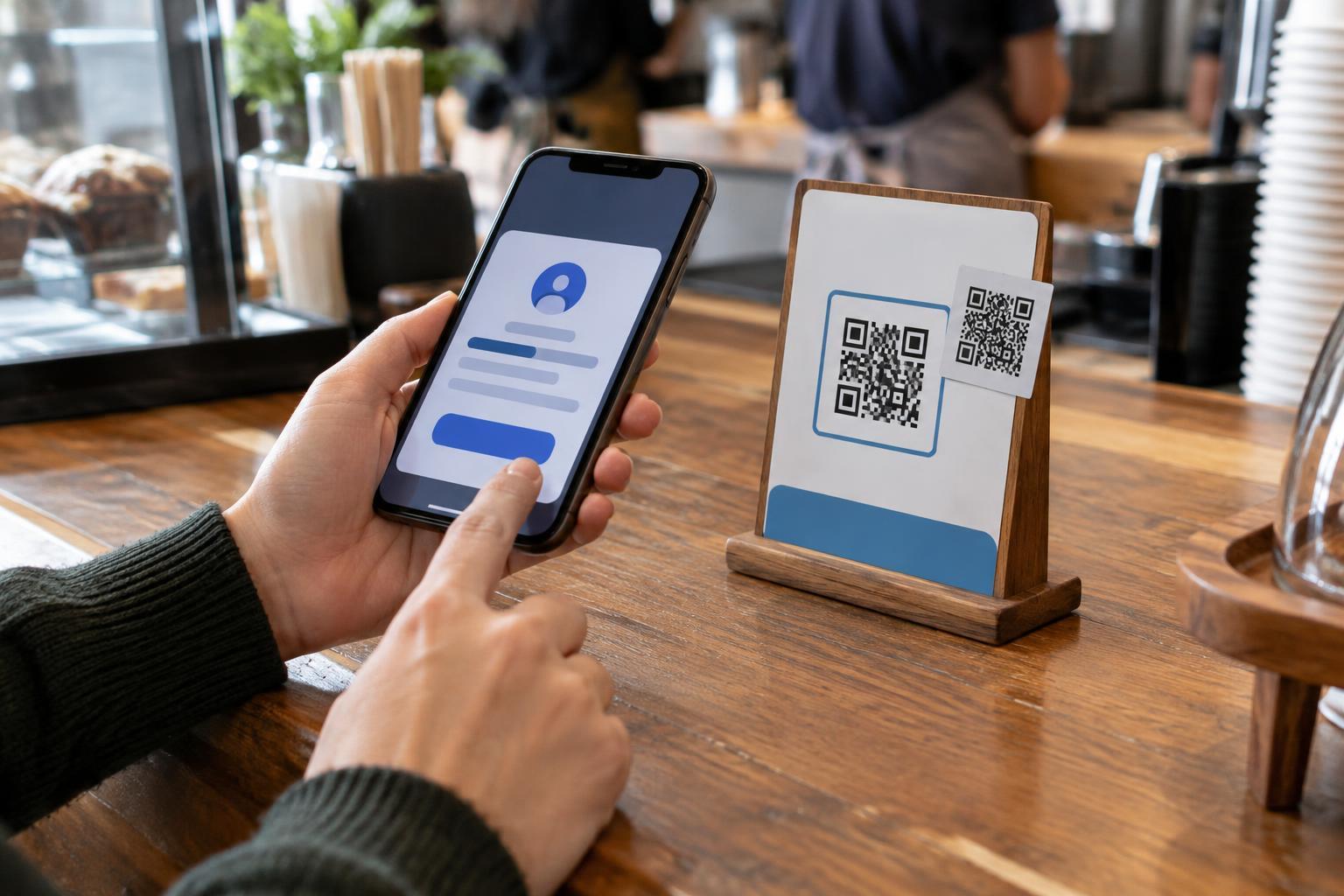
Picture a café with a printed code beside the register. If someone places a sticker over the original, the replacement may look ordinary to a customer in a hurry. Similar confusion can happen with a code in a message claiming to be from a seller or on a copied invoice. The safest habit is to treat the code as a way to start a payment, then verify the destination before you authorize it.
Check the code’s context before scanning
Look at where the code came from. At a physical location, check whether a sticker covers another code, the print looks out of place, or the displayed payment instructions conflict with what staff told you. Those details do not prove fraud, but they are good reasons to stop and ask. If a code arrives by text or email, be especially careful with an unexpected request or a sudden change to a previously agreed payment method.
Verify using a contact route you already trust rather than one supplied alongside the questionable code. For example, ask the cashier at the counter to confirm the payment method, or call a vendor using a number from an earlier invoice or your own records. If you cannot establish that the code is the one the recipient meant you to use, choose another payment method.
Read the payment screen before confirming
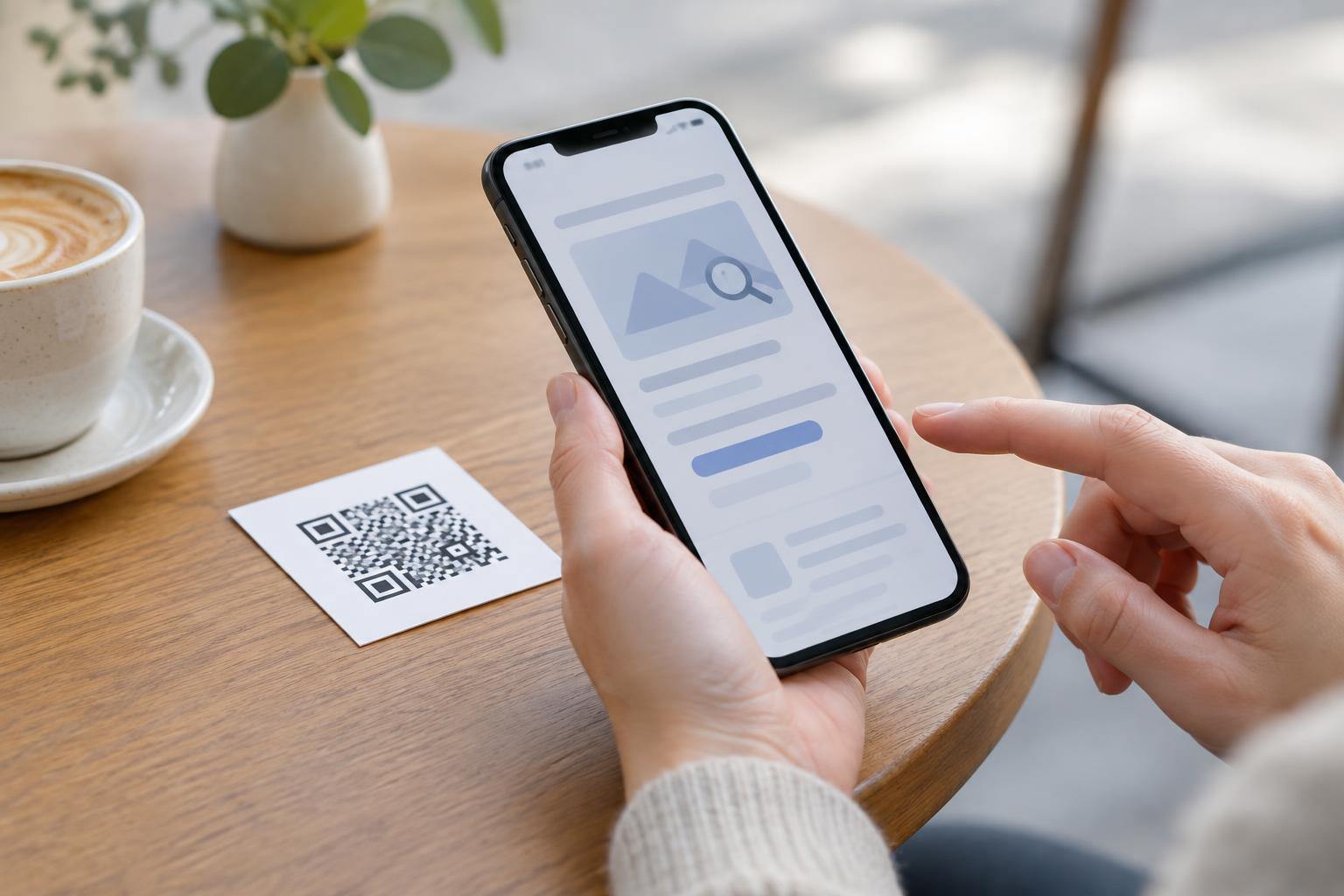
After scanning, pause on the payment screen. Check the recipient name or account details shown by your payment app, the amount, the currency, and any reference field. Compare them with the bill or with details you confirmed independently. A familiar-looking logo on a webpage is not enough: names and page designs can be copied, and a display name alone may not identify the account owner with certainty.
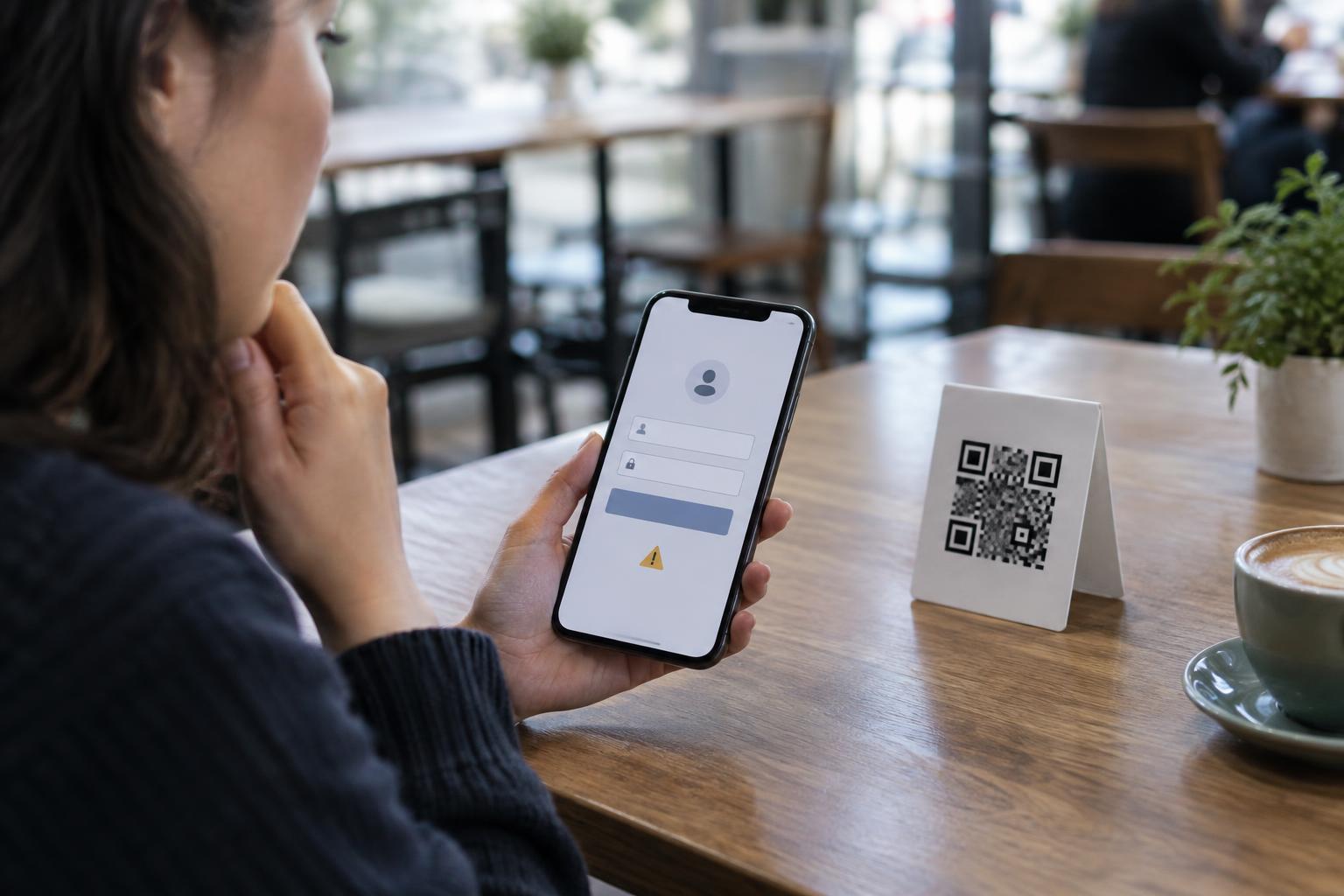
Be wary if scanning a payment code leads to a page asking you to enter a password, a one-time verification code, or card details when you expected to approve a payment in your usual app. Do not continue simply because a page says the payment is urgent or a discount will disappear. Close the page and open the payment service yourself through the app or address you normally use. Only confirm when you understand who is being paid and what you are authorizing.
Handle mismatches without rushing
If the recipient name, amount, or payment flow is different from what you expected, do not try to fix the uncertainty by guessing. Ask the intended recipient to clarify the details through a trusted channel. A legitimate recipient should be able to explain how you are meant to pay; you do not need to complete a transfer while the details remain unclear.
If you already paid and suspect the code was fake, contact your payment provider or bank promptly through its official app, website, or a number you know is genuine. Give them the transaction details and follow their instructions; whether a payment can be stopped or recovered depends on the service and the transaction. Keep the code or message, any receipt, and relevant correspondence. If you entered a password on an unfamiliar page, change it through the legitimate service and review your account security.
Make genuine codes easier to trust
People who display payment codes can reduce confusion by placing them where staff can see them, checking printed signs for damage or added stickers, and showing customers what recipient name to expect in the payment app. On invoices, include clear payment instructions and a reliable way for customers to confirm a change. These steps cannot make a QR code tamper-proof, but they give customers a practical way to spot a mismatch.
For customers, the rule is simple: scanning begins the process; confirming finishes it. Take a moment between those steps to check the recipient and amount. If the destination is unclear, pause and verify before any money moves.