What changes when a QR code is dynamic?
A QR code stores data that a phone can read. In a common dynamic setup, the printed code contains a stable web address that leads through a redirect service. The person managing that redirect can change where visitors end up without reprinting the code. That is useful when a restaurant updates its menu or an event organizer changes a registration page.
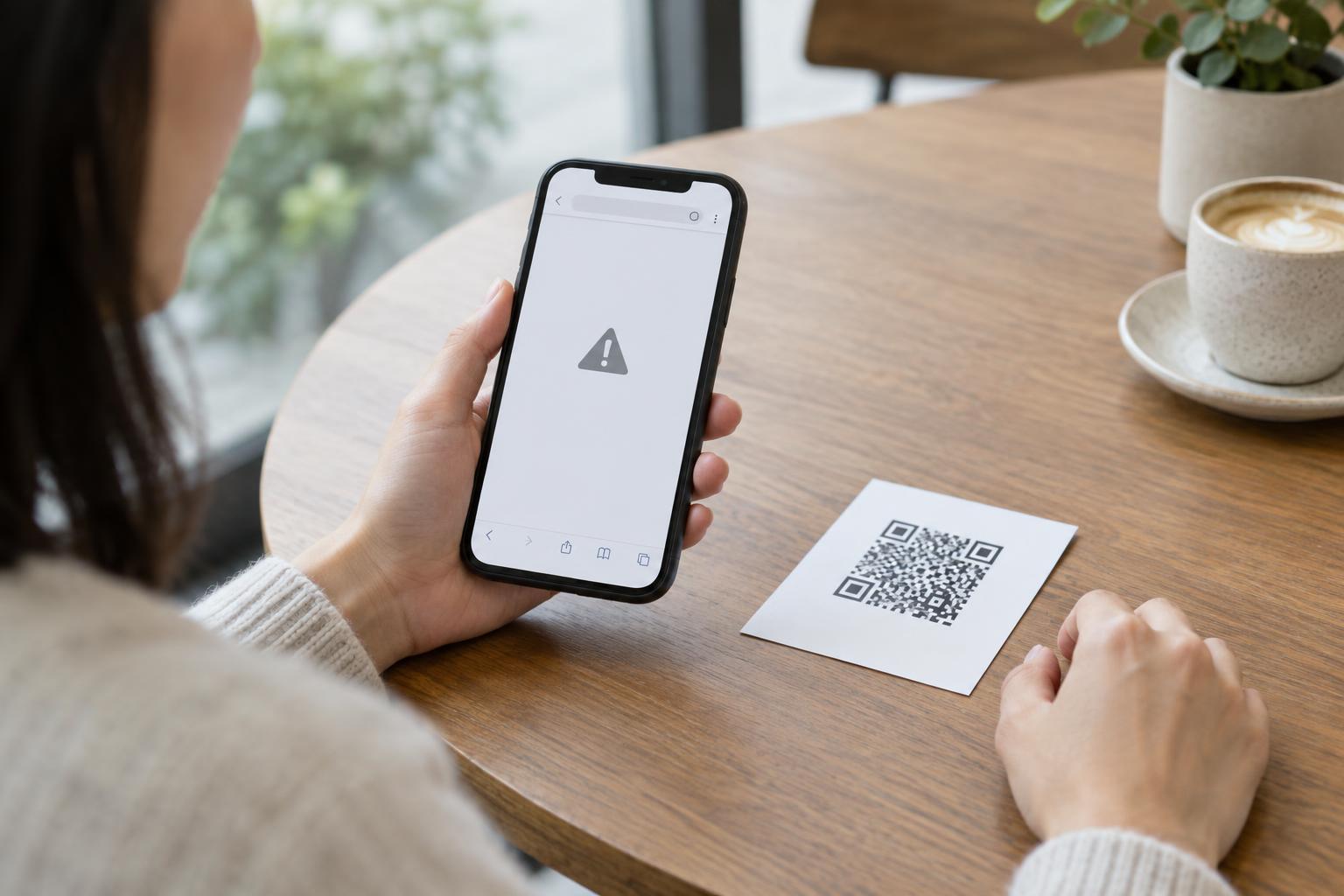
The same flexibility creates a security concern. If someone changes the redirect without authorization, people scanning a familiar sign may be sent to an unwanted page. The printed squares have not changed, so a visual check of the code itself will not reveal the new destination. The important question is therefore not just who can print the code, but who controls the address and the settings behind it.
Identify every point of control
Start with the account that manages the destination. Anyone who can sign in with permission to edit the redirect may be able to change it. Access can also be affected by a shared password, a connected application, or an administrator who can reset another user’s access. Keep an inventory that records each code’s purpose, its printed location, its intended destination, and the people allowed to edit it.
The web address encoded in the QR code matters too. If it uses a domain controlled by a service provider, that provider’s account and service settings are part of the chain of control. If it uses a domain your organization owns, access to the domain registrar and relevant website or redirect settings also matters. Before printing widely, make sure you understand which account controls the link and what would happen if that account or service became unavailable.
A static QR code pointing directly to a web page has a different control path: its encoded address cannot be remotely edited, although the page or domain it points to can still change. Calling a code “static” does not, by itself, guarantee that its eventual content will stay the same.
Limit editing rights without blocking routine work
Give destination-editing access only to people who need it. Where the service supports separate roles, a staff member who needs to view code details may not need permission to change links. Use individual accounts rather than one shared login so that access can be removed when responsibilities change and edits can be attributed to a person.
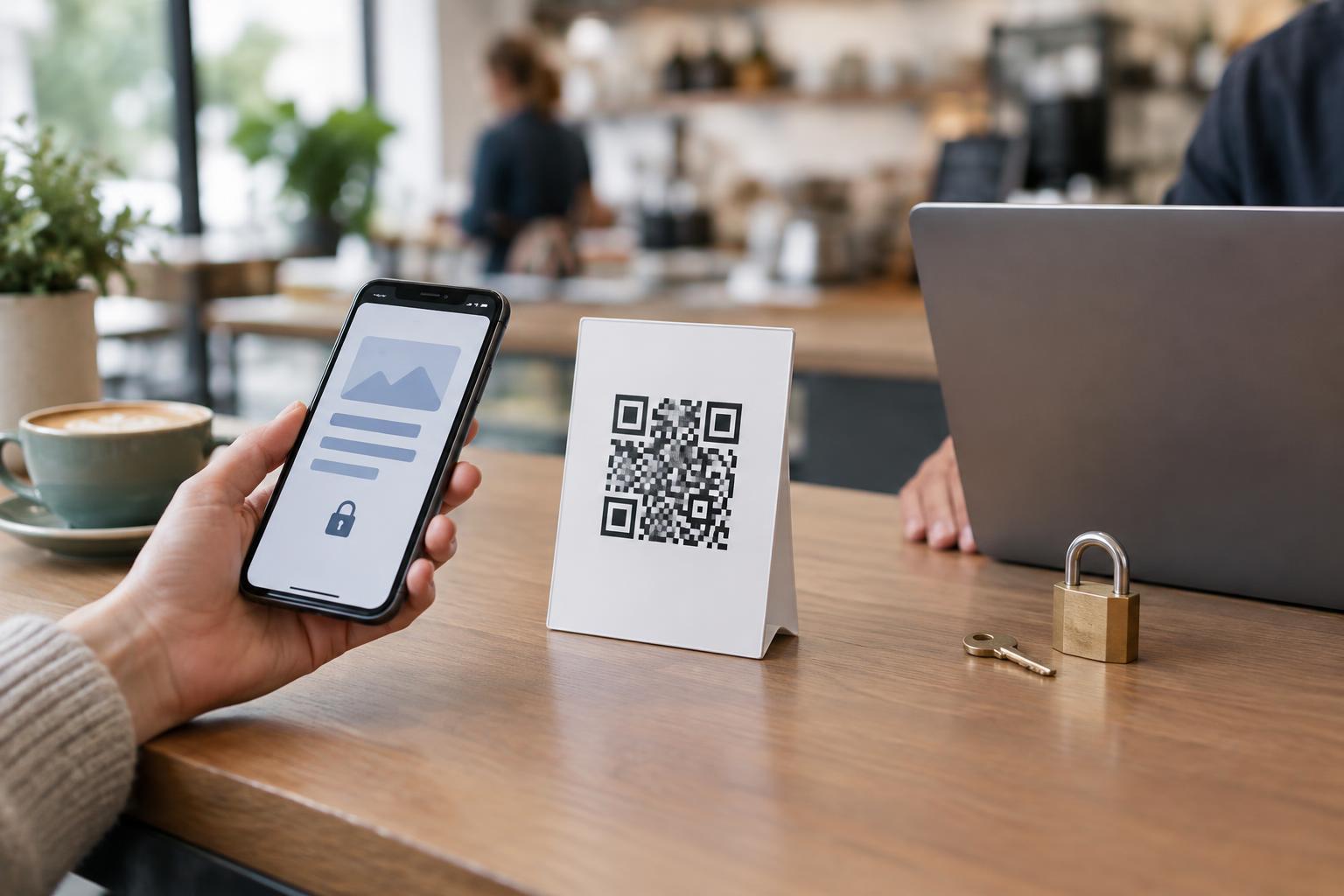
Protect accounts with strong, unique passwords and multifactor authentication where available. Review connected applications and remove access that is no longer needed. For important codes, such as those printed across many locations, consider a simple approval step: one person proposes a new destination and another checks it before it goes live. If the service has no approval feature, the team can still use an agreed review procedure outside it.
Treat personnel changes as a reason to revisit permissions. Removing an old employee from a document or messaging group does not necessarily remove their access to a QR management account. Check the account itself, as well as any shared credentials, recovery methods, and administrative roles.
Check destinations before and after changes
Before publishing an update, open the proposed destination and confirm its domain, content, and intended audience. Be especially careful with links supplied by someone else or addresses that look similar to a familiar domain. A working page is not necessarily the right page: check that it asks visitors for only the information the experience actually requires.
After changing a destination, scan the printed code or a copy of the final artwork with an ordinary phone camera. Check where the visitor lands, not just what the management screen says. If the service provides an edit history or notifications, use them to spot unexpected changes; availability varies by provider. Periodically test codes that remain posted for long periods, particularly those in places where visitors may assume they are official.
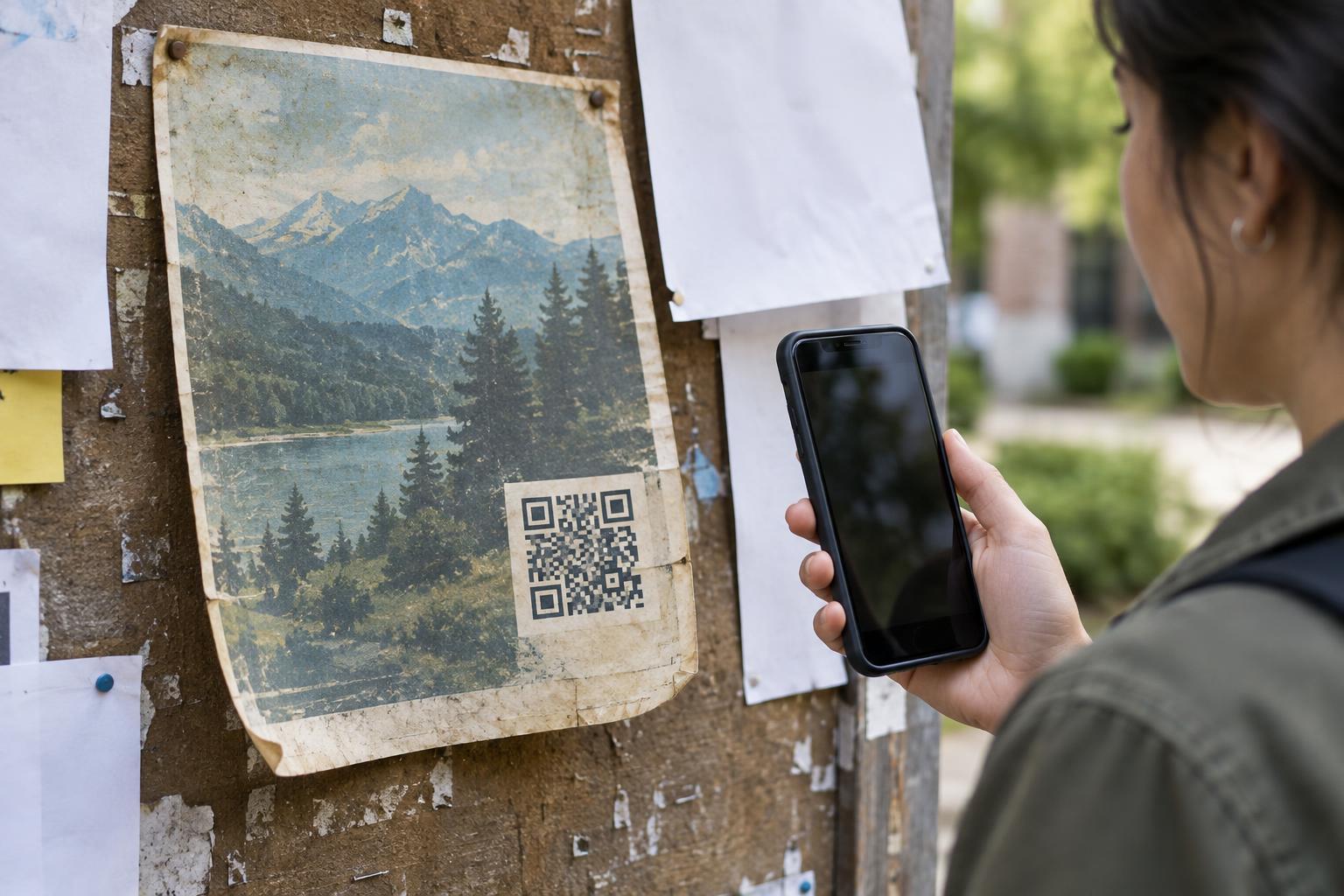
Remote destination control does not prevent someone from placing a different QR sticker over a printed code. Inspect physical signs as well as redirect settings, and make it easy for staff to report damaged or suspicious displays.
Plan for an unauthorized change
Decide in advance who can respond if a destination changes unexpectedly. Useful first steps may include restoring a verified destination, securing the managing account, reviewing who had access, and checking for other affected codes. Keep a record of which signs and materials carry each code so the team can find them quickly.
If visitors may have reached a harmful or misleading page, consider how to warn them through channels you control. A replacement redirect can help future scanners, but it cannot undo a visit that already happened. For codes tied to important customer actions, provide a recognizable alternative, such as a clearly printed website address, so people have another way to reach the intended service.