Scanning is not the same as opening
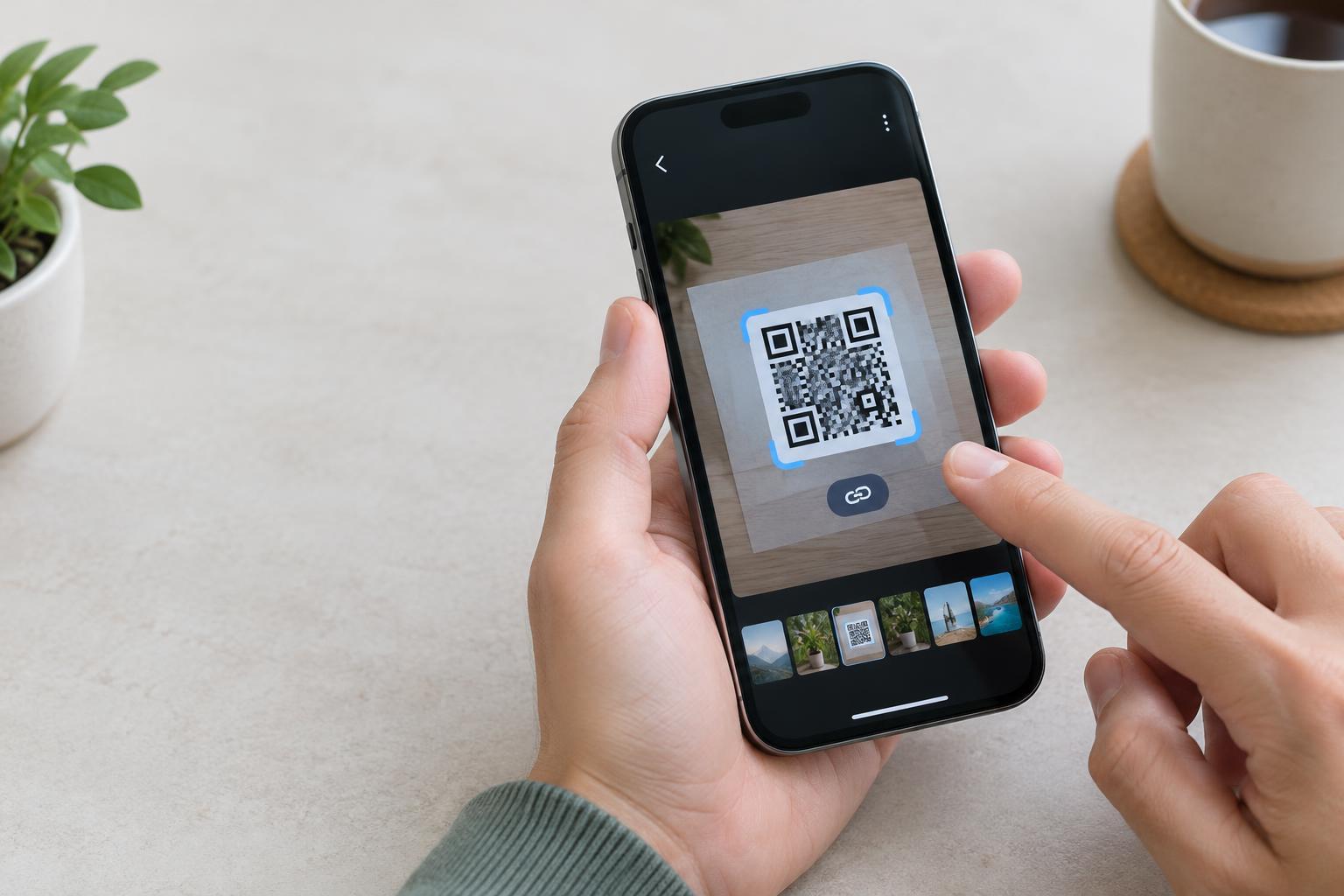
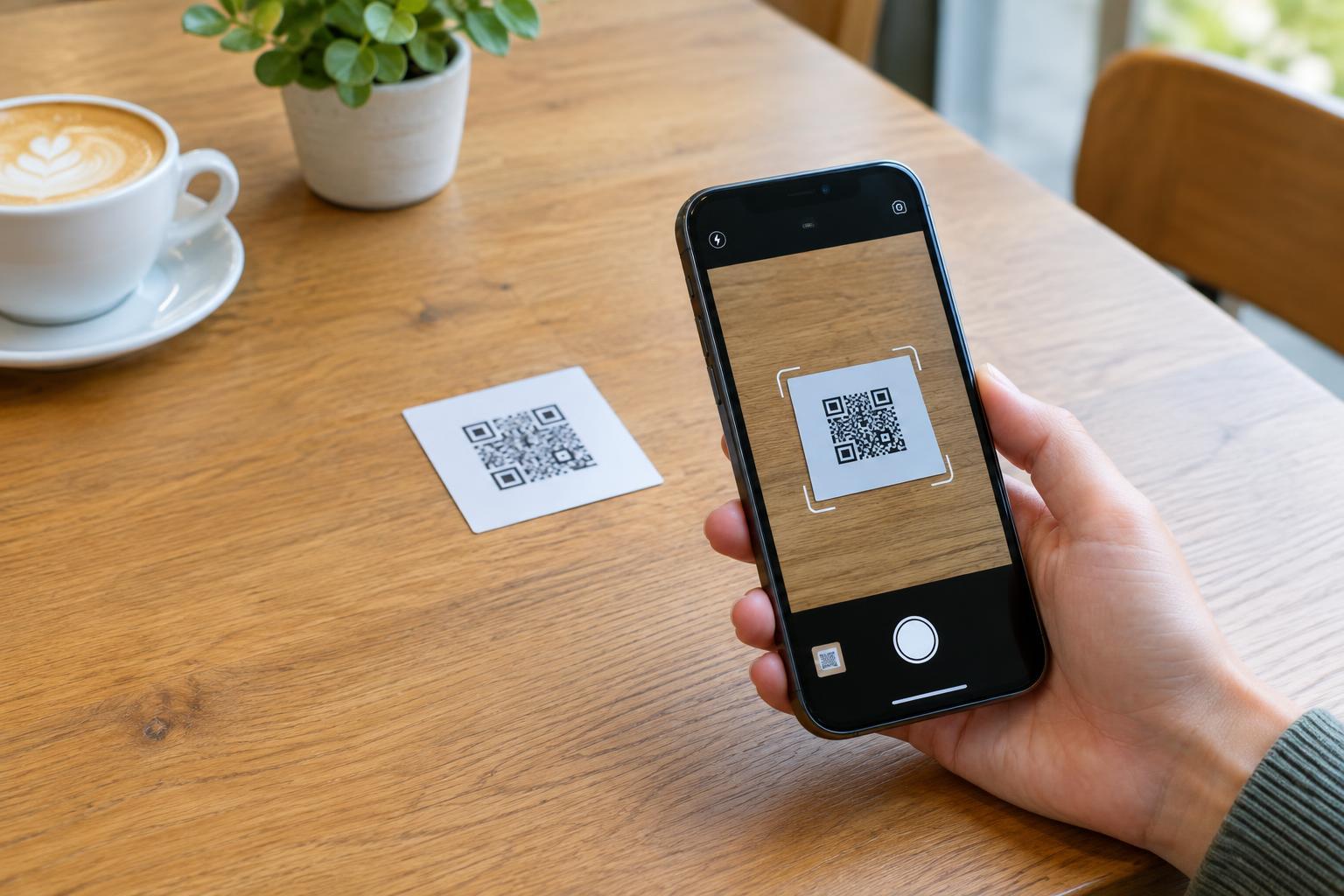
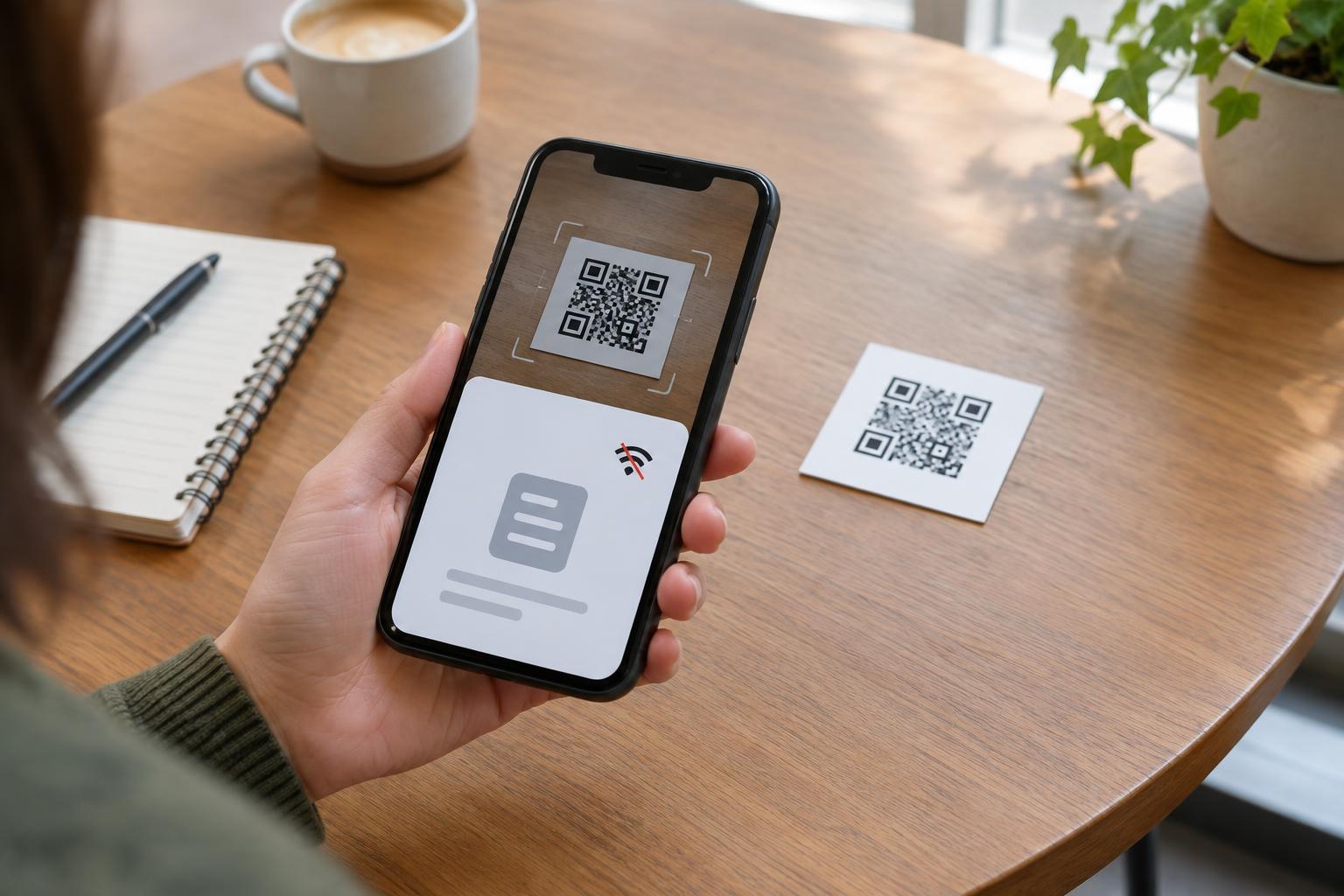
A QR code is a pattern that stores data. A phone camera or scanner app reads the pattern, corrects for minor printing or viewing errors, and interprets the stored characters. For many phones, that reading step can happen entirely on the device. It does not, by itself, require mobile data or Wi-Fi.
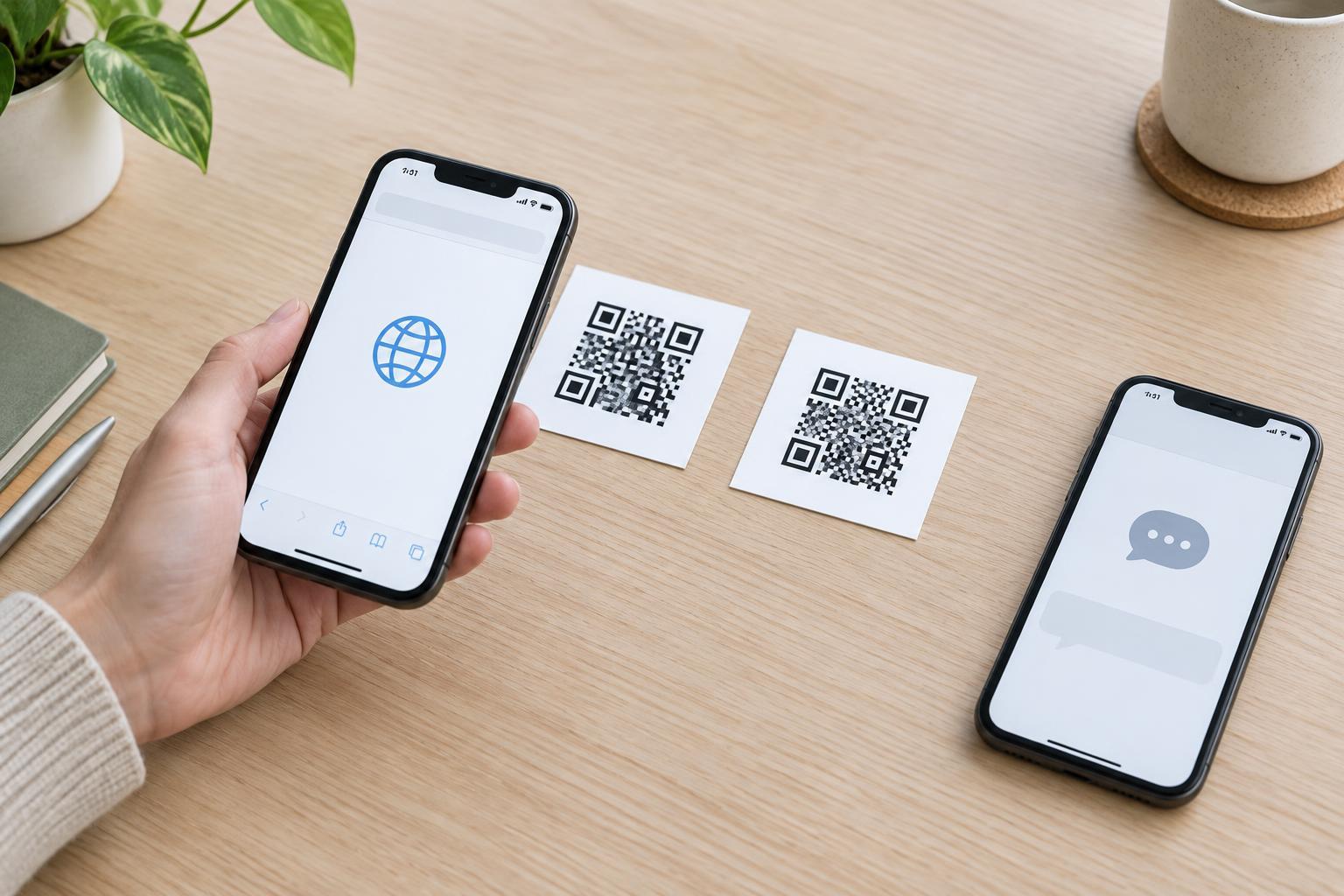
The next step depends on the data inside the code. If it contains a web address, the phone may offer to open that address in a browser. The scan can succeed while the page fails to load because there is no connection. That is why someone might say a QR code “doesn’t work offline” even though the phone read it correctly. The limitation is usually access to the destination, not access to the printed code.
Scanner behavior varies by device and app. A built-in camera may recognize codes without a connection, while a particular scanning app may depend on online features. If offline use matters, test with the actual devices and apps your visitors are likely to use.
What a QR code can provide without internet
Plain text is a straightforward offline option. A code could contain short instructions, an exhibit label, or a product identifier. Once scanned, those characters can be displayed without fetching a page. A contact card can likewise carry details such as a name, phone number, and email address; the phone may offer to save them. Saving and displaying those details need not require internet, though calling or emailing later may require a suitable service.
A QR code can also store Wi-Fi connection details. Scanning may help a visitor join a nearby network, but joining Wi-Fi is not the same as having internet access. A local network might connect to on-site resources, or it might have no usable connection at all. The phone may also ask the visitor to confirm before joining.
Capacity is limited. QR codes are useful for compact information, not as a practical substitute for a full website, video, or large document. More stored data generally produces a denser pattern, which can be harder to scan at a small print size. If you need to provide substantial information offline, a short message in the code can complement a printed handout, sign, or preloaded resource.
Why a link may need a connection
A code containing a website address stores the address, not a copy of the website. Opening it usually requires the phone to reach the site. The same applies when a code points to an online menu, form, payment page, map, or downloadable file. A short link that redirects to another address still depends on network access for the redirect and destination.
There are exceptions, but they should not be assumed. A browser might show a previously saved page, or a dedicated app might have content downloaded in advance. Those outcomes depend on the device, its settings, and what was saved before the scan. A link to a resource on a local network may work without public internet, but only for visitors who can connect to that network and reach the resource.
If a linked page is essential, think about the setting in which people will scan. A code on a basement wall, in a remote area, or inside a venue with patchy reception may be easy to photograph but difficult to use. Printing a brief explanation beside the code lets people understand its purpose even when they cannot open the link.
Design an experience that survives a lost connection
Start by deciding what visitors must be able to do offline. If they only need a short instruction, consider storing that text in the code and printing it nearby as well. If they need a full page, provide a clear non-digital alternative for the essential information. For example, a trail sign can show the route name and key directions in print while its QR code offers additional details when a connection is available.
Keep the code easy to scan: give it sufficient size, strong contrast, a clear margin around the pattern, and a position people can reach without awkward angles. Put a descriptive label next to it, such as “Open the visitor guide,” rather than making the code the only clue. Test both parts of the experience: scan with connectivity switched off to see what the device reads, then test the destination with a connection to confirm it contains what the label promises.
Finally, treat a successful scan as information, not proof that a destination is safe. Before opening a link, visitors can review the address their phone displays, especially on public signs where a sticker could cover the original code. Offline or online, a QR code does not verify who placed it or guarantee that its contents are trustworthy.