Start with the action you want someone to take
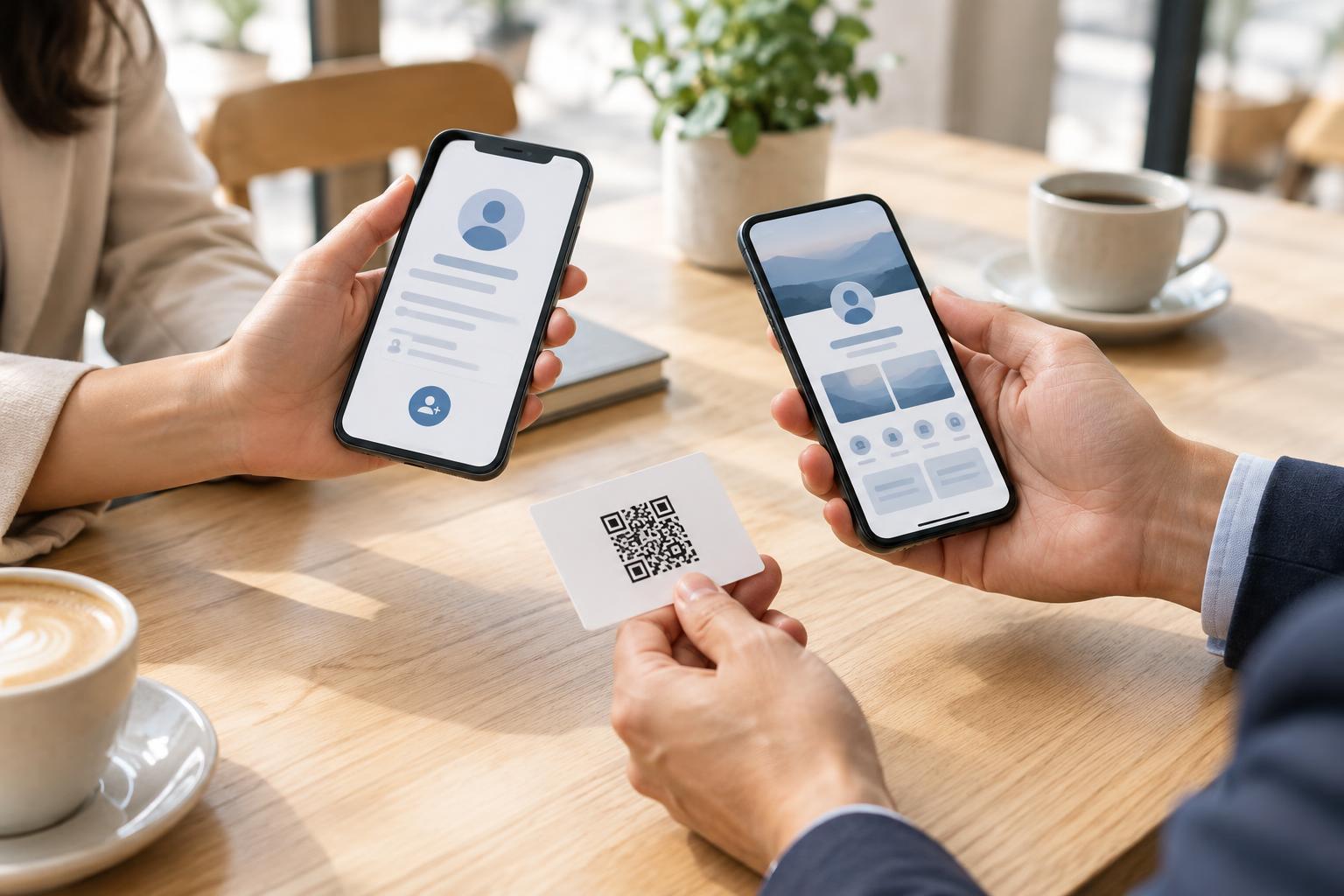
After a meeting, what should a new contact do first: save your phone number, browse your work, or choose how to get in touch? That question matters more than the format you use. A digital business card is generally built around sharing contact details. It might be a contact file that someone can add to an address book or a profile opened through an app or link. A QR-linked contact page is a web page reached by scanning a printed or displayed code. It can show contact options alongside a short introduction, services, or other useful links.
The two are not opposites. A QR code can lead to a page with a save-contact option, and a digital card can itself be shared through a QR code. The useful distinction is what happens after the person opens it. If the goal is a quick address-book entry, favor a direct way to save details. If the person needs context before deciding to follow up, a contact page may serve them better.
When a digital business card is the simpler choice
A saveable contact file can work well when you meet someone who already knows why they want to reach you. For example, after agreeing to schedule a call, sharing your name, role, email, and phone number may be more helpful than sending them to a page of links. Include only details you want that person to keep, and check how the file appears on common phones before using it widely. Contact apps and file types can handle fields differently, so a test is more reliable than assuming every recipient will see the same layout.
A card tied to a particular app may offer a polished profile, but it can add steps if the recipient must install the app or create an account. Ask whether those steps are reasonable for the setting. A direct contact file or a plain text email address can be a useful fallback when speed matters.
When a QR-linked contact page earns its place
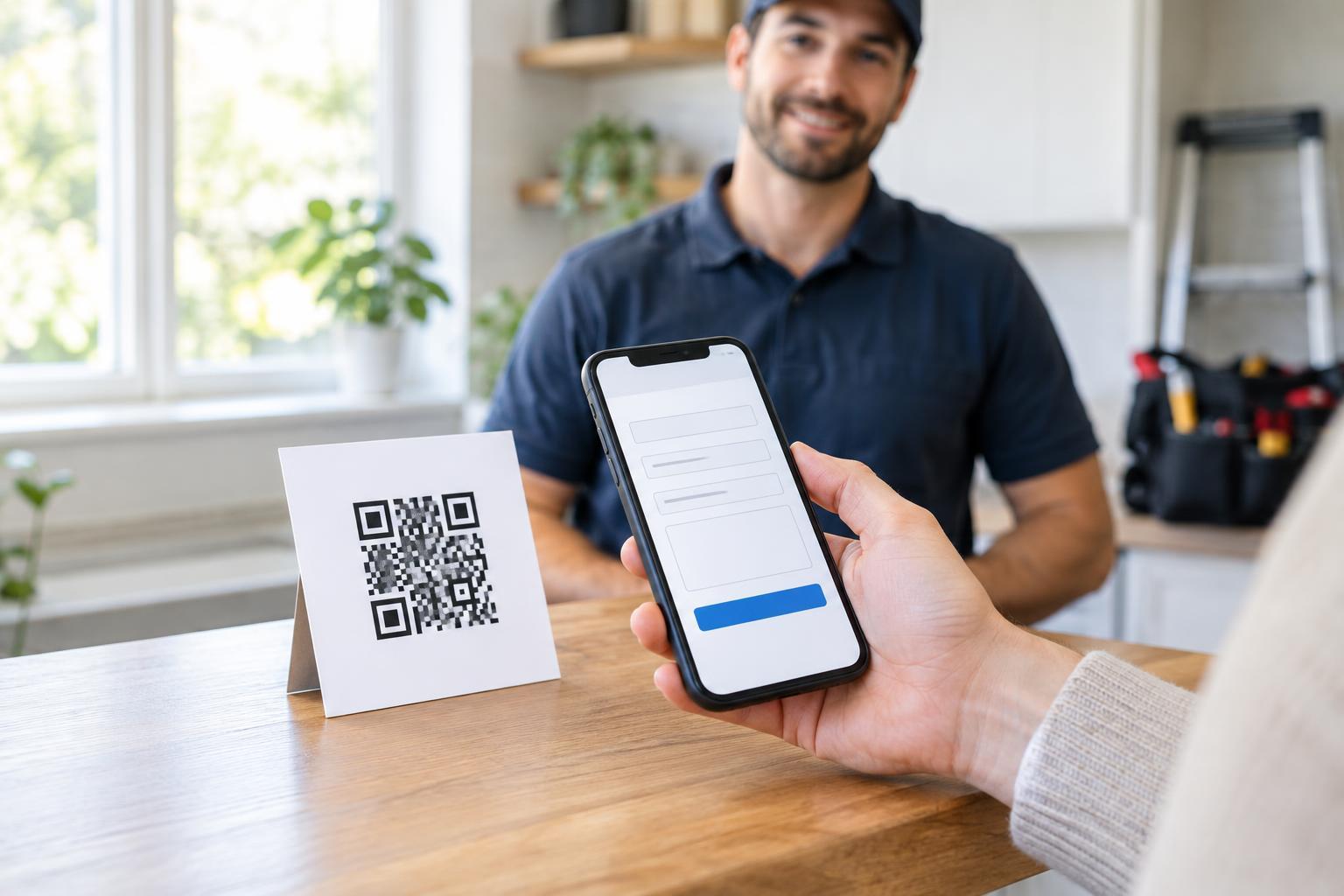
A contact page is useful when you have several appropriate next steps. A consultant might offer an email link, a booking option, and a brief description of their work. A shop representative might share a store contact address and product information rather than a personal phone number. The page can also explain which channel is best for different questions, helping visitors make a choice without crowding a small printed card.
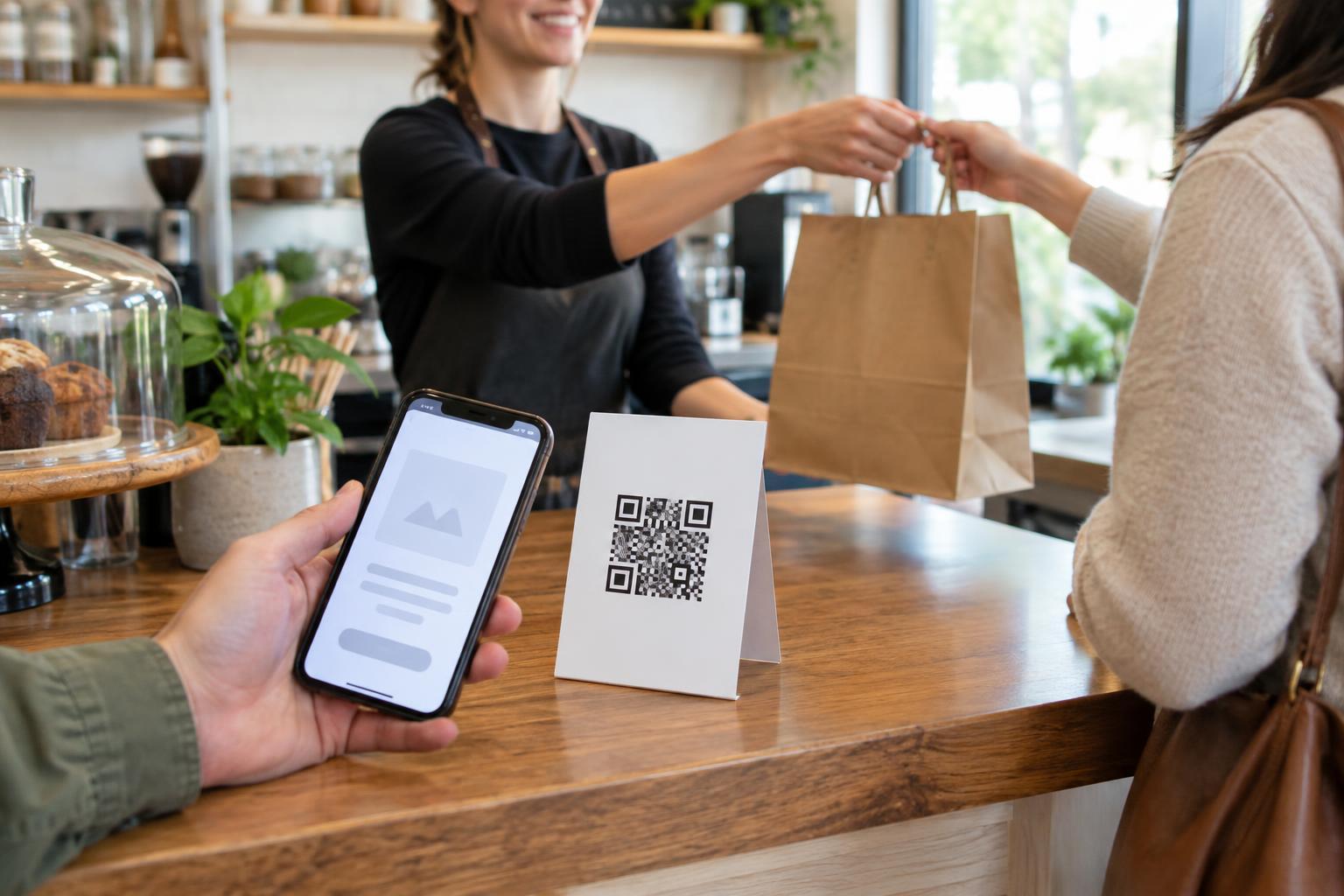
Because the QR code points to a web address, you can usually update information on that page without reprinting the code, provided the address stays the same and the page remains available. That flexibility comes with responsibility: maintain the page, keep its links working, and make the destination recognizable. Someone may hesitate to scan a code with no explanation, so place a short label beside it, such as “Contact details and work samples.”
Compare upkeep, privacy, and access
Think about where your details will live. A saved contact may remain in someone’s address book after you change jobs or numbers. A web page lets you correct the information visitors see next time, but it depends on an internet connection and a working site. Neither approach guarantees that a past recipient will notice an update. If a detail changes often, consider sharing a stable professional address as the main contact route rather than relying on a personal number.
Share only information you are comfortable making available to the intended audience. A public contact page is easy to forward, and a QR code on a sign can be scanned by anyone who sees it. If you use a hosted card service or a page with forms or analytics, review what information it collects from you and visitors. Avoid making someone provide personal details just to learn how to contact you.
A QR code should be an option, not the only route. Print a readable web address or email address nearby, and make the destination page usable with a keyboard and screen reader. Use clear link names, readable text, and buttons large enough to select comfortably. Those choices also help people whose phone camera cannot scan the code.
Make sharing easy in the moment
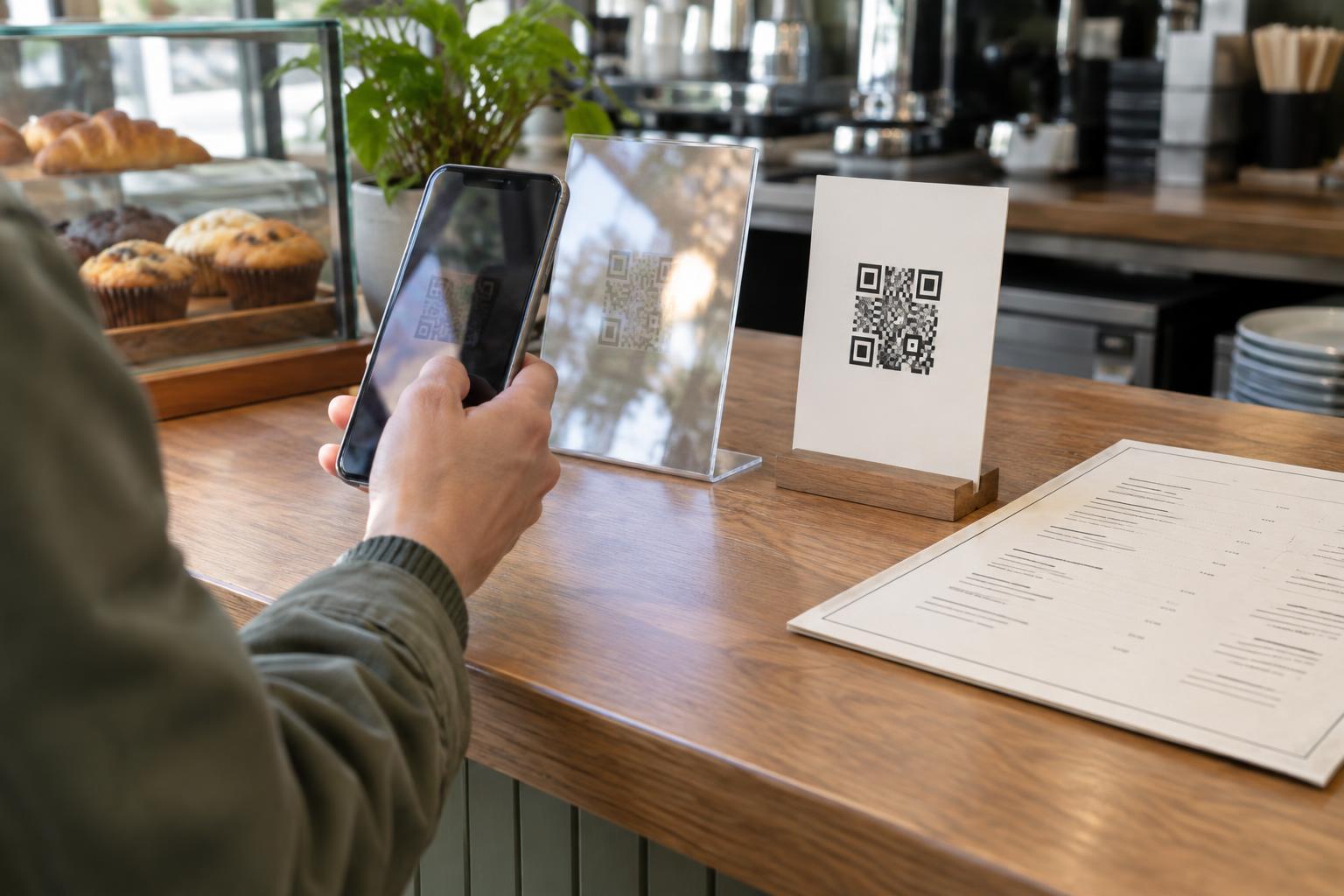
For a printed card, sign, or event badge, leave clear space around the QR code and place it where someone can hold a phone steady without blocking a doorway or counter. Use strong contrast and test the final printed size under ordinary lighting. Before distributing a batch, scan it with more than one phone and confirm that the destination loads and the main contact action works.
Choose one primary action rather than presenting every possible link at once. You might say, “Scan to save my contact details,” or “Scan to see my work and contact options.” Offer the same destination as a tappable link in email or messages, where scanning is unnecessary. The best choice is the one that lets a new contact take the next step with the least confusion: a saveable card for a straightforward exchange, a contact page when context helps, or a page that provides both.