Start with the light people actually have
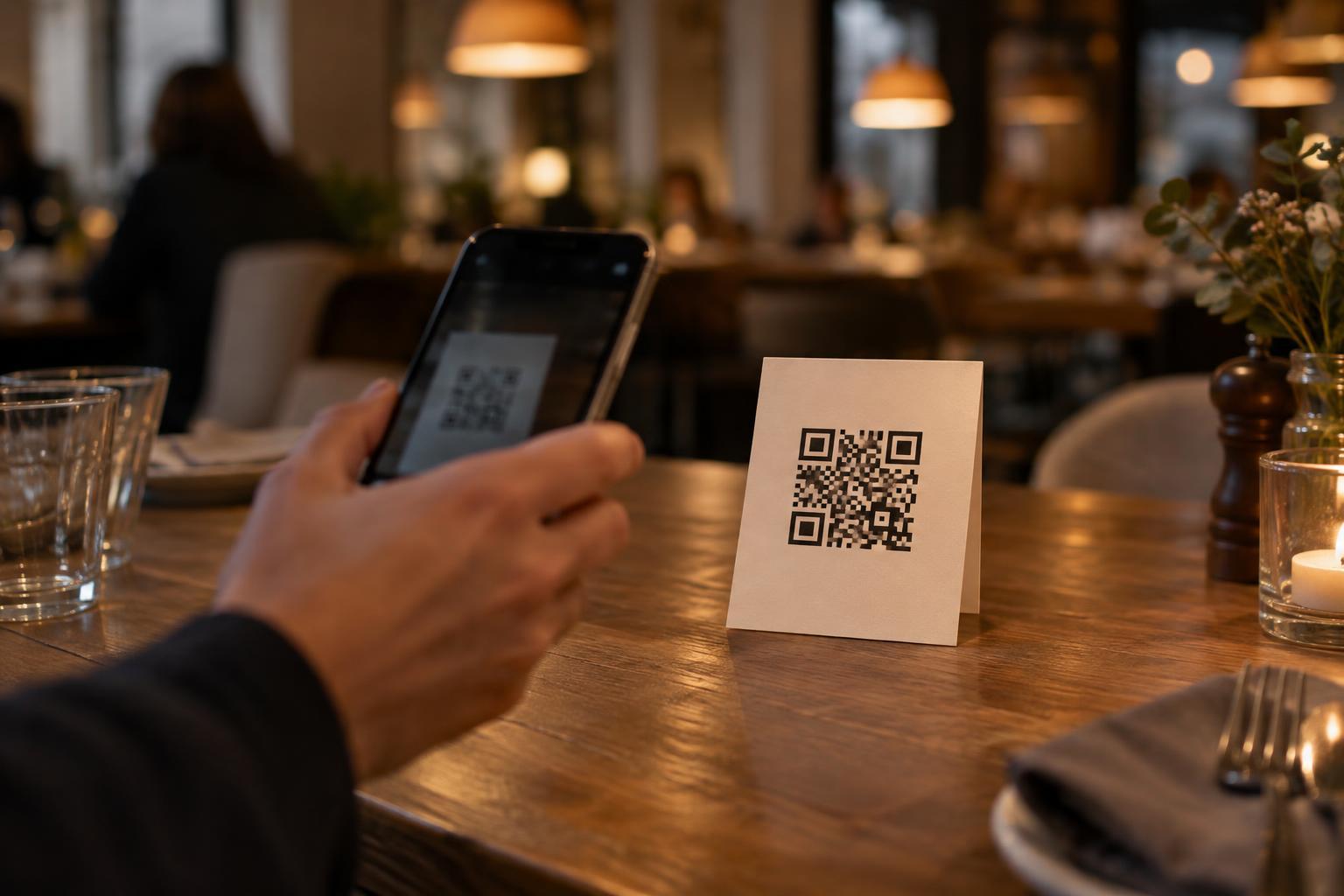
A code that scans on a bright computer screen may be frustrating on a menu in a dim dining room. Phone cameras need a clear image of the code’s small squares and the blank space around them. In low light, a camera may produce a blurrier or noisier image, especially if someone is holding a menu or reaching toward a wall. Design for that ordinary experience rather than assuming visitors will turn on a flash.
Before choosing colors or materials, look at the proposed location from a visitor’s position. Is the code beneath a lamp, in a shadow, or facing a bright window that creates glare? Will people scan it while seated, standing in a queue, or walking past? Those details affect how large the code needs to be and where it belongs. Improving the light falling on the printed surface, even by moving the code a short distance, can be more useful than changing the artwork.
Keep the pattern easy to distinguish
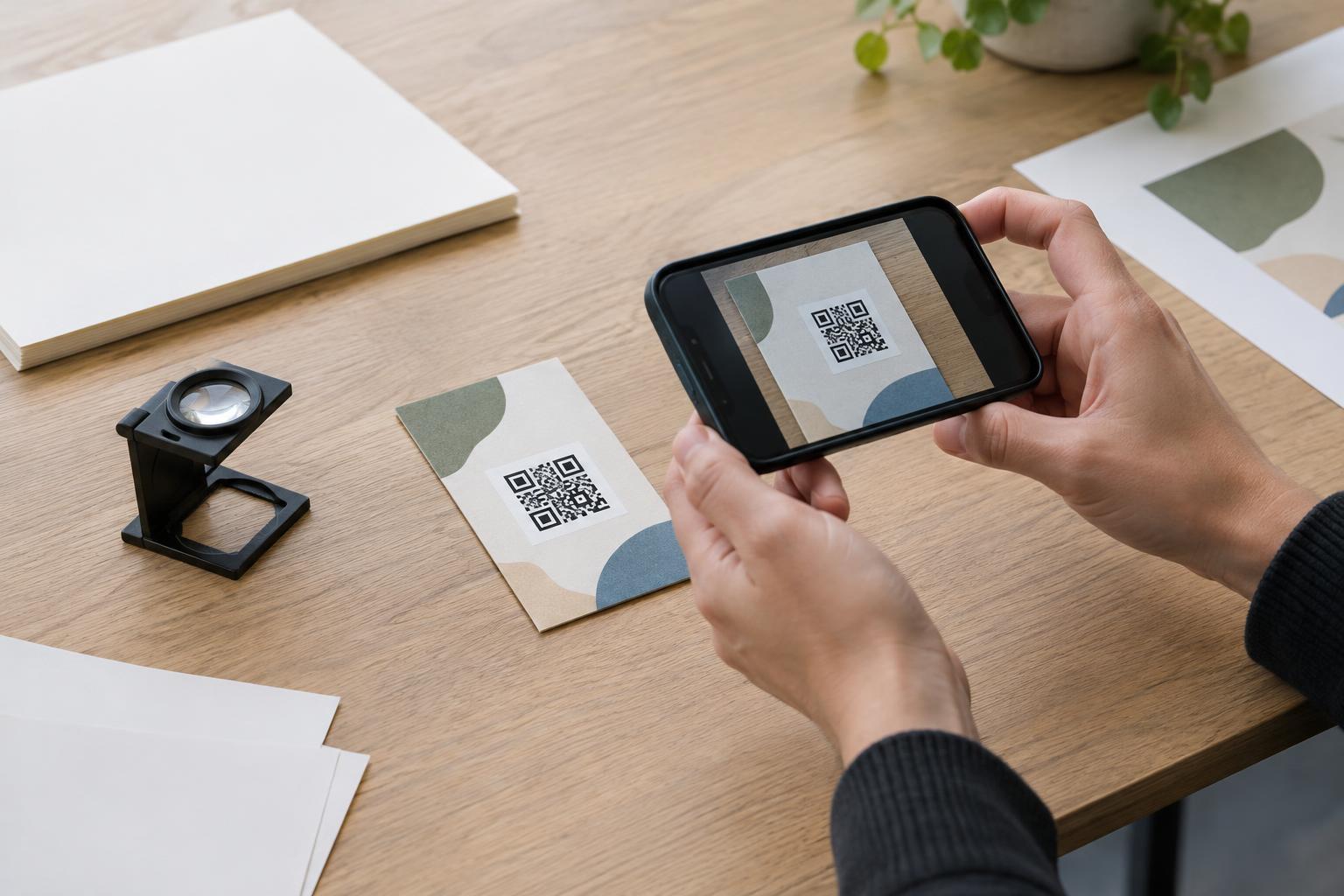
A dark code on a light background is a dependable starting point. In dim conditions, strong contrast helps the camera distinguish the pattern without flash. Avoid placing the code over a photograph, texture, gradient or transparent surface that changes its appearance. Pale gray squares on cream paper may look elegant up close but can become hard to separate under warm, weak lighting.
Leave an uninterrupted light margin around the entire code. This clear area, often called the quiet zone, helps a scanner identify where the code begins and ends. Do not let a border, caption, logo or nearby illustration run into it. If the design includes a logo within the code, keep it modest and test the finished version carefully; decorative changes can reduce the room for printing and scanning errors.
Choose a code size that suits the viewing distance rather than shrinking it to fit a label. A code on a table card can be closer to the camera than one on a wall. Enlarging a code will not rescue a poorly printed image, though: use a crisp source file and check the final print for fuzzy edges or ink spreading into the lighter areas.
Choose materials that do not fight the camera
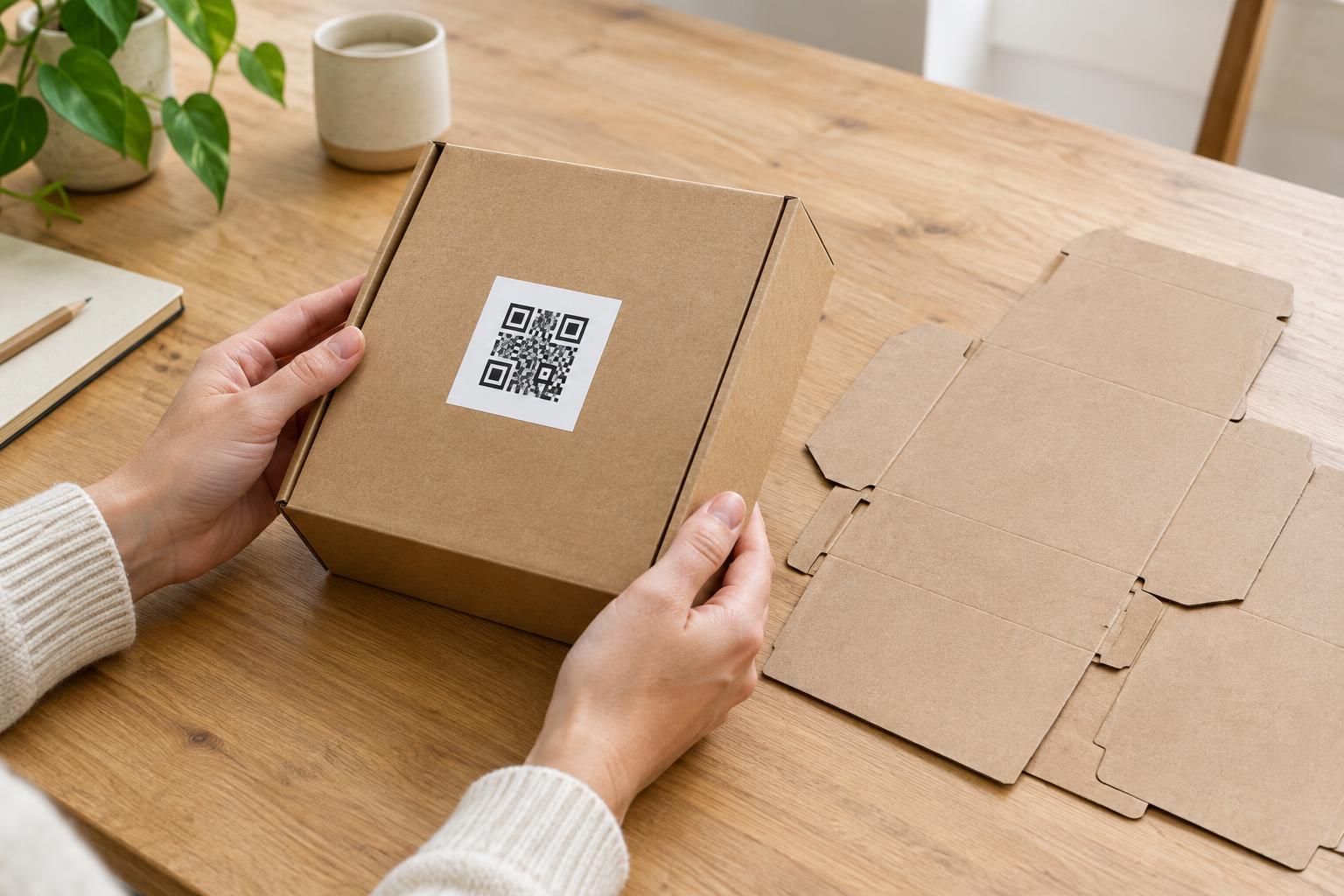
Glossy lamination, reflective stickers and shiny acrylic can create bright spots that hide parts of a code, particularly when light comes from a small lamp. A matte or low-glare finish is often a better choice for printed codes in dim spaces. If a protective cover is necessary, test the code through that cover rather than testing the paper alone.
Think about wear as well as the first day of use. A tabletop card can collect fingerprints; a floor-level sign can be scuffed; a sticker near a doorway can peel at the edges. Place the code where it is less likely to be damaged, and replace prints when the pattern or its clear margin becomes obscured. If the code is displayed on a screen, check it at the screen’s normal brightness and watch for reflections on the glass.
Place it where scanning feels natural
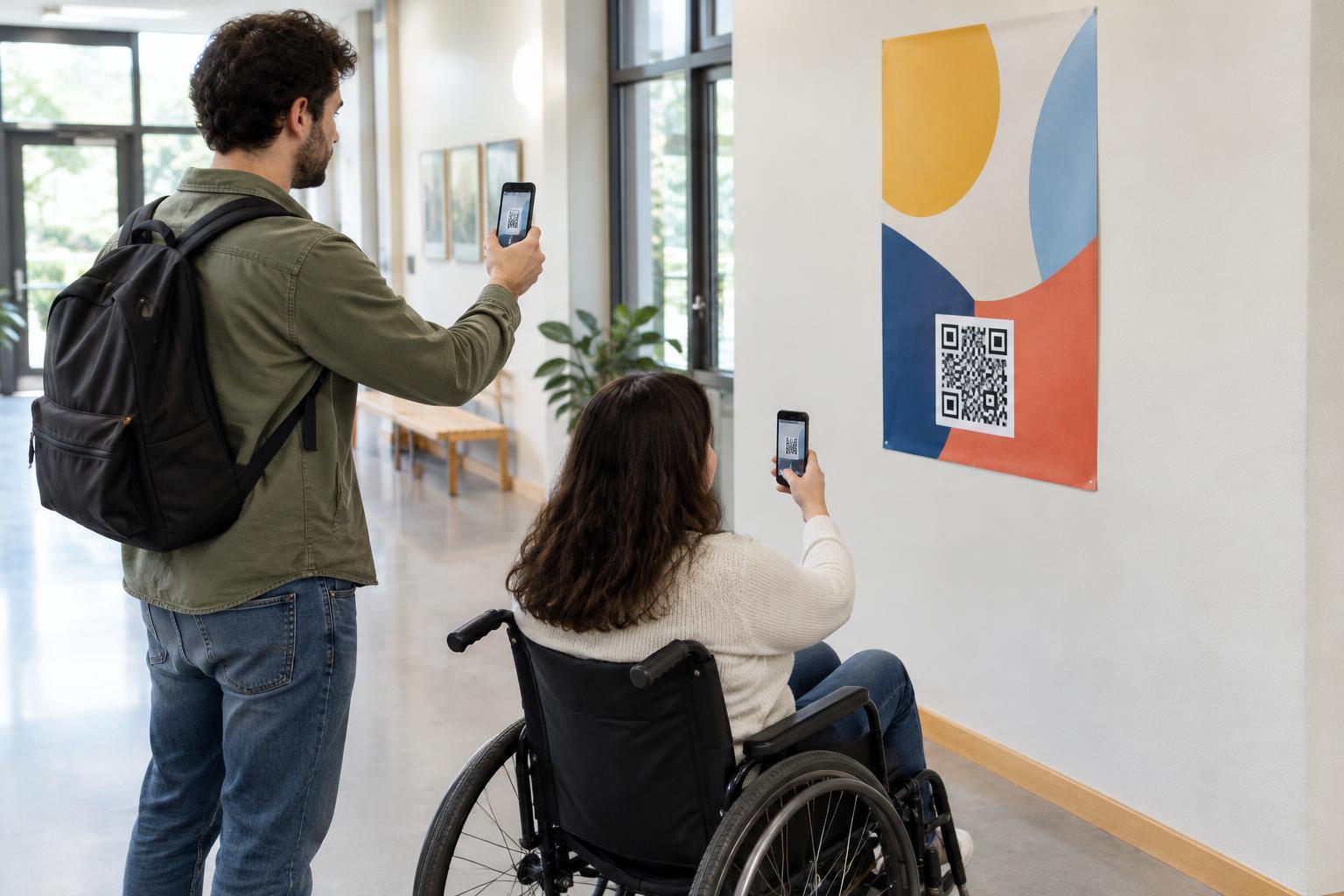
People should be able to steady their phone and see the whole code without stretching, blocking a walkway or casting their own shadow across it. A code mounted flat against a dark wall may be harder to use than the same code on an angled stand under existing light. Avoid curved surfaces that distort the pattern or make one side harder to bring into focus.
Give the code a short, readable label explaining what it opens, such as “View the menu” or “Read exhibit details.” The label helps visitors decide whether scanning is worthwhile and makes an unfamiliar code less ambiguous. It should sit outside the quiet zone. Where practical, include a non-scanning route—such as a printed summary, staff assistance or a short, legible web address—so access does not depend on a camera.
Test the finished display at its dimmest
Test a proof in the intended location with the usual lighting, without turning on the phone flash. Try more than one phone if possible, and ask testers to scan from the position a visitor would use. Check whether the code is found promptly, whether its destination opens as expected, and whether someone can read the label and any alternative instructions.
If scanning is unreliable, change one practical factor at a time: move the display into better light, reduce glare, increase the code size or simplify the design. Then test the revised print in place. The goal is not merely a code that can be scanned after several attempts; it is a clear, convenient choice for someone encountering it for the first time.