A QR code carries the contact details, not the contact itself
A contact card QR code is a convenient way to share details that someone might otherwise type into their phone. The QR code stores data as a pattern of dark and light modules. A camera or scanning app reads that pattern and recovers the encoded text. If the text follows a contact-card format that the device recognizes, the device may offer to create a contact.
One common format is vCard. It organizes details into labeled fields, such as a name, telephone number, email address, organization or website. In a typical vCard QR code, those fields are embedded directly in the code. The person scanning does not need to visit a website to retrieve them, although the phone’s response depends on its camera, operating system and contact app.
What happens after someone scans
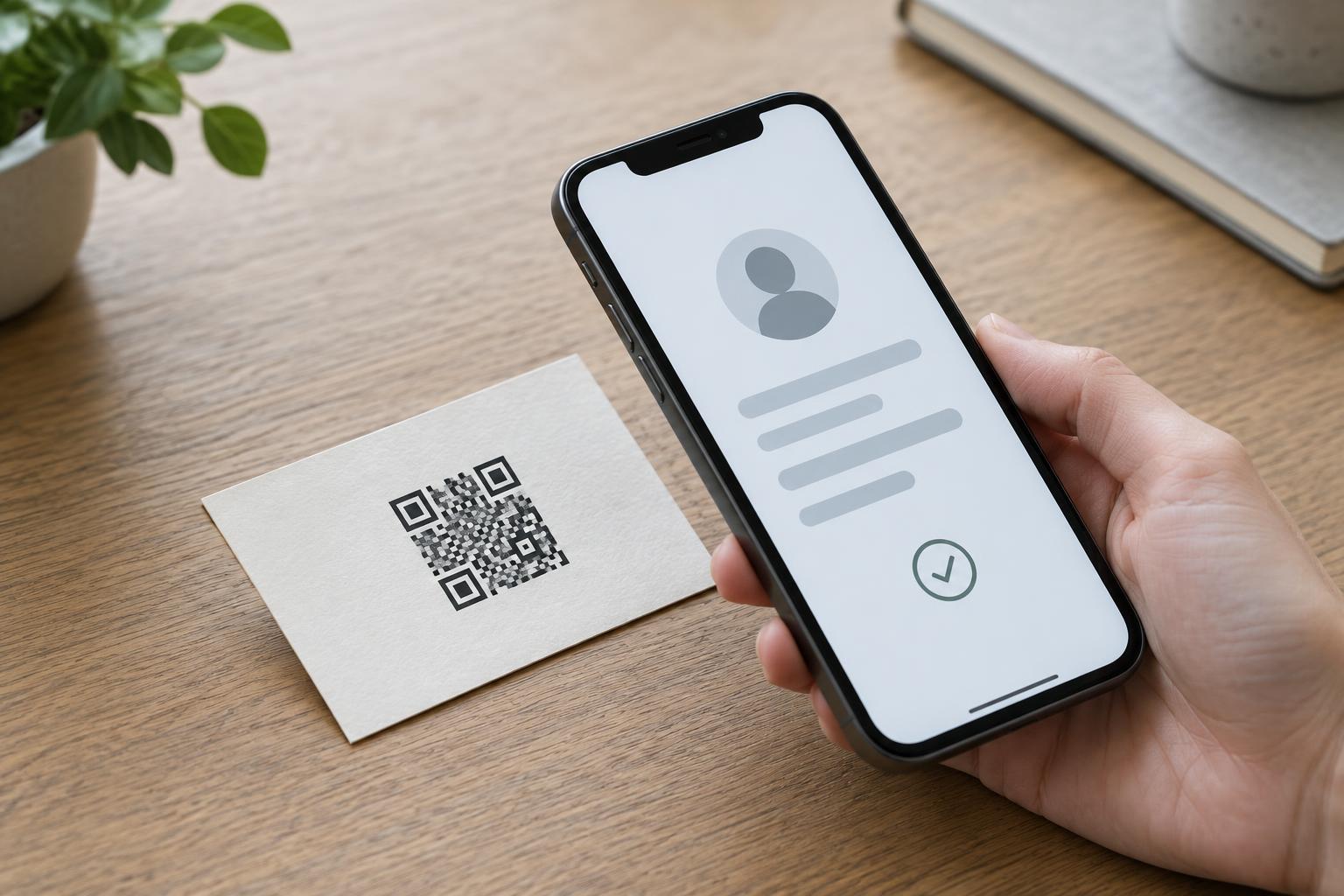
Scanning is only the first step. The reader decodes the QR pattern, recognizes the vCard data and may display a contact preview or an option to add the details. The person can then review the entry and choose whether to save it. A QR code does not silently place a new contact in someone else’s address book simply because they pointed a camera at it.
The preview matters because contact apps do not always interpret every field in the same way. A work number and a mobile number, for example, may appear with different labels, or an unfamiliar field may be omitted. If the code contains a website or email address, the recipient can check those details before using them. It is better to think of the scan as a prepared contact form than as a guaranteed, identical address-book entry on every phone.
Choose useful fields and keep them readable
Start with the information a new contact genuinely needs: a recognizable name and at least one reliable way to get in touch. A business card might also include a role, organization, work email and website. Use labels that distinguish personal and work details where possible. Check spelling, country codes on phone numbers and the exact email address before making the code available to others.
More data is not always better. A larger vCard requires a denser QR pattern, which can be harder to scan when printed small or viewed from a distance. Long notes, multiple addresses and several URLs may add little value to a first-time contact. Avoid embedding private information that you would not want anyone holding the card or seeing the poster to obtain: data stored directly in a QR code can be read by anyone who scans it.
Make the printed code easy to use
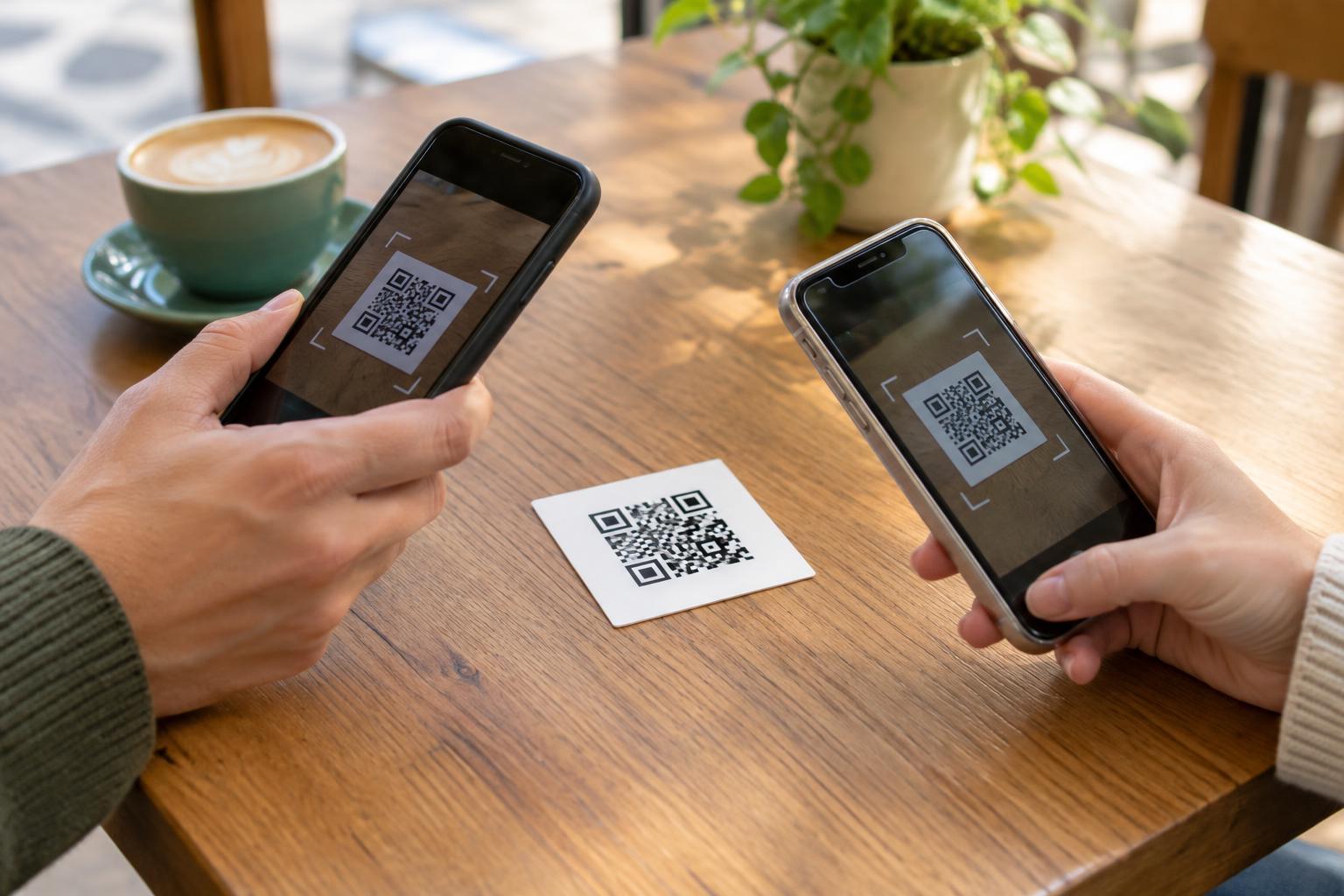
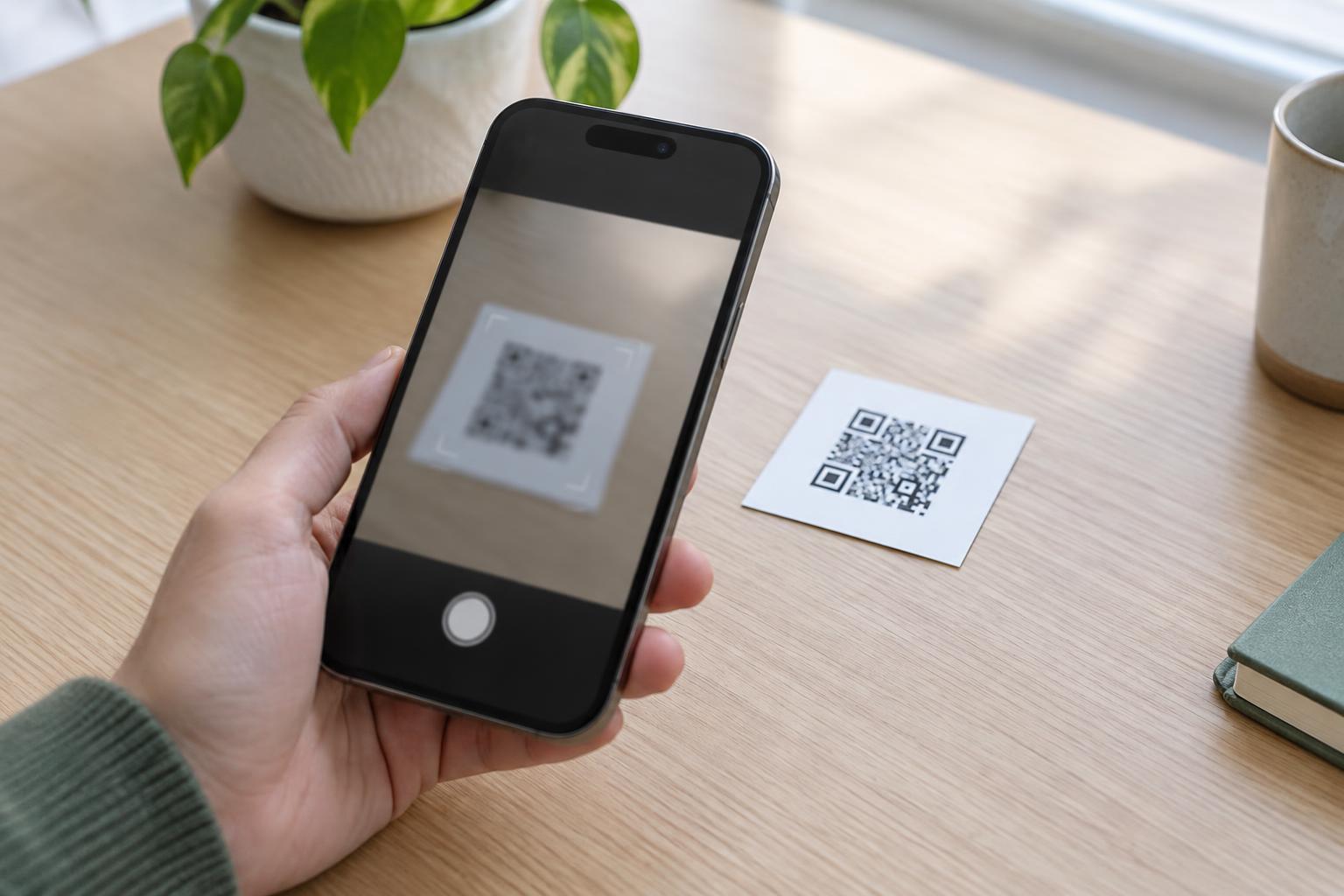
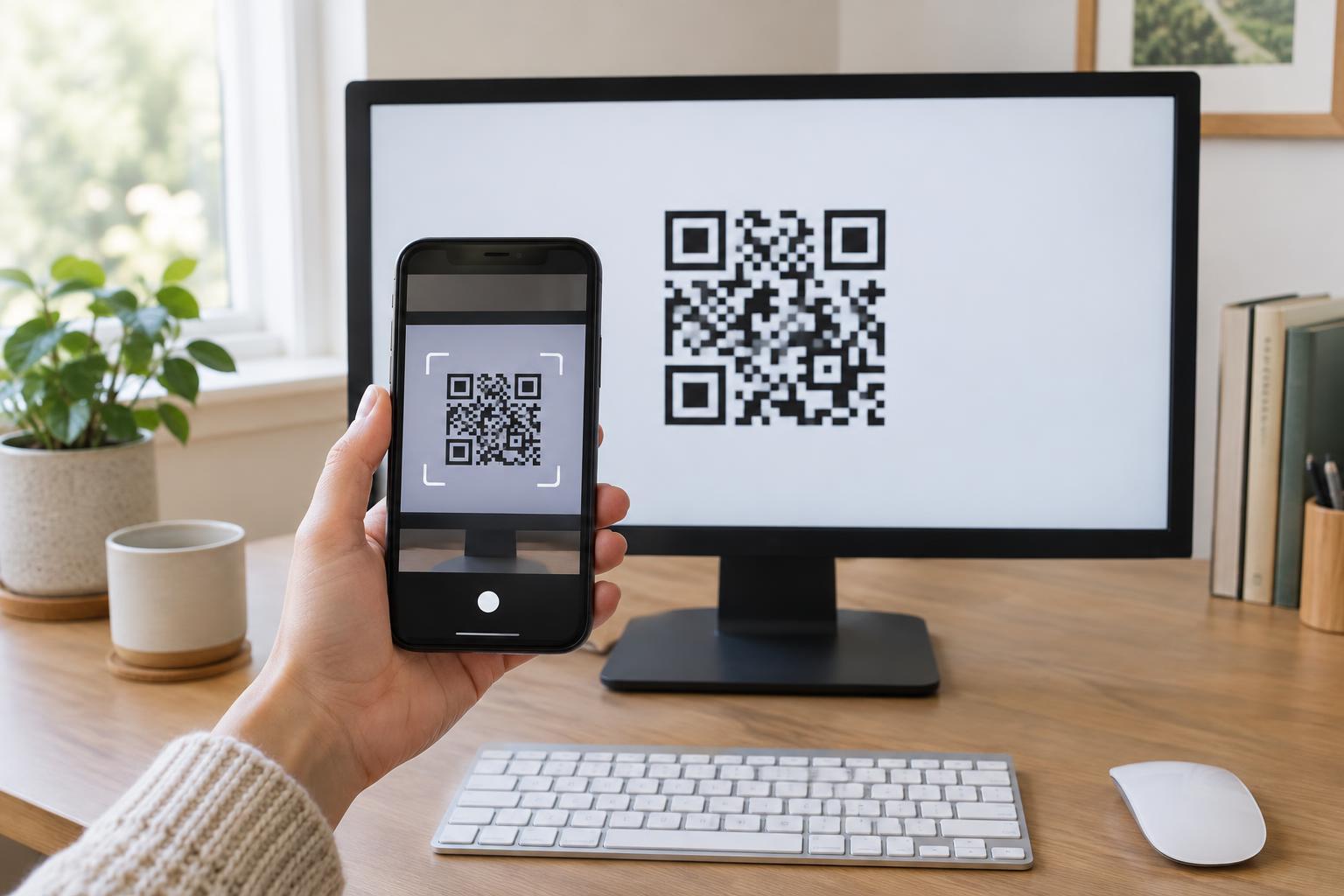
Place the code where people can hold a phone steady and get close enough to focus. Keep a clear blank margin around the pattern, use strong contrast between the code and its background, and avoid placing it across a fold or on a highly reflective surface. A code that scans on a bright desktop screen may behave differently on a small matte card or glossy sign, so test the final printed size and material.
Add a short instruction such as “Scan to add my contact details” so people know what to expect. Print a name and at least one contact method beside the code as well. That helps someone who cannot or does not want to scan it, and it gives scanners a simple way to check that the preview belongs to the right person. The visible text also remains useful if a particular device cannot interpret the vCard.
Test the saved entry and plan for changes
Before distributing a card, scan it with more than one phone or contact app if you can. Look beyond whether the camera detects the pattern: open the contact preview, check each important field, and save a test entry to see how it appears in the address book. Then remove the test entry if you do not need it. Ask a colleague to try the printed version without explaining the process first; their experience can reveal unclear instructions or awkward placement.
A vCard embedded in a QR code is generally fixed once printed. If a phone number or email address changes, old cards will still contain the old details. A QR code that instead points to an online contact page can allow updates at that destination, but it requires a working link and may offer a different experience from scanning an embedded vCard. Choose the approach that fits how often your details change, and keep any printed contact information consistent with it.