Adding a code without explaining its value
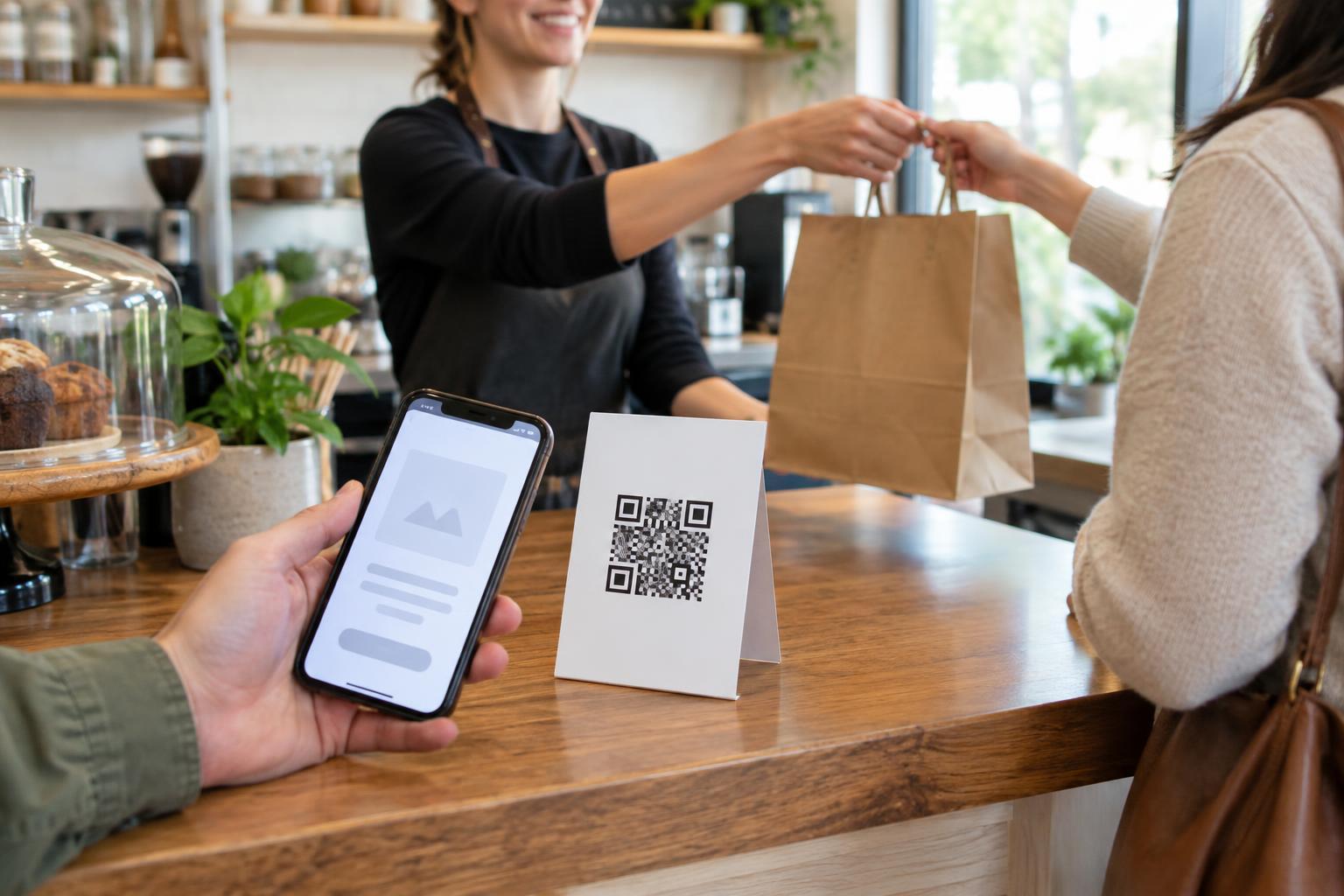
A QR code is a route to information, not a reason to engage on its own. A customer looking at a shop window or a restaurant table should not have to scan simply to discover what the code does. Labels such as “Scan here” leave too much unanswered. Instead, describe the destination and the benefit: “Scan to see today’s menu” or “Scan for assembly instructions.” If an offer has conditions, avoid suggesting the scan guarantees a discount when it only leads to details about eligibility.
Match the request to the setting. Someone passing a poster may have only a moment to decide, while someone examining product packaging may want detailed instructions. Keep the message beside the code short, specific and readable at the distance where people will encounter it. A useful test is to cover the code and ask whether the surrounding text still tells a customer what to expect.
Designing for appearance rather than scanning
Codes can fail in ordinary conditions even when they look attractive on a screen. Low contrast, a busy background, a missing clear margin or a code printed too small can make scanning difficult. Decorative treatments should not compromise the pattern. A dark code on a light, plain background is usually a safer starting point than a subtle color combination. Leave clear space around it so nearby text and graphics do not crowd the edges.
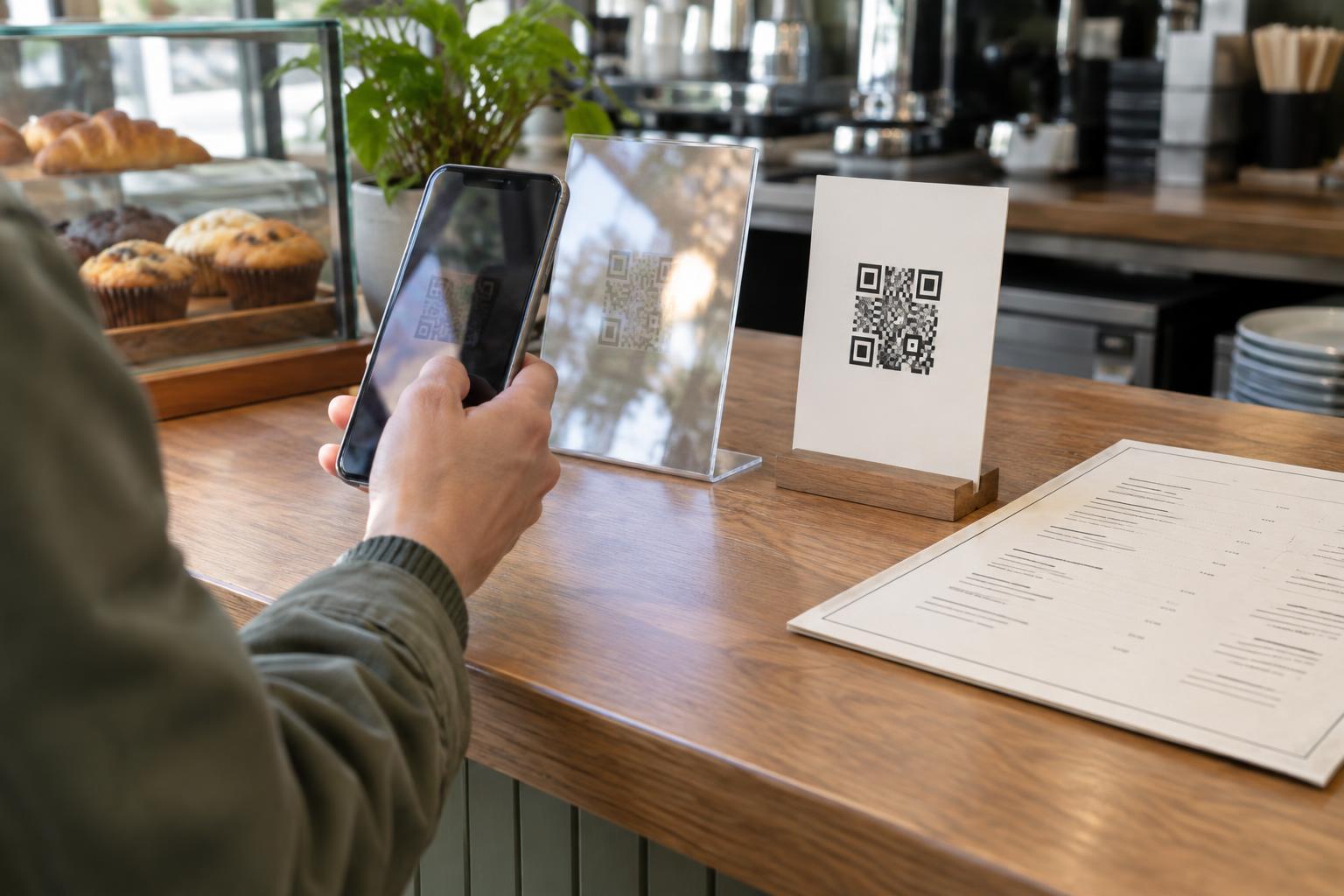
Placement matters as much as design. A code on a curved bottle, behind reflective glass or near the floor may be awkward to capture. On a poster, consider viewing distance; on a table card, consider glare and spills. Test a print at its intended size and location, using more than one phone if possible. Scan from the position a customer would naturally occupy, not only from directly in front of an ideal proof.
Sending customers to the wrong experience
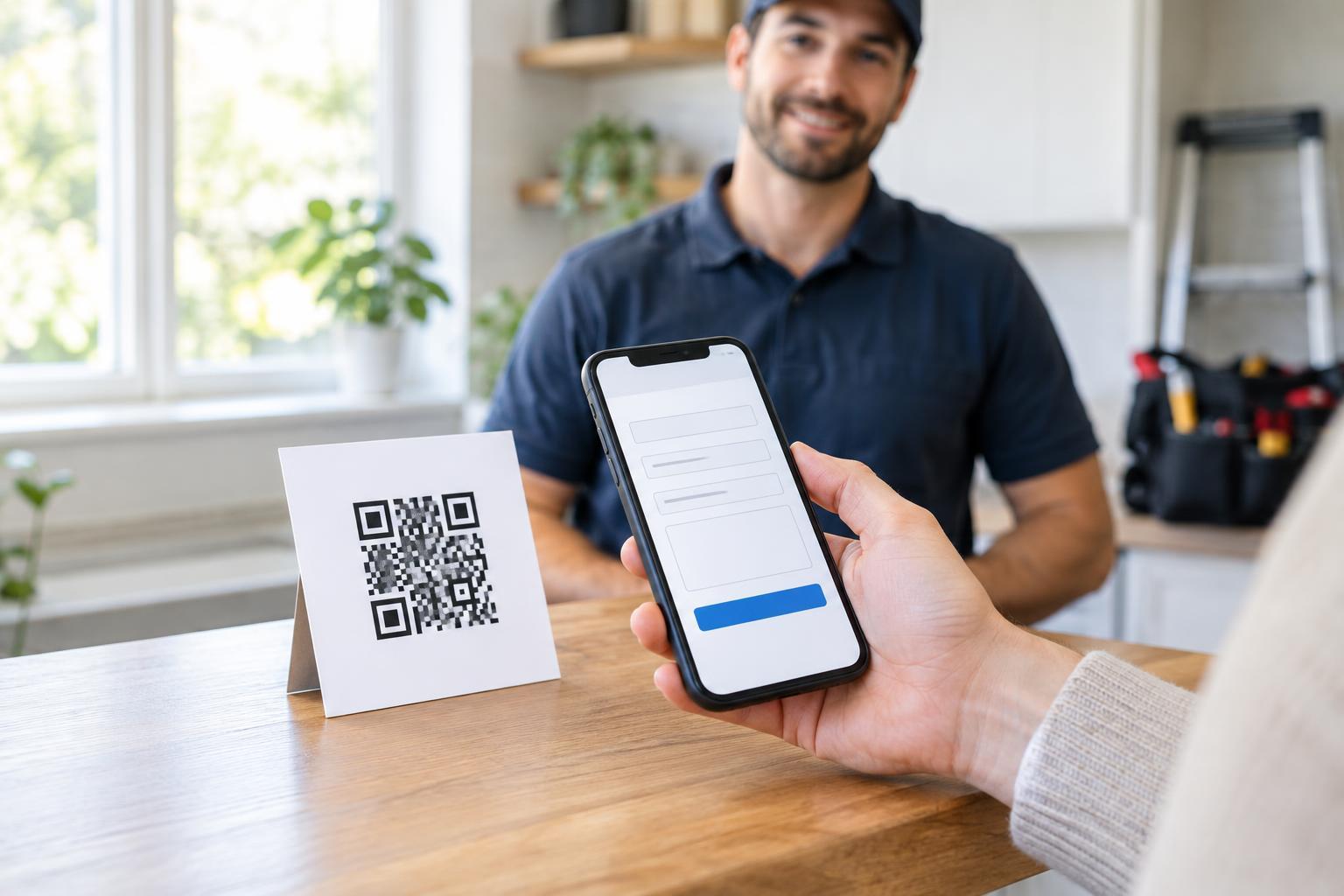
A successful scan can still lead to a failed campaign. Common problems include a desktop-oriented page with tiny text, a form that demands too much information or a destination that does not deliver what the sign promised. If the label says “View the menu,” the landing page should make the menu immediately easy to find. Keep essential content readable on a phone, and avoid making customers navigate through several screens before they reach it.
Check what happens when the page loads slowly or a customer has limited connectivity. A large file may be inconvenient where reception is weak; a concise mobile page or appropriately sized document may be more practical. If a campaign involves a purchase, booking or sign-up, walk through the entire process yourself. Testing only whether the code opens a link will not reveal problems later in the journey.
Treating the scan as the only way in
Not everyone can or wants to scan a code. A customer may lack a suitable phone, have difficulty holding a camera steady or be viewing the material on the same device they would use to scan. Provide another route to essential information, such as a short, legible web address or a way to ask staff. If the code points to a menu, instructions or service information, make sure the alternative is genuinely usable rather than a token mention.
Accessibility also applies after the scan. Clear headings, readable text and controls that work without precise tapping help more people complete the task. Avoid putting important details only in an image. For printed material, pair the code with plain-language instructions and enough contrast that the message can be read without scanning first.
Forgetting trust, privacy and ongoing maintenance
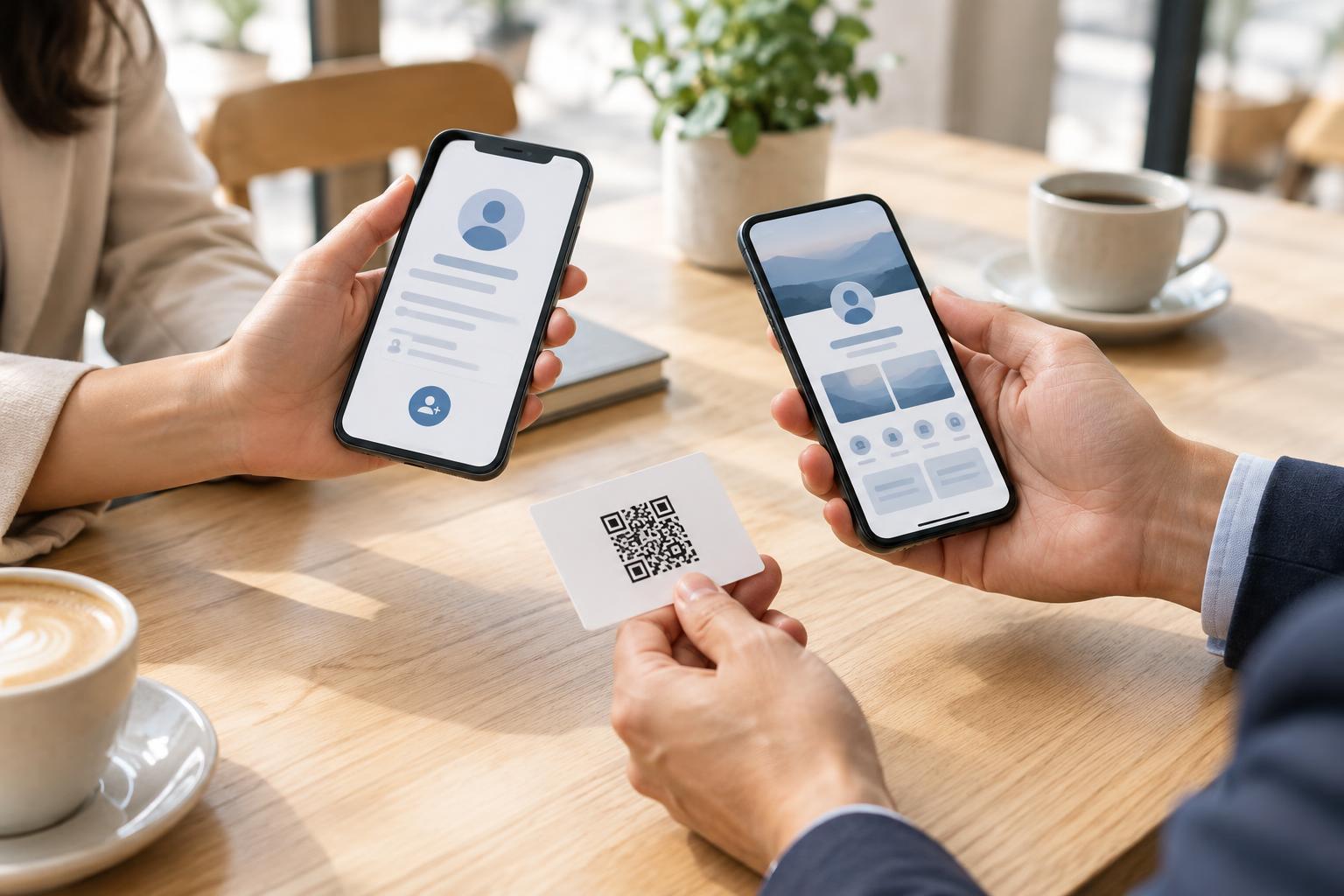
Customers may hesitate to scan an unfamiliar code, especially one placed where a sticker could cover the original. Present it as part of a clearly identified business sign, explain where it leads and inspect public-facing codes for damage or tampering. Do not request personal details merely because a scan makes it convenient to do so. If a sign-up or data collection step is necessary, make its purpose clear before customers provide information.
A campaign is not finished when the material is printed. Links can change, offers can expire and pages can be reorganized. Keep a record of where each printed code appears and what it is meant to open, then check those destinations when related content changes. For a time-limited offer, plan what customers will see afterward rather than leaving them with a dead end. A dependable QR experience rests on a simple promise: the code is easy to scan, and the destination is worth the effort.