Give customers a clear reason to scan
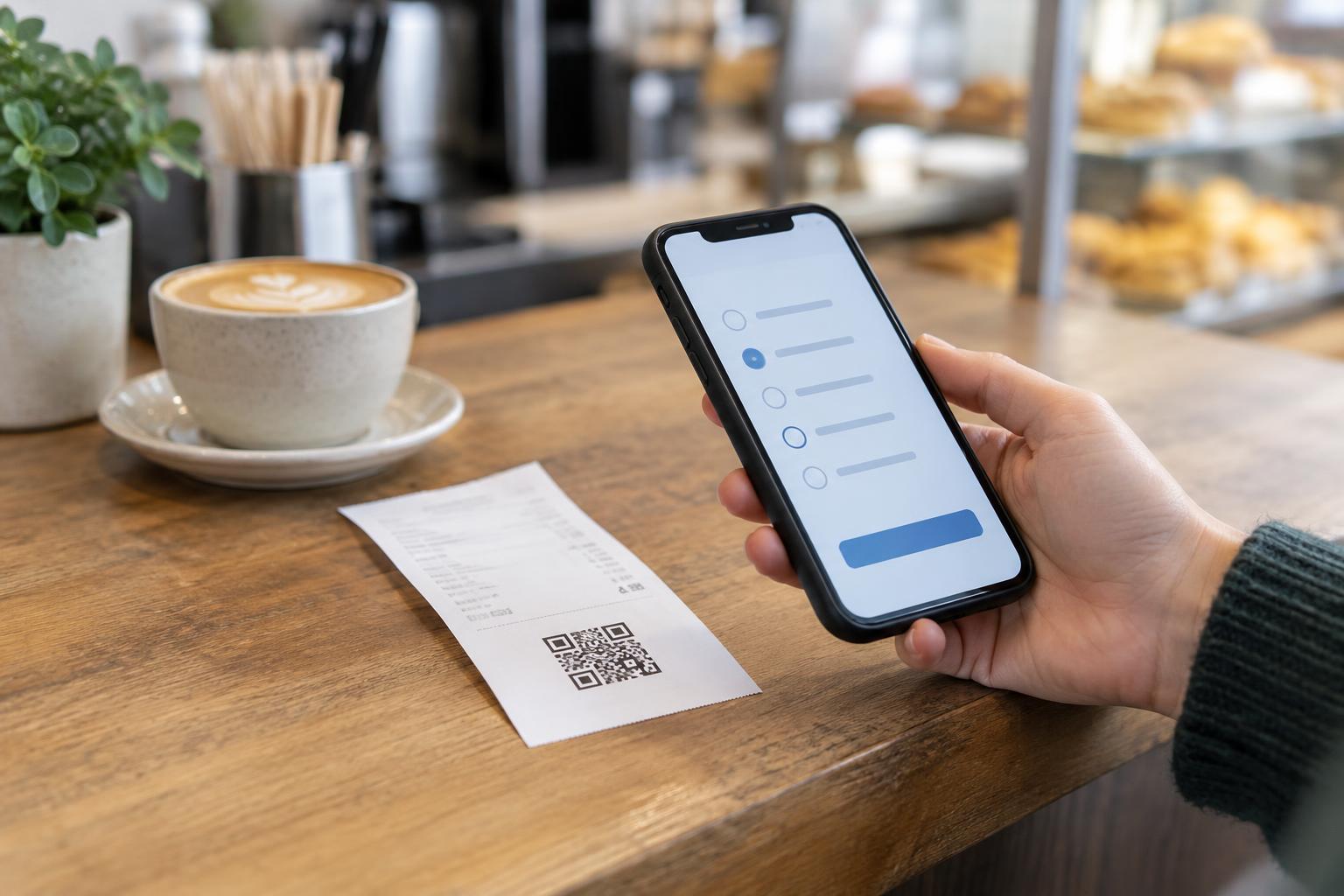
A receipt is one of the last things a customer receives during a purchase, making it a practical place to invite feedback about that experience. A QR code can take someone directly to a feedback page without asking them to type a long address. It does not, however, explain itself. Put a short invitation beside the code, such as “Tell us about your visit,” and say what the customer will find when they scan it.
Decide what you hope to learn before adding the code. A café might ask whether an order was accurate and what could be improved; a repair shop might ask whether the explanation of the work was clear. Keep the destination focused on feedback rather than sending customers to a general homepage where they must search for a form. If responses are reviewed only at certain times, avoid promising an immediate reply. Set expectations that your team can meet.
Make the survey easy to finish
A useful receipt survey can start with one or two specific questions and an optional comment field. Simple answer choices help customers respond quickly, while an open field leaves room for details you did not anticipate. Avoid asking for information you do not need. If the purpose is to learn about the visit, a phone number, full name, or detailed purchase history may not be necessary.
Tell customers whether the form is anonymous or whether they can choose to provide contact details for a follow-up. Do not call it anonymous if a response is linked to an identifiable transaction or account. If you want to resolve individual complaints, offer an optional way to request a response, separate from the basic feedback questions. Before printing the invitation, complete the survey on a phone yourself: check that it loads, is readable, and can be submitted without unexpected steps.
Design the receipt for real scanning conditions
Receipts have limited space, and small thermal printing can make fine details difficult to scan. Give the QR code enough room, keep it dark against a light background, and leave a clear margin around it. Avoid placing text, logos, or decorative marks over the code. Put it on a flat section of the receipt where folds, cuts, or dense transaction details are less likely to interfere.
Test a printed receipt rather than relying only on a code displayed on a screen. Try several ordinary phones under typical counter lighting, including a receipt that has been folded or handled. Check that the printed address, if you include one, matches the page the code opens. A short, readable address provides another way to reach the form and helps customers understand the destination before scanning. If the destination changes later, test both the code and the address again before continuing to use that receipt design.
Offer a choice, not a requirement
Not every customer wants to scan a code or use a smartphone. Place a short web address beside the QR code when practical, and consider an in-person option for customers who prefer to speak to someone. Staff can point out the invitation, but feedback should feel voluntary. Asking employees to pressure customers at checkout can make the experience uncomfortable and may affect the quality of responses.
The feedback page should also work for people who use assistive technology or need larger text. Use clear labels for form fields, readable contrast, and instructions that do not depend solely on seeing an image. Keep error messages understandable so someone can correct a missed answer without starting over. A QR code is an entry point, not an accessibility solution on its own; the page it opens matters just as much.
Protect trust and use the responses
Because customers may be cautious about unfamiliar QR codes, make the invitation visibly part of the receipt and use a destination associated with your business. Avoid asking for passwords, payment details, or other sensitive information in a feedback form. Check that the code still opens the intended page whenever receipt layouts or website settings change. If you display QR codes elsewhere in the store, inspect those signs for stickers or alterations that could redirect customers.
Once feedback arrives, give someone responsibility for reviewing it and deciding what needs attention. Look for repeated themes rather than treating a single rating as the whole story. Share actionable findings with the people who can improve the experience, without circulating unnecessary customer details. A simple, respectful process—from invitation to review—makes the receipt code more than a printed link: it gives customers a practical way to be heard.