Start with the conditions the code will face
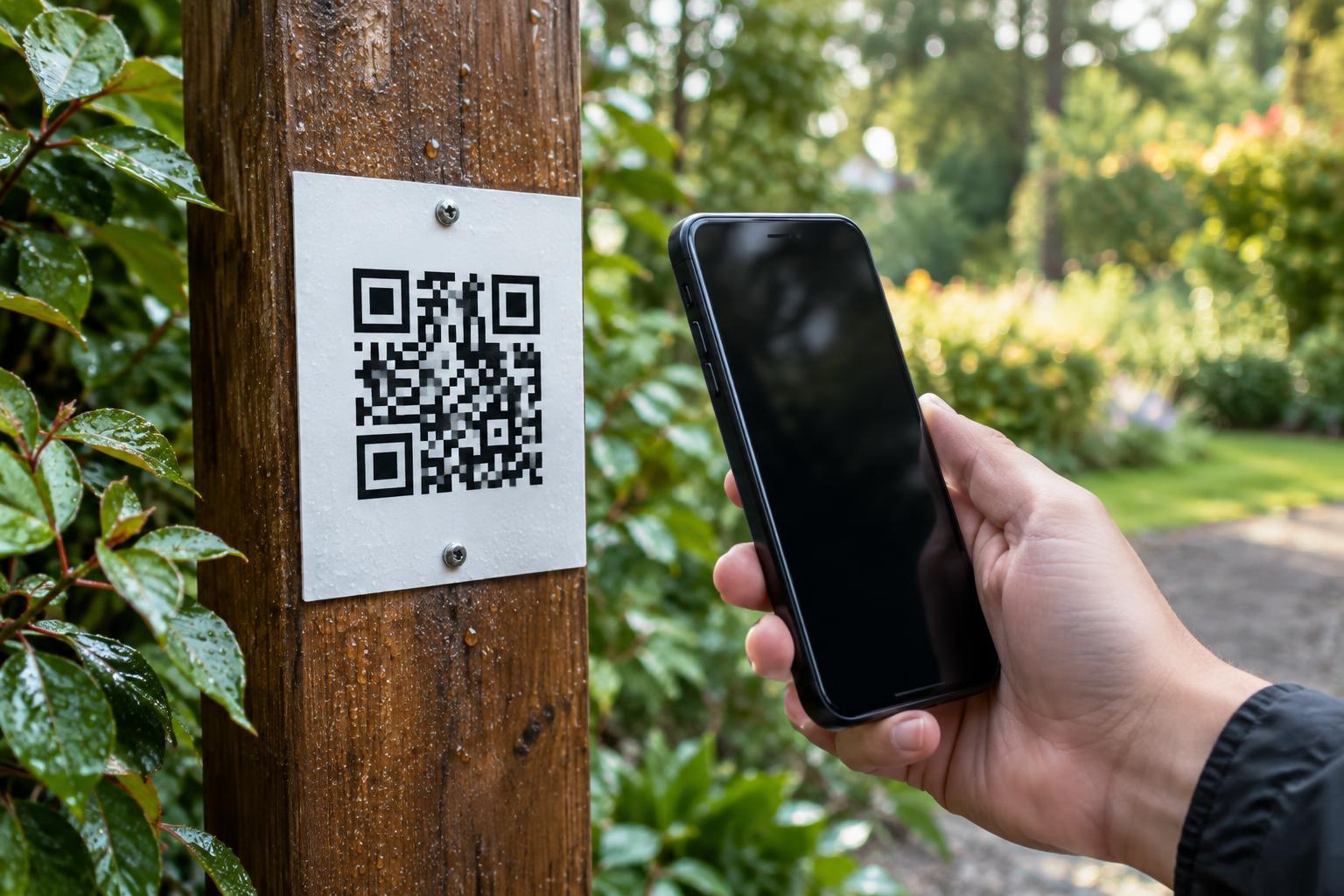
A QR code on an outdoor sign has a harder job than one on an indoor flyer. Rain can soften paper or make ink run; sunlight can fade a printed surface; dirt and repeated handling can obscure the pattern. Before choosing materials, decide where the code will go, how long it needs to stay in place and whether people will scan it from arm’s length or farther away.
A code on a sheltered café notice may need different protection from one on a trail marker exposed to weather. If the sign is temporary, a replaceable print in a weatherproof holder may be enough. For longer use, consider a material intended for outdoor signs rather than relying on ordinary office paper. No material removes the need to inspect and replace a code that has become difficult to read.
Choose a surface that stays flat and intact
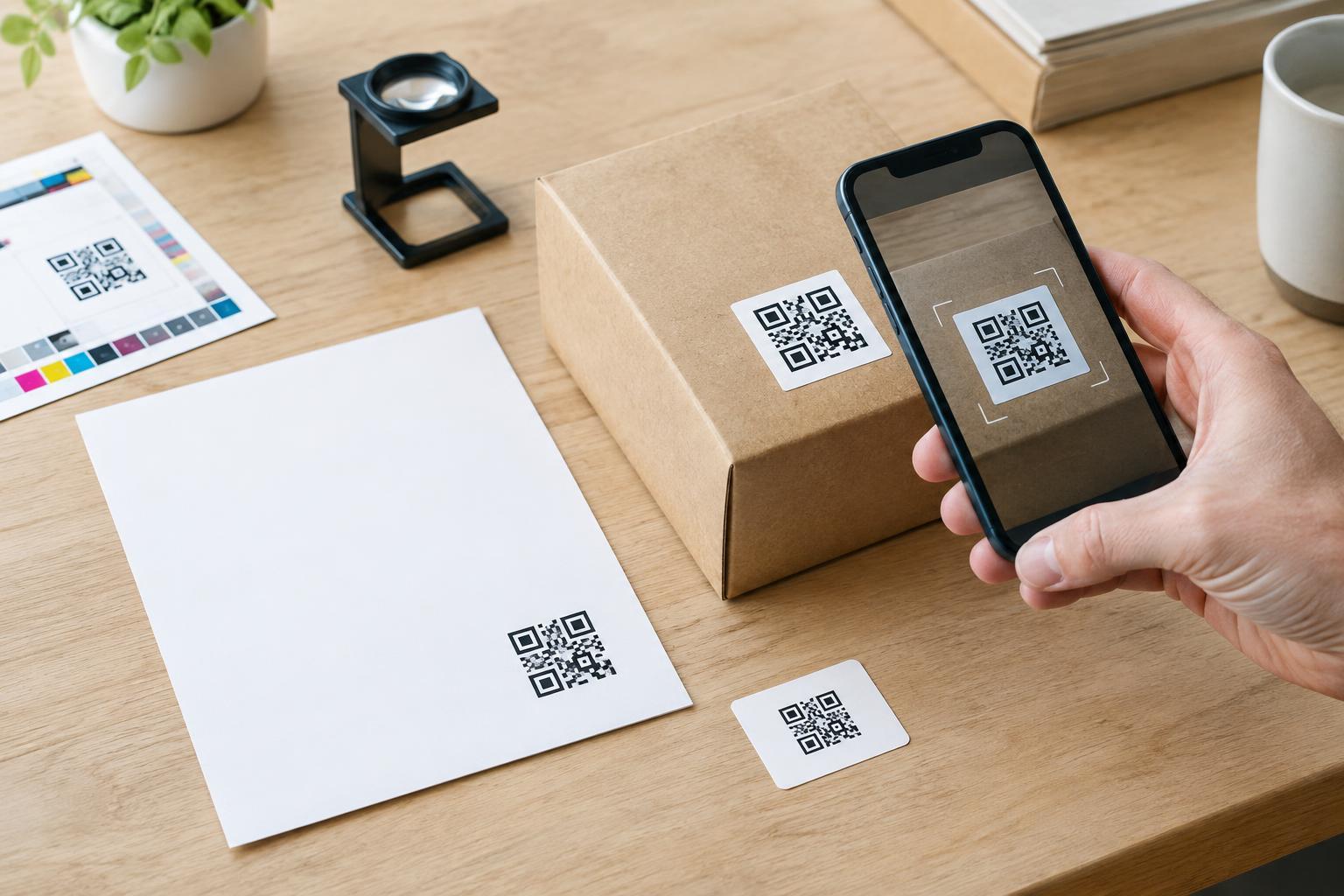
Standard printer paper is convenient for a short trial, but it can wrinkle, tear or absorb moisture outdoors. If you must use paper, choose a sturdier stock suited to your printer and give it protection from direct water. Check the entire assembly, not just the sheet: an uncovered edge or a leaking holder can let moisture reach the print.
Weather-resistant label stock or printable synthetic sheets may be more suitable where a thin, flexible sign is needed. For a rigid sign, a print mounted on an outdoor-rated panel is another option. Match the material to the location and mounting method. A label that peels at the corners or a sheet that curls away from the wall can make an otherwise clear code harder to scan.
Keep the printed face as smooth as practical. Creases, bubbles and seams can distort the small squares in a QR code. If the sign will sit behind a cover, leave room around the code so a frame or fastener does not intrude into its clear border.
Prioritize durable ink and strong contrast
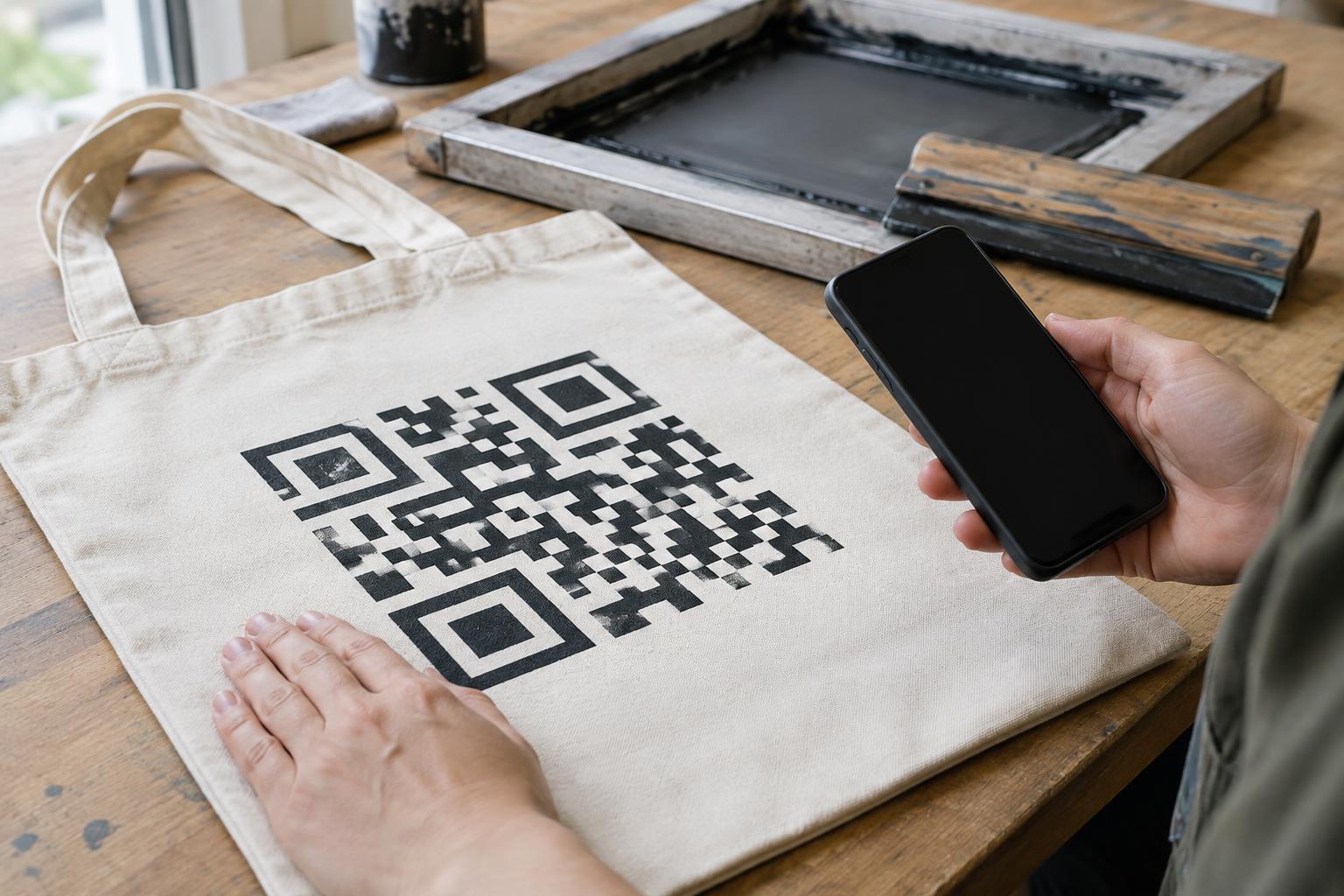
Ink and material need to work together. A print that looks sharp at first may smear if its ink is not suited to the sheet, while some inks may fade with prolonged sun exposure. Check the printer, ink and media guidance before producing a batch, and make a sample using the same settings and material planned for the final signs. Let it dry or cure as directed before handling or covering it.
For reliable scanning, use a dark code on a light, plain background. Black on white is a straightforward choice. Avoid pale ink, busy photographs behind the code and finishes that make parts of the pattern disappear in bright light. The code also needs an unprinted margin, often called a quiet zone, around all four sides. Do not trim that margin away to make the design fit.
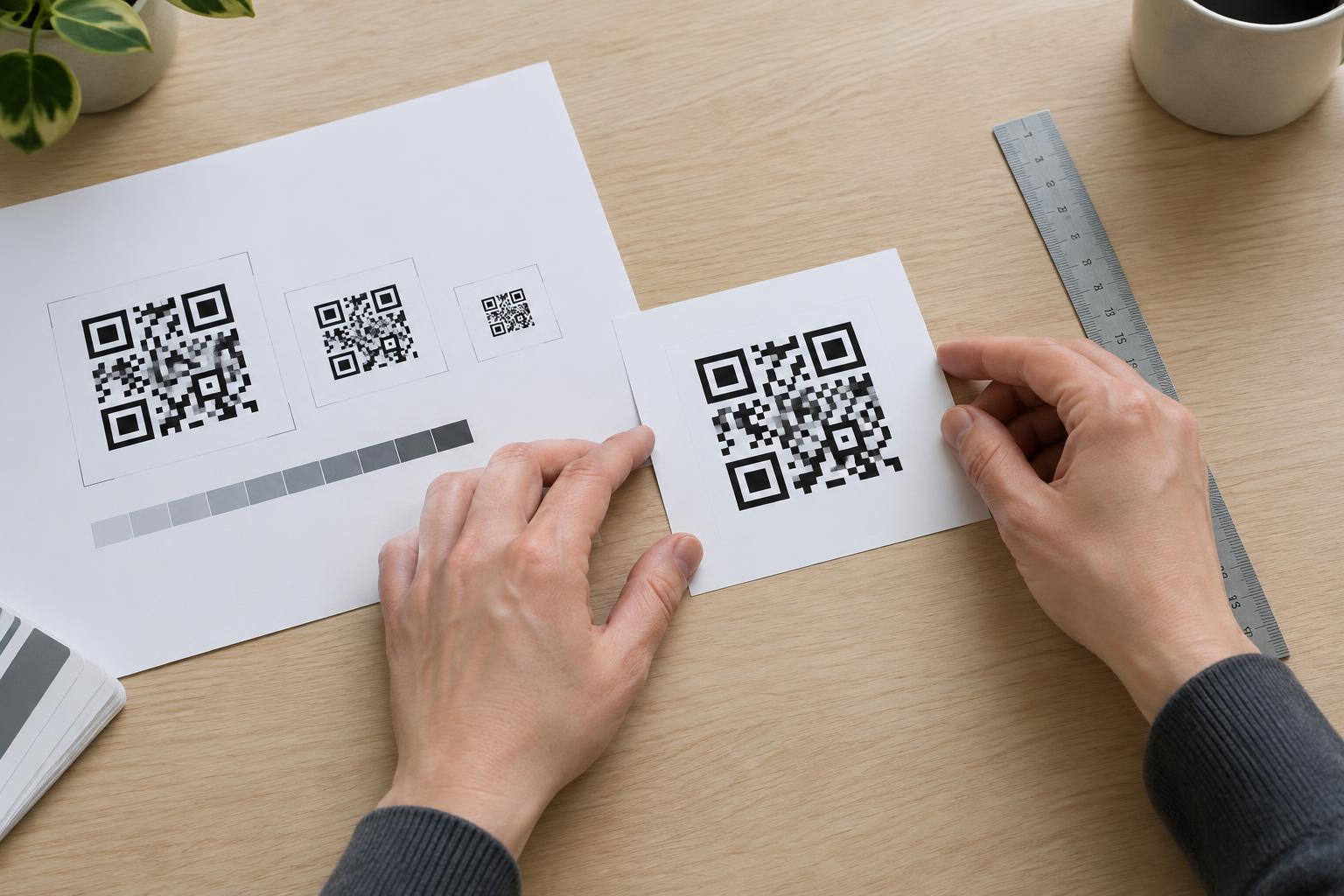
Size matters alongside contrast. A small code may work when someone can hold a card close to a phone, but it may be awkward on a wall or post. Print at a size that fits the expected scanning distance, and avoid stretching the code out of proportion. If a design seems cramped, make more space for it rather than shrinking it until it is hard to use.
Protect the print without adding glare
A cover or protective coating can help shield a print from water and abrasion, but it can also create reflections. Glossy lamination or a shiny sign cover may look neat indoors yet reflect the sky or direct sun outdoors. A matte finish can reduce that problem, though any cover should be tested with the actual printed code.
Watch for trapped air, condensation and water entering at the edges. Each can interfere with visibility even if the ink itself remains intact. Place the sign where it is reasonably sheltered when possible, and mount it securely so wind cannot bend it or change its angle. A shaded position may be easier to scan than one facing strong light, provided visitors can still see and reach it.
Test the finished sign, then check it regularly
Scan a finished sample before making multiple copies. Test it after mounting, not only on a desk: distance, viewing angle, reflections and nearby obstacles all affect the experience. Try more than one phone if available, and check the sign in both bright and dull conditions. If people are expected to scan it after rain, inspect how the covered surface looks when wet.
The destination matters too. Make sure the code leads to the intended page and that the page is usable on a phone. Add a short label explaining what the scan offers, and provide a readable alternative, such as a short printed address or clear directions, for visitors who cannot or prefer not to scan.
Finally, include the sign in routine site checks. Wipe away dirt when appropriate, look for fading or peeling, and scan it again. Replacing a worn print is often simpler than asking visitors to struggle with a code that no longer reads.