Start with the information people need
A QR code is a route to information, not the information itself. Before adding one to a sign, menu, leaflet, or product label, decide what a visitor needs to understand at that point. A café menu may need translated item names, ingredients, and ordering instructions. A museum label may need the exhibit description. The linked page should lead directly to that content rather than requiring visitors to search a general website.
Choose languages based on the people the material is meant to serve and the resources available to maintain accurate translations. Translate essential instructions as well as descriptive text: a visitor needs to know how to select a language, what a button does, and where to ask for help. If some content is available in fewer languages, make that limitation clear. A short, complete translation of the essential information can be more useful than a partially translated page that leaves important steps unclear.
Make language choices easy to recognize
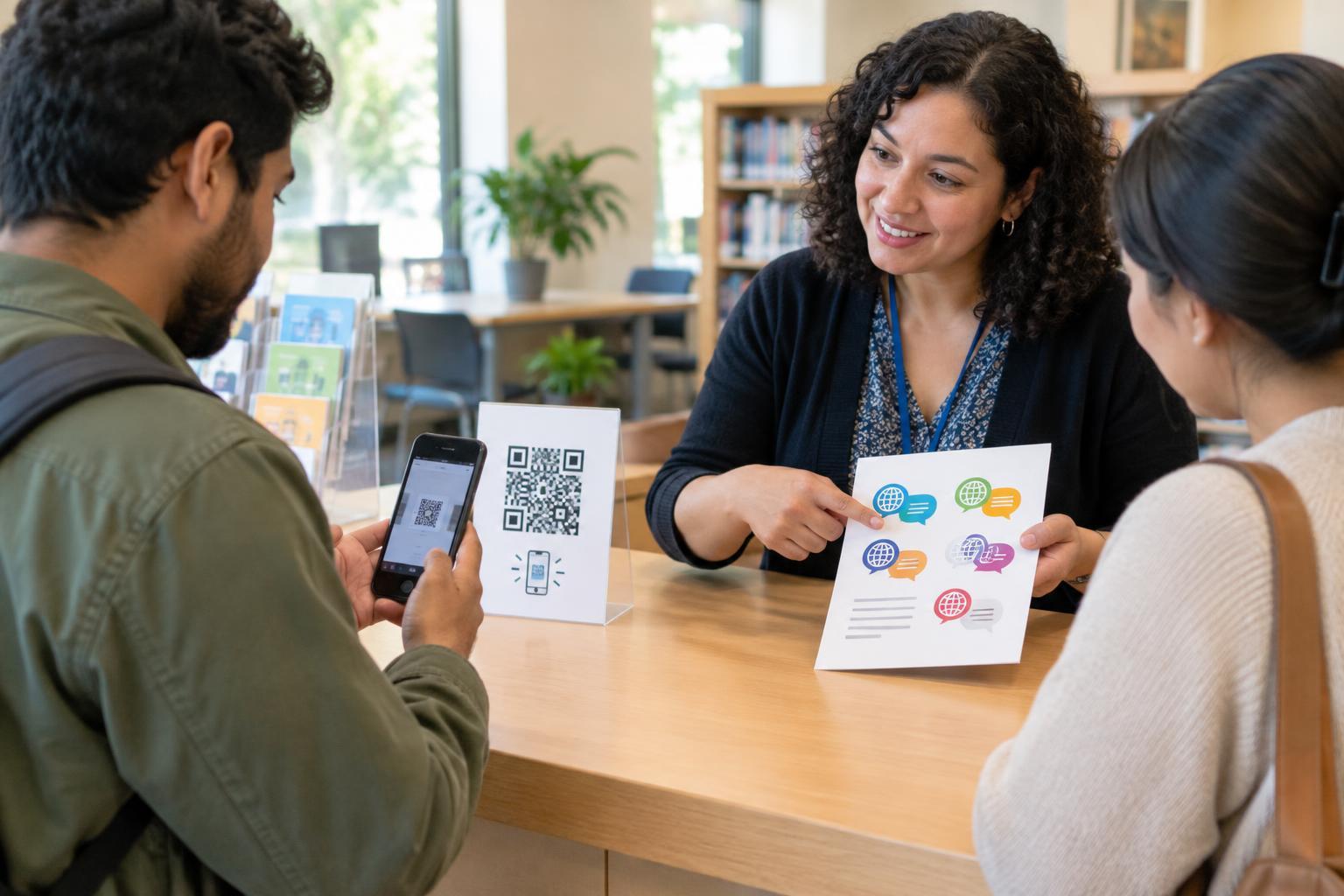
One approach is to print a separate, clearly labeled QR code for each language. This can work when there are only a few languages and enough space to keep the codes distinct. Put the language name in that language beside each code, such as “Español” rather than relying only on a flag. Flags can represent places without reliably identifying a language, and several languages may be spoken in the same place.
Another approach is to use one code that opens a language-selection page. This saves print space, but the selection page must be simple to navigate. Show language names as readable text, place them near the top, and make each choice a clear link or button. Avoid forcing visitors to create an account, accept unnecessary permissions, or navigate a long introduction before reaching the content. If a page tries to choose a language automatically, provide an obvious way to change it; device settings do not always reflect a person’s preferred language.
Design the linked pages for different ways of reading
A translated page is not necessarily an accessible page. Use meaningful headings, readable text that can enlarge without breaking the layout, and controls with clear labels. Keep important information in text rather than embedding it only in an image. If an image conveys information, provide a useful text description. If a video carries essential content, consider captions and a text alternative so visitors are not limited to one format.
Check each language version on a phone, since that is where many QR scans will open. Make sure visitors can use the page with keyboard controls and common screen-reader navigation, and that links have meaningful names rather than repeated labels such as “click here.” For languages written right to left, check the page layout as well as the translation. Do not assume that a page works in every language because the default-language version works.
Keep the printed code usable, but offer another route
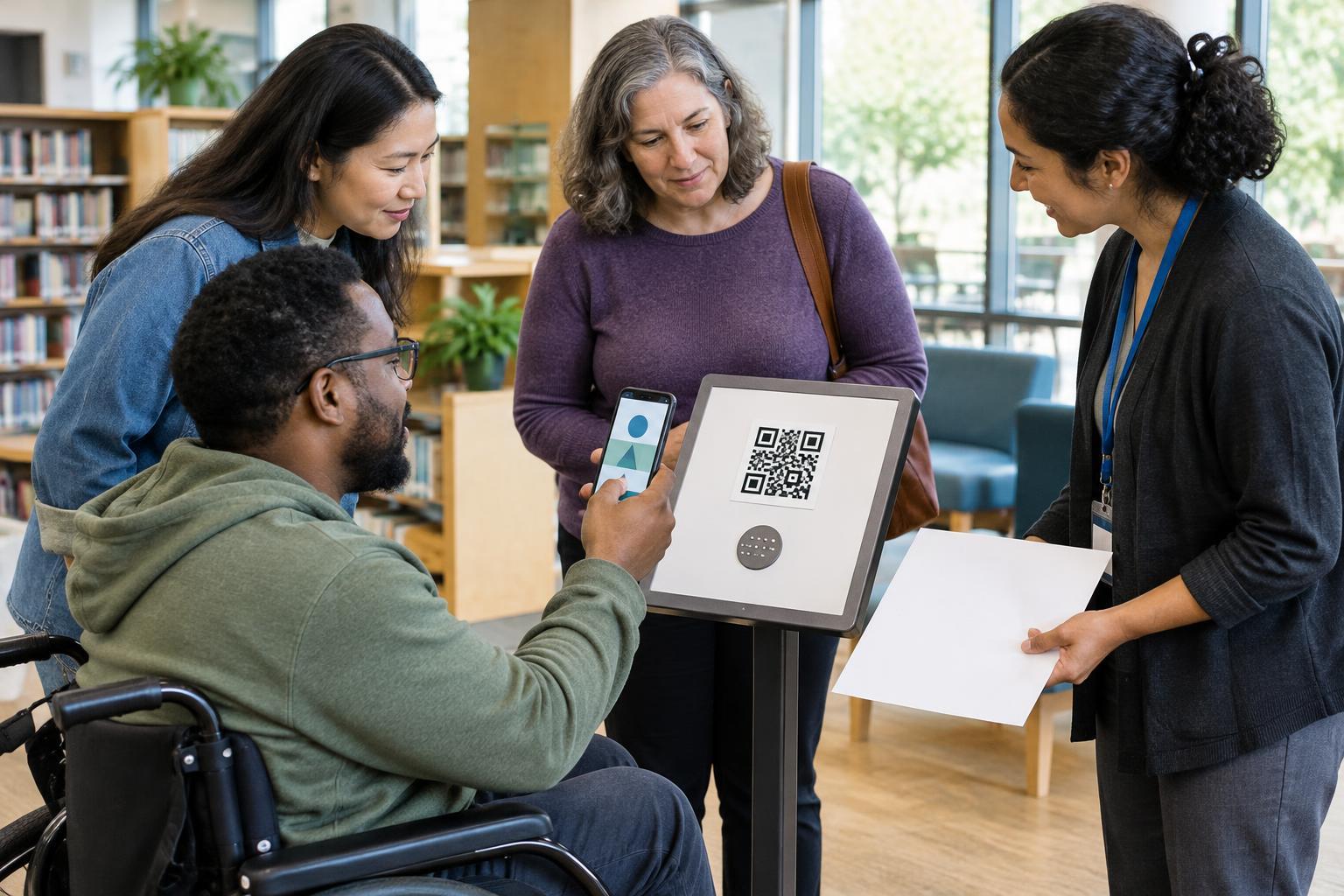
Place codes where visitors can approach them, hold a phone steady, and read the surrounding instructions. Use strong contrast, leave clear space around each code, and avoid printing it so small or on such a reflective surface that scanning becomes difficult. Test a proof at its intended size and location with several phones before printing a large batch. For multiple codes, leave enough separation that people can tell which label belongs to which code.
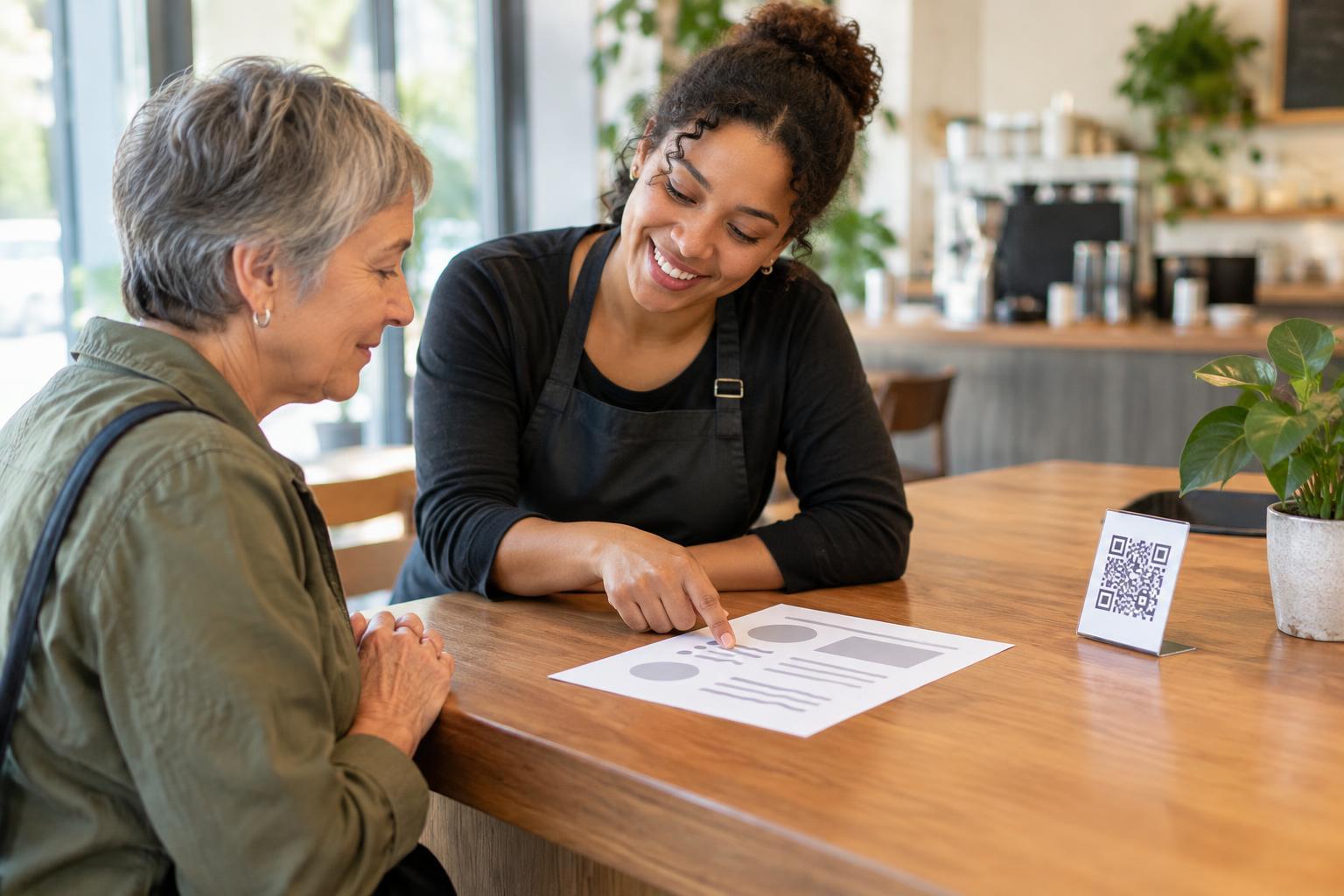
Not everyone has a compatible phone, mobile data, a charged battery, or the ability to aim a camera at a code. Where space permits, print a short, readable web address alongside the code. For essential information, offer a non-digital route too, such as a translated handout or help from staff. The alternative should deliver the same key information, not merely tell someone that it exists online.
Test the whole experience and keep it trustworthy
Ask people to try the complete journey: find the right language, scan or use an alternative route, read the content, and return to the language choices if needed. Include people who use assistive technology when possible. Watch for small obstacles, such as labels that are hard to distinguish, a language selector hidden below the first screen, or a printed address that is difficult to type. Revise the sign and the destination together.
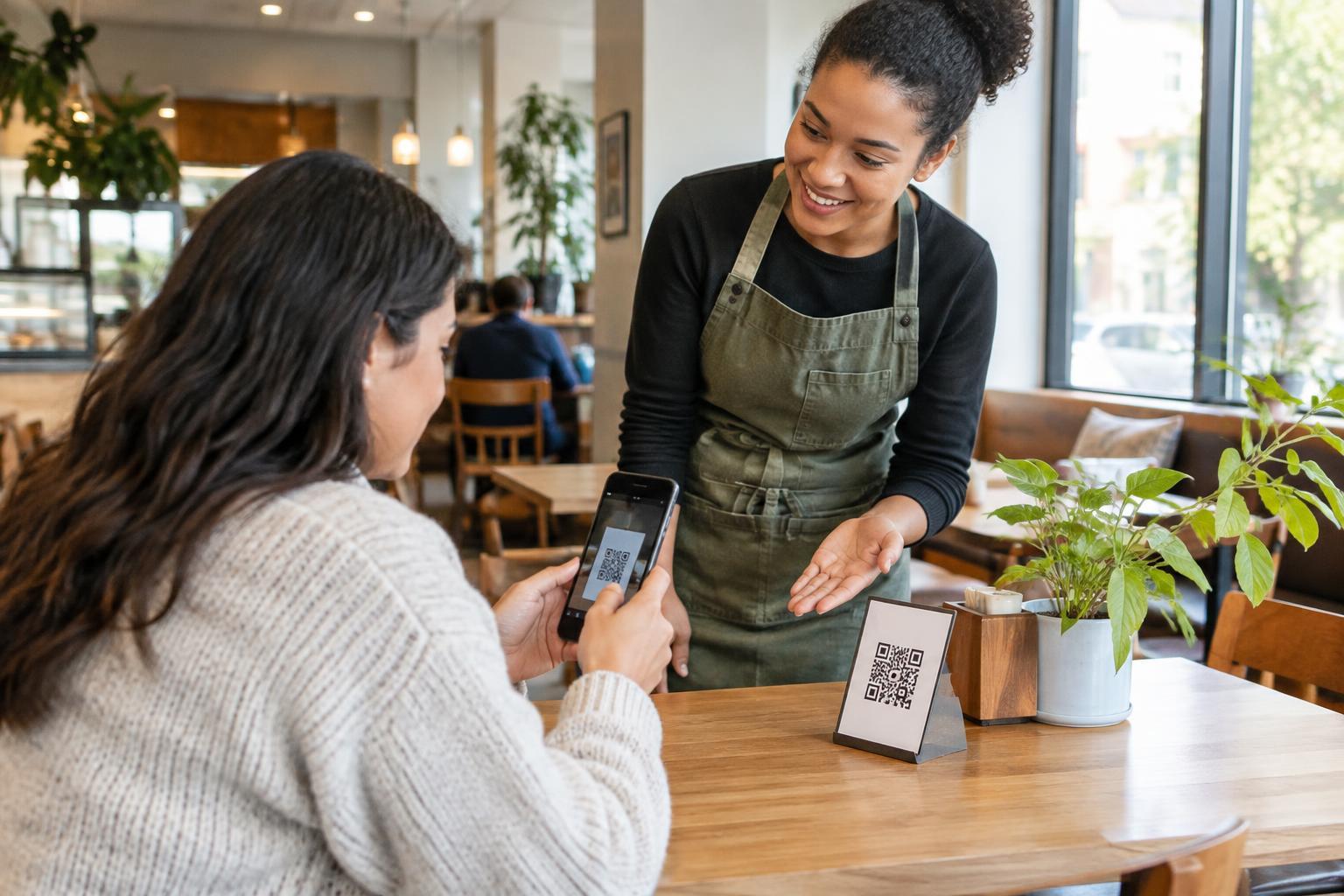
QR codes do not show their destination to someone looking at the printed pattern. Give visitors context beside the code, such as “Scan for the menu in other languages,” and use a recognizable web address as a backup when practical. Avoid requesting personal details merely to display general information. Review printed materials and linked pages periodically so codes still lead to the promised content and translations remain aligned with the information offered on site.