What your phone reads when you scan
A QR code is a pattern that stores data. When your camera or a scanning app recognizes the pattern, it decodes that data into something your phone can interpret. Often it is a website address, but it might instead be plain text, contact details, a Wi-Fi network configuration or another supported format. The code itself does not have to contain a website, and seeing it through your camera does not mean you have agreed to visit one.
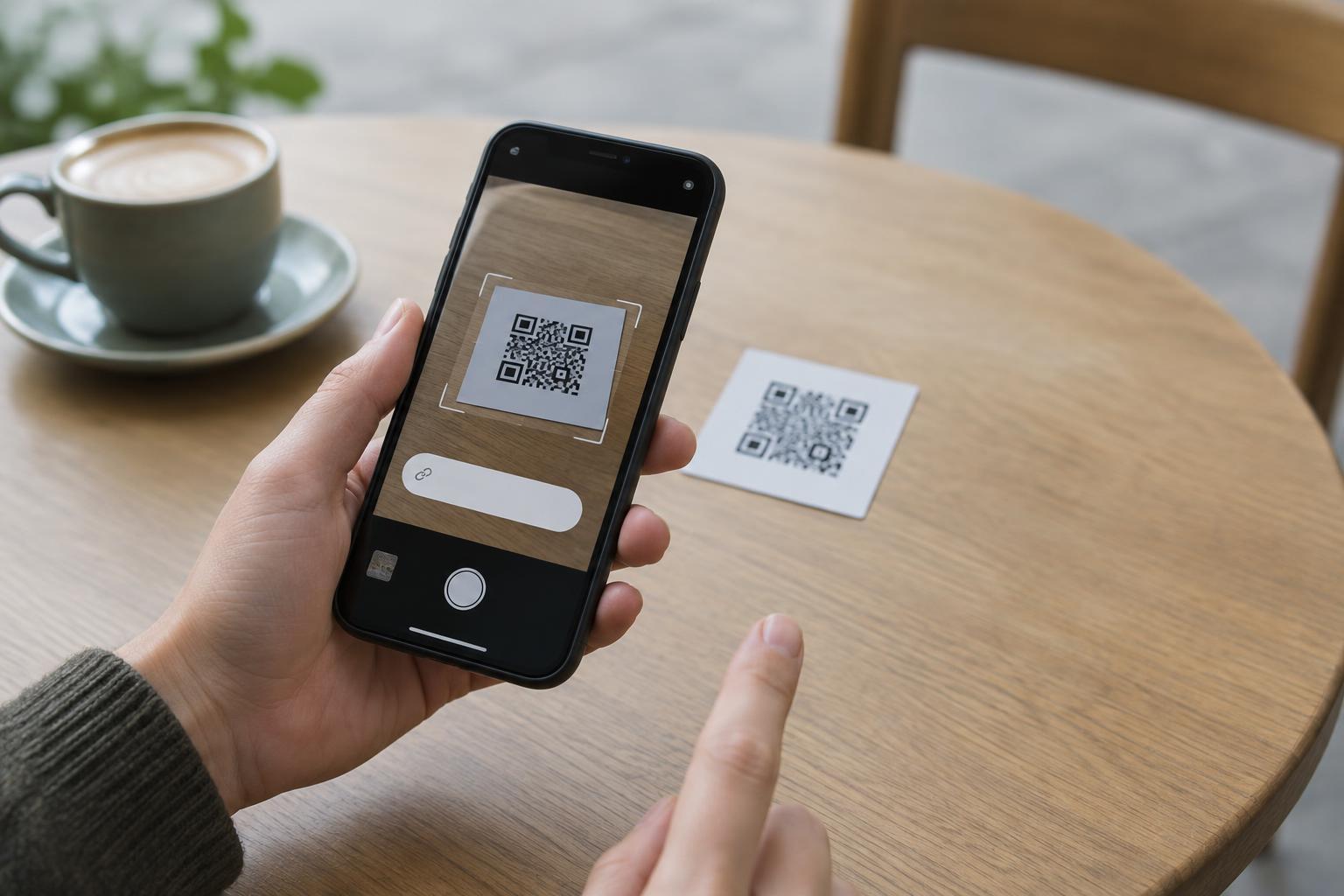
In the usual scanning flow, your phone displays a notification, preview or suggested action. You then choose whether to tap it. A scanning app may behave differently: some apps offer a clear preview, while others may open a result more quickly. This distinction matters because “scanning” and “opening what was scanned” are separate steps on many phones, but not in every app or setting.
Can the scan itself infect a phone?
Under normal circumstances, simply decoding a QR code does not install malware. The image is data for the scanner to read, not an app that starts running because the camera sees it. More commonly, trouble begins after someone follows a link, downloads a file, grants a permission, enters a password or follows instructions on a misleading page.
That is not a guarantee that every scanner is immune to every possible flaw. Like other software, camera and scanning apps can have security vulnerabilities. Keeping your phone and apps updated reduces exposure to known issues. For everyday decisions, though, the most useful question is not “Is this square dangerous to look at?” but “What action is it asking me to take, and do I trust that destination?”
What can happen after you tap
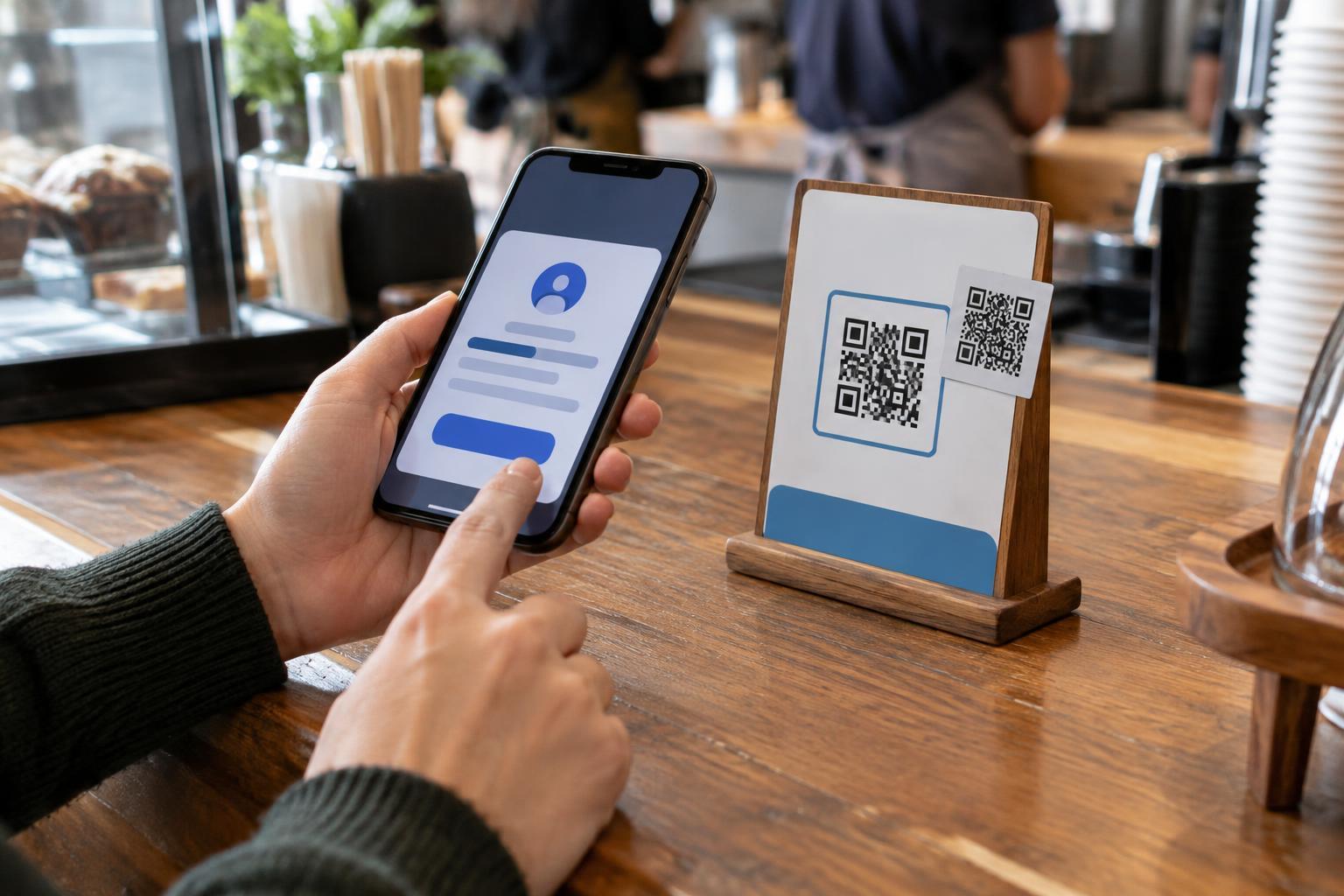
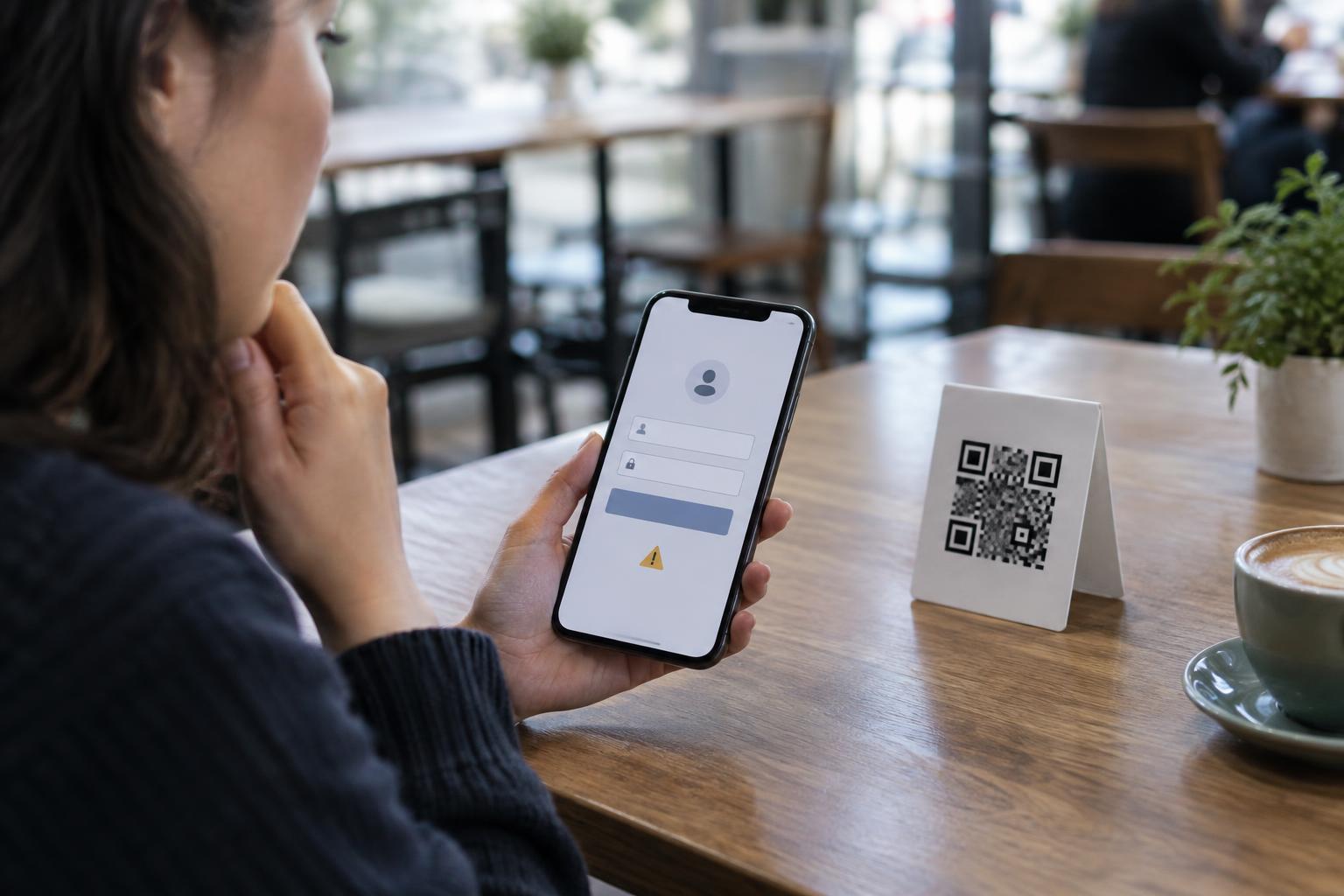
A QR link can lead to an ordinary menu, ticket page or payment page. It can also lead to a lookalike site that asks for account credentials or payment details. A page may urge you to download an app, allow notifications or approve another request. Those actions can create risks even when the initial scan was harmless. A website opening in your browser is not, by itself, proof that your phone is infected.
Non-website codes deserve a pause too. A code might offer to add a contact, join a Wi-Fi network or prepare a message. Your device will usually show some indication of the proposed action, but the details depend on the phone and app. Read the prompt before accepting it. If an unfamiliar code asks you to change settings, share information or install something, you can decline and use another route.
Check the context and the destination
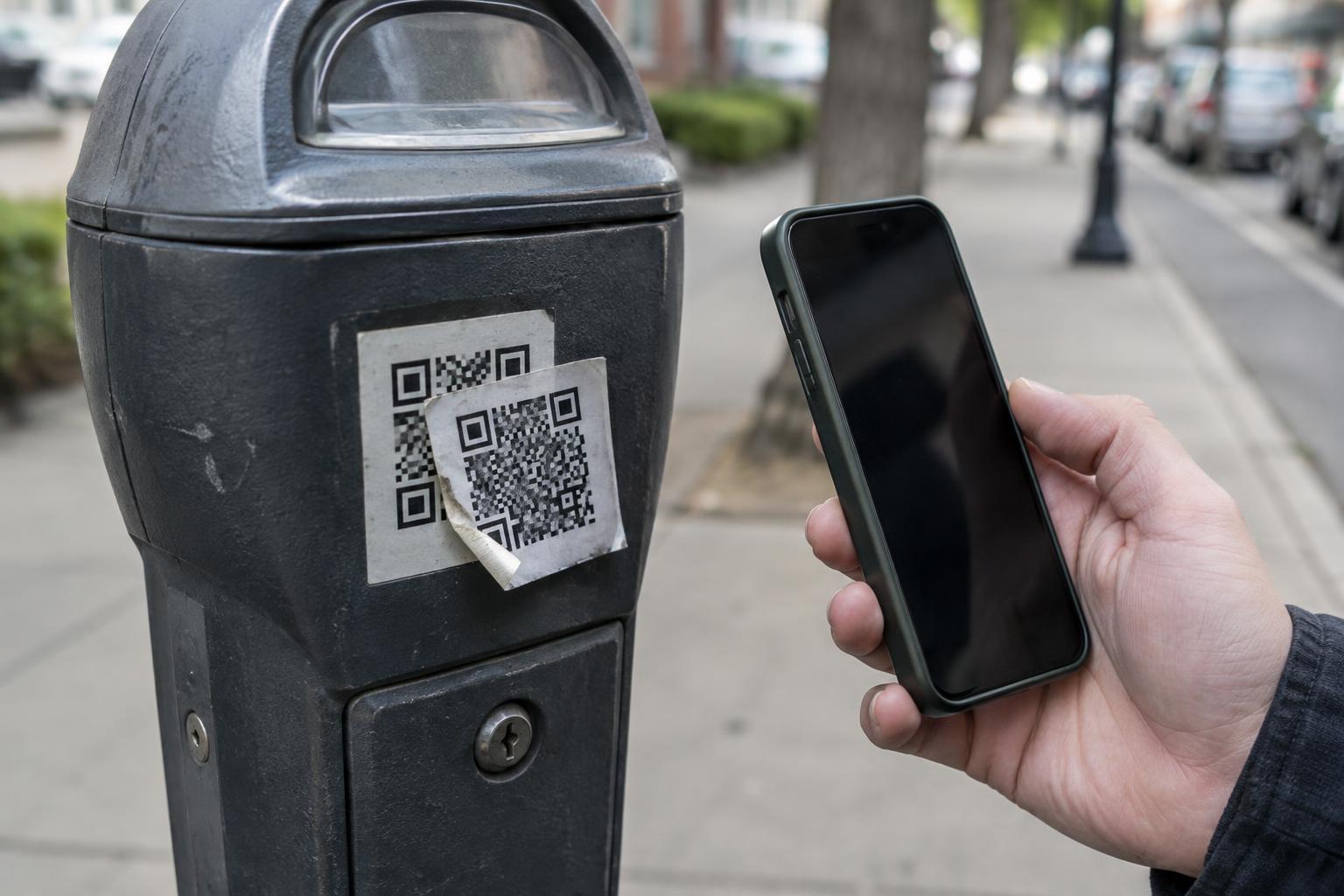
Before scanning a public code, look at where it appears. A sticker placed over a printed code, a code added to an unexpected notice or a message claiming urgent action is a reason to slow down. These signs do not prove a scam, but they give you a reason to verify the request. For example, if a parking sign points you to a payment page you do not recognize, look for payment instructions on the official sign or use a known app rather than relying on the sticker.
When your scanner shows a link preview, read the address rather than trusting the surrounding logo or text. Check for misspellings and unfamiliar domains, while remembering that a short link may hide its final destination. If you are unsure, navigate to the organization through a trusted bookmark, its known app or an address you already have. Never treat the QR code’s placement alone as proof that a page belongs to the organization named beside it.
A simple response if you tapped a suspicious code
If you opened a page but did not enter information, download anything or approve a prompt, close it and avoid further interaction. If you entered a password, change it through the service’s trusted app or website and review that account’s security options. If you installed an unfamiliar app, remove it and review its permissions. A device update and a check of recent downloads can also help you identify anything you did not intend to add.
You do not need to avoid QR codes altogether. Treat them as shortcuts, not endorsements. Scan with an app that lets you inspect the result, pause before tapping, and make sensitive decisions—such as signing in or paying—only after you are comfortable with the destination.