What happens when someone scans a calendar QR code?
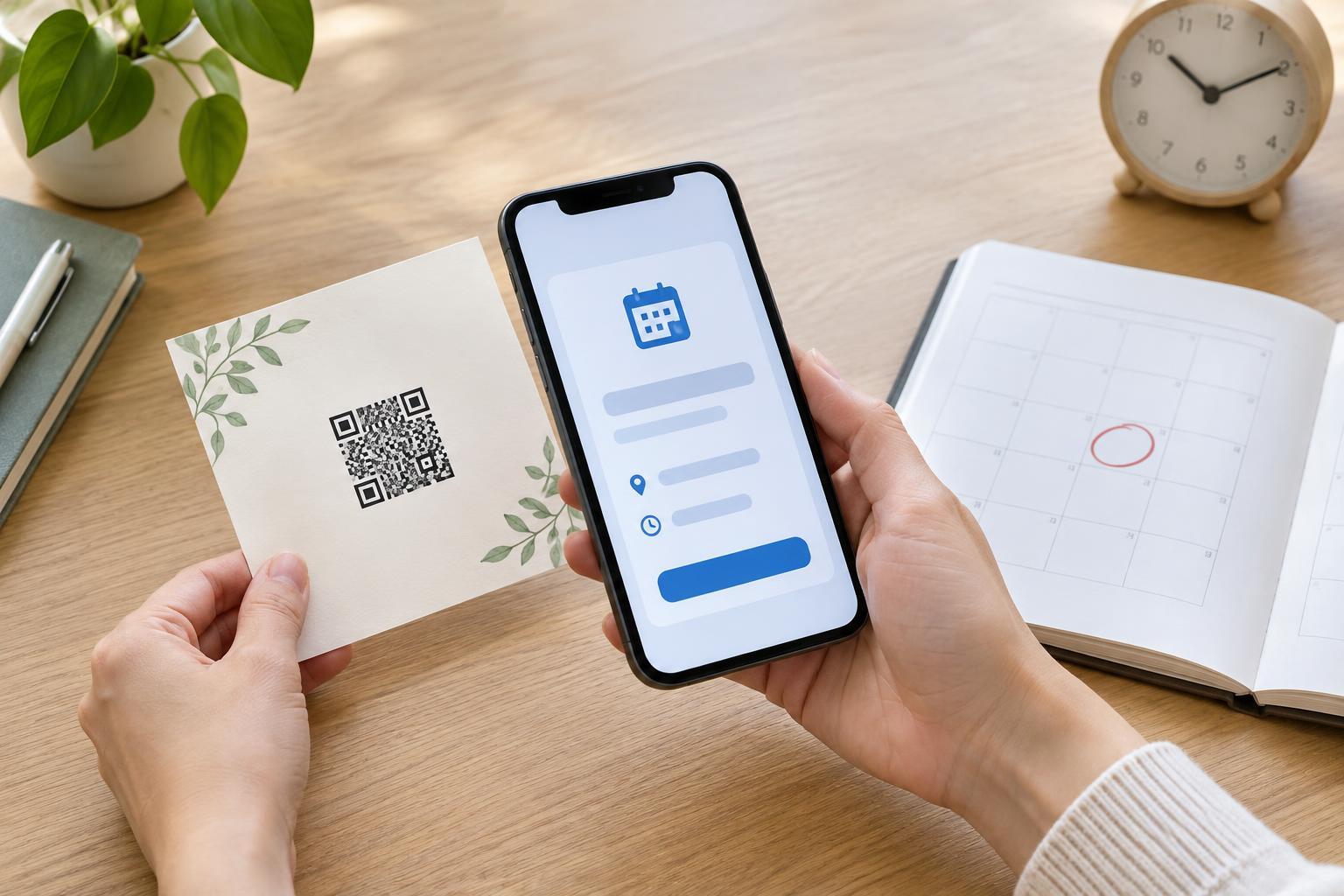
A calendar QR code is a scannable way to pass along event details. Instead of copying a date, time and address from a poster, someone can scan the code and review an event on their phone. They may then choose to save it to their calendar. Scanning does not necessarily add the event automatically: the result depends on what the code contains, the scanning app and the calendar app.
There are two common approaches. A QR code may contain calendar event data directly, often in a format intended for calendar apps. Alternatively, it may open a web page or calendar link where the visitor can view the event or download a calendar file. The first approach can work without opening a website, while the second can be useful when event information needs to be maintained online. In either case, the QR code carries only so much; the scanning device determines how to handle it.
The core details of an event entry
A useful entry starts with a clear title, a start date and time, and, where appropriate, an end date and time. “Community garden workshop” tells a visitor more than “Event.” The end time helps people plan, but it should be realistic rather than a guess presented as a firm schedule. For an all-day event, mark it as all-day if the chosen calendar format supports that distinction; entering an arbitrary time can create confusion.
Time zones deserve particular attention. If people may scan the code while travelling or live in another time zone, include an explicit time zone in the event data where possible. Before publishing, check that the event appears at the intended local time on a phone. An event displayed an hour early or on the wrong day is less useful than a printed date that someone can enter manually.
Location is another practical field. It might be a venue name and street address for an in-person meeting, or joining information for an online session. A short description can add essentials such as which entrance to use, what to bring or where to find accessibility information. Keep those notes concise: the calendar entry should support the event announcement, not replace every detail on it.
Optional information and its limits
Depending on the calendar format and app, an event entry may also carry an organizer name, a website address, a recurrence pattern or other notes. These fields do not always appear in the same place—or appear at all—across calendar apps. A reminder may be included in some event files, but visitors can often change their own notification settings. Treat reminders as a convenience, not a guarantee that everyone will receive an alert.
Adding an event to a personal calendar is not the same as registering for it. A saved entry does not tell the organizer how many people plan to attend. If registration or an RSVP is needed, explain that separately and provide a clear way to do it. Likewise, a calendar QR code should not be relied on to deliver later changes unless it points to an online source that visitors can check. Someone who has saved a copy of an event may not see subsequent edits.
Think carefully about what you include in the entry. A QR code displayed in a public place can be scanned by anyone. Avoid putting private meeting links, personal phone numbers or attendee information into a publicly shared code unless that access is intentional.
Make the code helpful beyond the scan
Imagine a library advertising a free Saturday workshop. Its poster could show the event name, date, time and venue in readable text, with a QR code labelled “Scan to add this workshop to your calendar.” The printed details help people who cannot or prefer not to scan, and they let everyone judge what the code is for before opening it. If the event requires registration, the poster should say so rather than implying that saving the calendar entry reserves a place.
Before printing or distributing a code, scan it with more than one device or calendar app if you can. Check the title, dates, time zone, location and description, then confirm that the text is easy to read. Test the code at roughly its intended printed size and from a comfortable viewing distance. Place it where people can reach and scan it without blocking a doorway or struggling with glare. Finally, keep a visible text version of the essential event details: a QR code is a useful shortcut, not the only route to the information.