The scan is only the beginning
A QR code is often described as a quick way to open a page. Opening the page may be quick; reading it, making a choice or completing a form may not be. A visitor might need to enlarge text, use a screen reader, switch languages, ask a companion for help or step away briefly. A short countdown can turn an otherwise accessible page into a task they cannot finish.
Time pressure can appear at several points. A code displayed on a screen might disappear before someone can position their phone. A check-in page might end a session while a person is entering details. A menu might change or stop loading after an event ends. When planning a QR experience, follow the whole journey from seeing the code to finishing the task, rather than measuring success by whether the code can be scanned.
Give people enough time to find and scan the code
If a code appears on a presentation slide, kiosk or rotating display, keep it visible long enough for people to notice it, open a camera app and aim their device. Someone seated farther away may need to move closer. Someone using a mobility aid may not be able to do so quickly. Avoid making a brief display the only way to reach essential information.
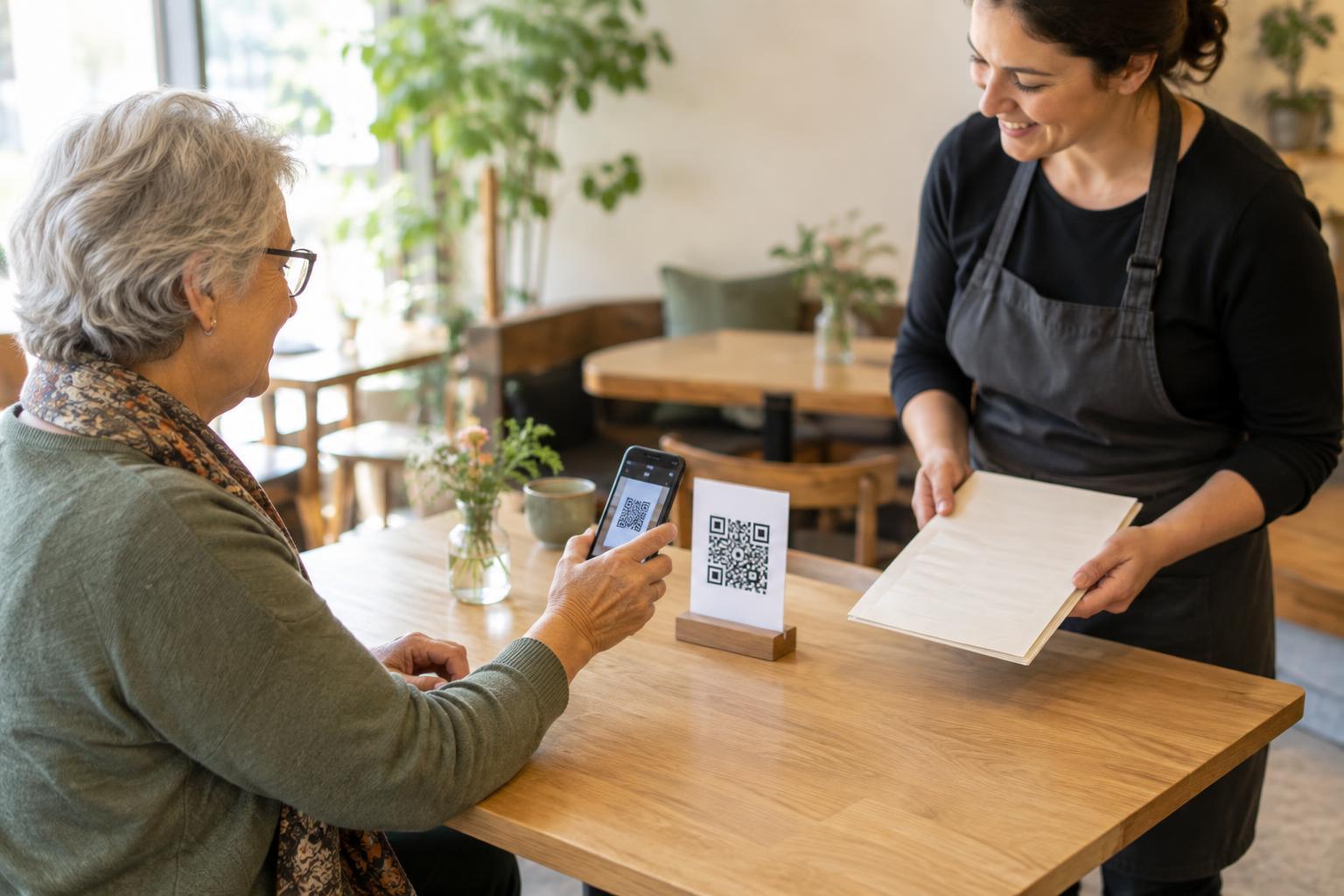
Place a short, readable address or clear instructions alongside the code when practical. For a live presentation, consider keeping the destination available in a handout or on a stable information page as well. If the code is printed on a sign, ensure visitors can approach it safely without blocking a doorway or queue. These choices help people whose devices cannot scan the code, too.
Make deadlines clear and preserve progress
Some tasks need a time limit, especially when a session contains private information. The limit should match the task, not merely the time it takes to scan. Tell people about a deadline before they begin, in plain language, and make any remaining-time warning noticeable without relying only on color or sound. Where appropriate, let them request more time without losing what they have entered.
Forms can be particularly frustrating when a session expires without warning and deletes every answer. If a task genuinely cannot be extended, explain what will happen and provide a straightforward way to restart. Save non-sensitive progress when feasible, or break a long task into smaller steps that can be completed independently. Avoid forcing people to re-scan a code each time a page reloads unless there is a clear reason.
Separate security needs from unnecessary urgency
A time-limited sign-in code can help protect access to an account, but that does not mean every QR destination needs to expire. A code on a permanent information sign should usually lead to information that remains available. Likewise, a restaurant menu does not become safer simply because customers must race through it.
When a short-lived code is necessary, make the recovery path predictable. Explain how to obtain a fresh code, keep that control easy to find and avoid treating an expired attempt as a completed action. If the code leads to a sensitive service, an alternative should still protect the person's information; accessibility should not require them to share a password or personal details with a bystander. Test the flow after expiration, not just when everything goes smoothly.
Offer another route to the same outcome
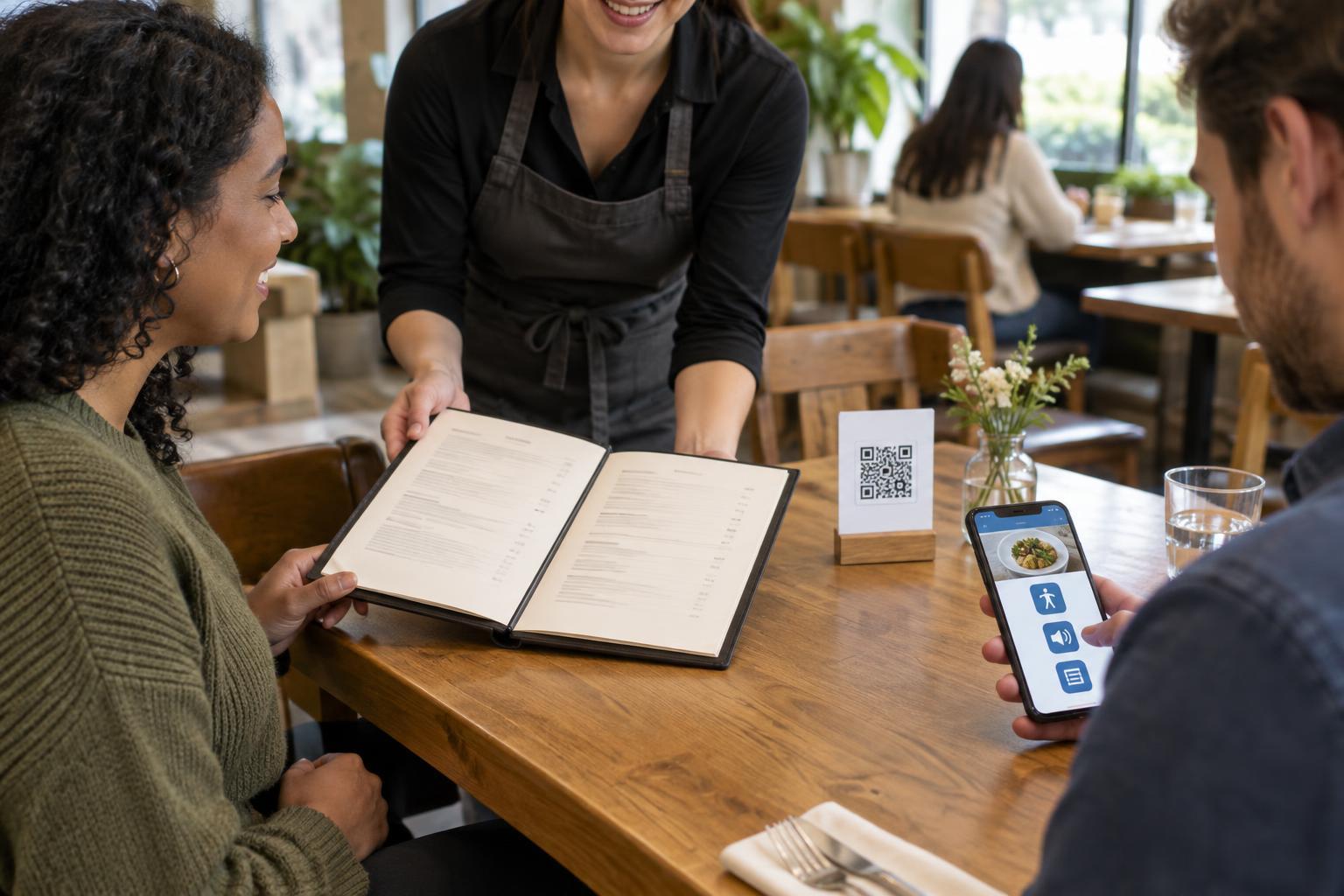
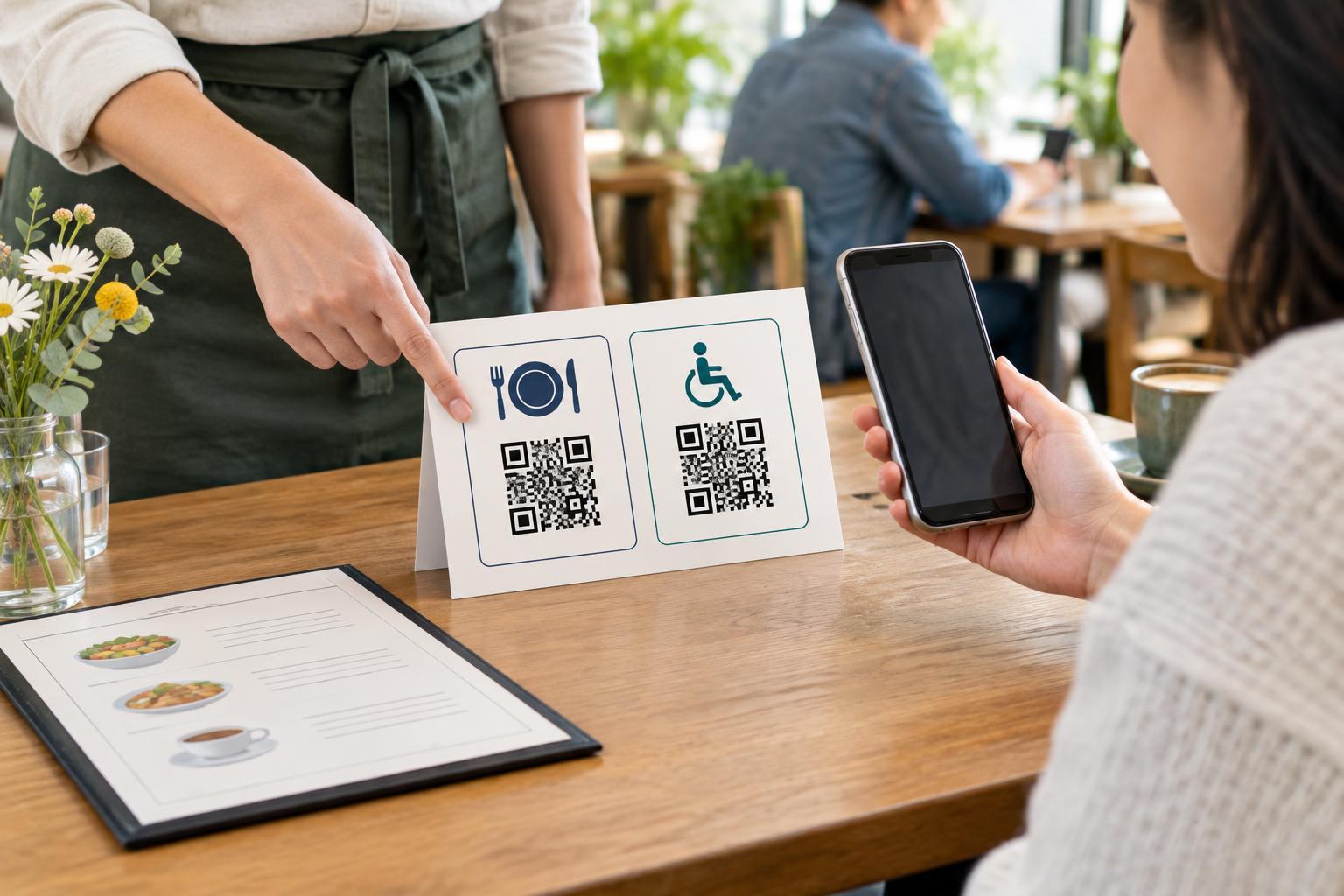
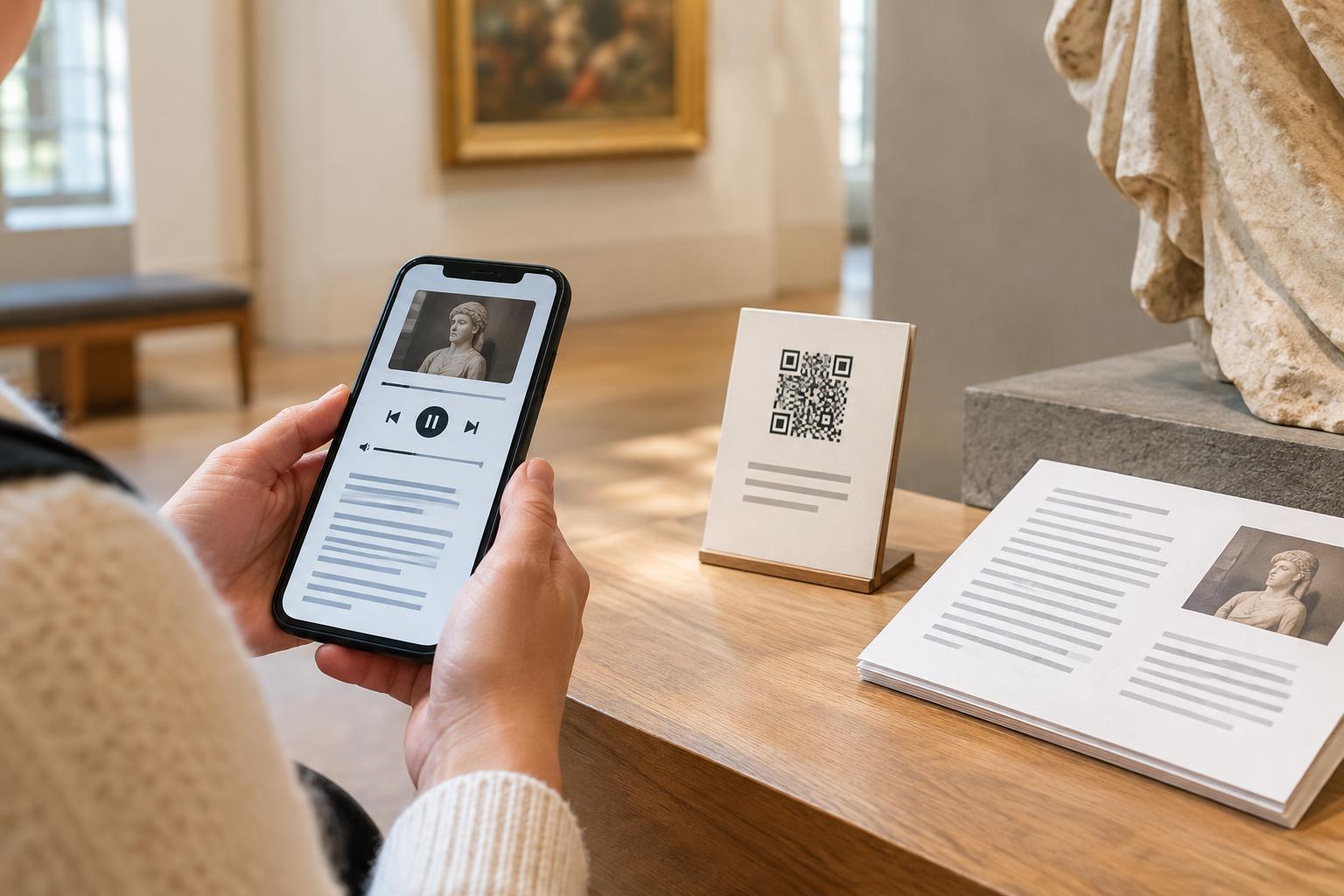
A useful alternative lets someone complete the underlying task, not just read a notice that the QR option exists. For a check-in, that might mean a staffed desk or another accessible sign-in method. For a menu, it might mean a printed copy or a readable web address. For instructions at a venue, it might mean a sign with the essential information directly on it. Make the alternative visible before someone discovers that a timer has run out.
Finally, try the experience at an unhurried pace. Pause between scanning and opening the page, enlarge the text, navigate by keyboard or screen reader where relevant, and let a session expire on purpose. Note where instructions vanish, answers are lost or the next step becomes unclear. A QR experience is more welcoming when people can take the time they need and still reach the same result.