The difference is in the content, not the pattern
A QR code stores data in a pattern a scanner can read. For a simple URL code, that data is a web address, such as https://example.com/menu. For a plain-text code, it might be a sentence, a room number, or a set of brief instructions. The printed squares do not have a separate visual style that reliably identifies one as a URL and the other as plain text; you need to scan the code or know what was put into it.
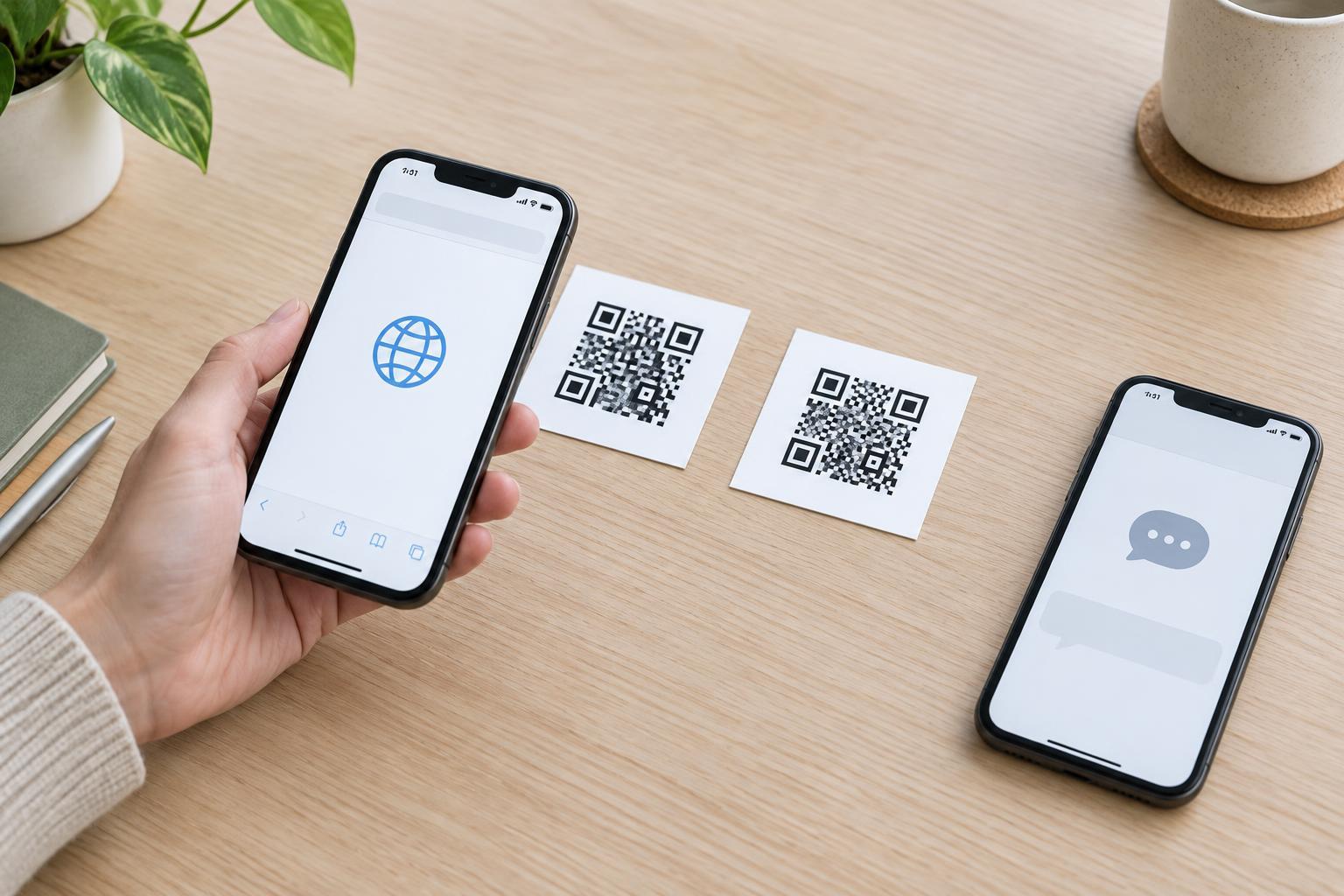
Technically, a URL can be stored as text too. The useful distinction is how a scanning app recognizes and presents the result. When the content looks like a web address, a phone will commonly offer to open it as a link. When it is ordinary text, the phone will commonly show the message for reading or copying. The exact screen and buttons depend on the camera app, operating system, and scanner being used.
What you may see after scanning a URL code
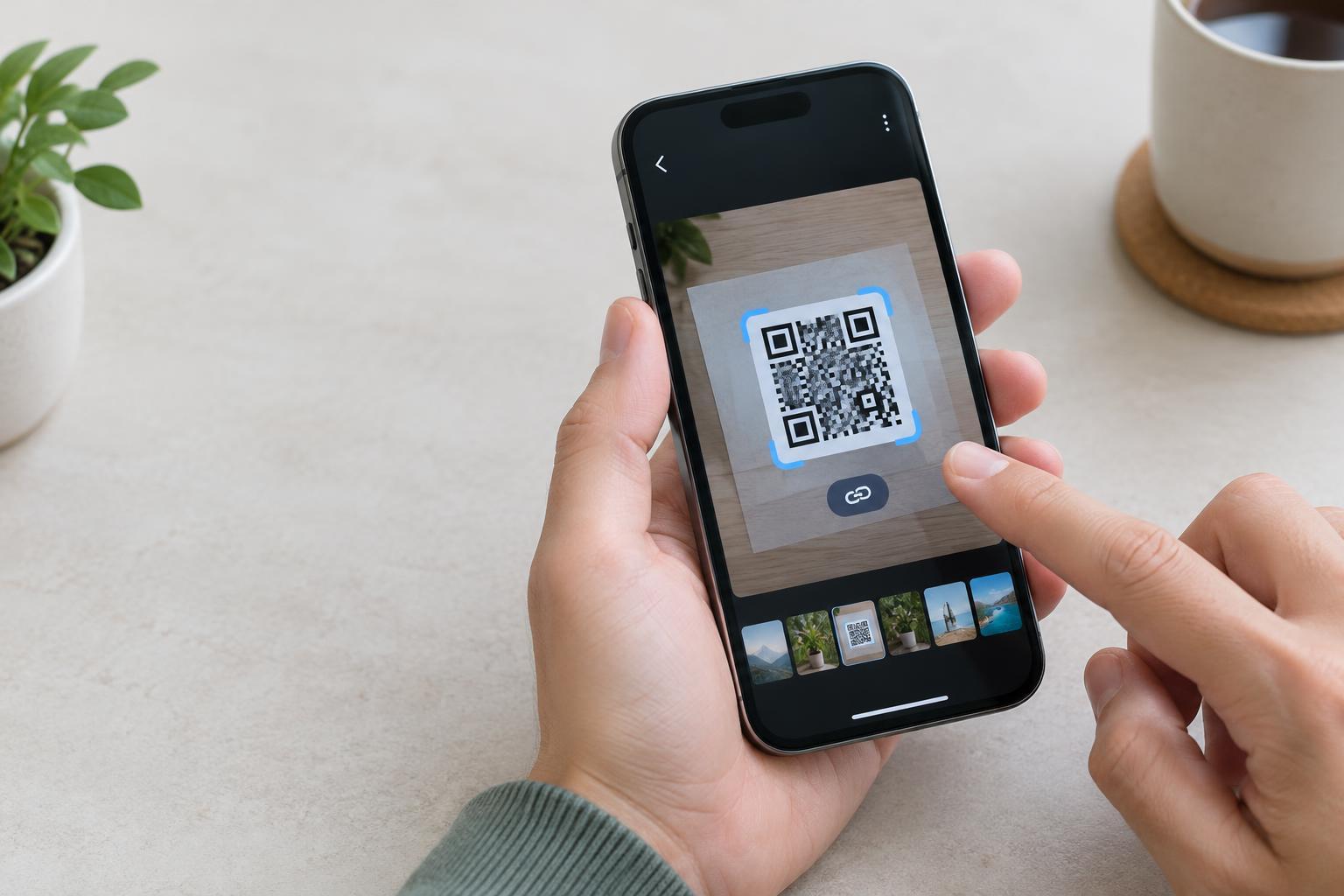
Imagine a café sign that says “Scan to view the menu.” If the code contains the menu’s URL, a camera app may display a notification or preview with the site address. Tapping that prompt generally opens the page in a browser or another app. Some scanners handle links differently, so it is better to say that a URL code offers a route to a page, not that scanning always opens one automatically.
A URL code does not contain the web page itself. The destination usually needs an internet connection to load, and what appears there can change after the code is printed. A link may also redirect to another address. If the page moves or becomes unavailable, the printed code may still scan correctly while the link no longer leads to the intended content. Testing the destination matters as much as testing the code.
What you may see after scanning a plain-text code
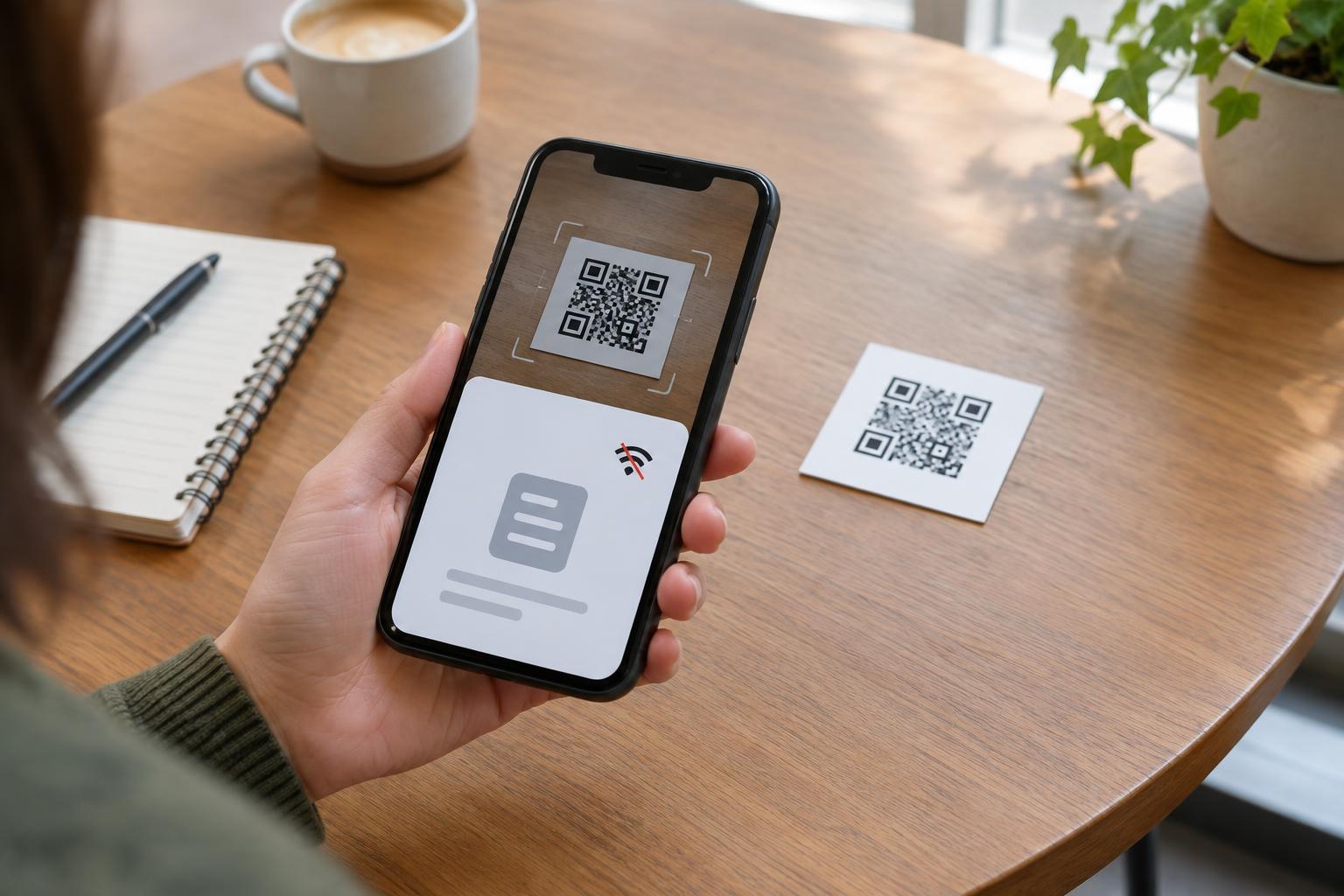
Suppose a code beside a shared printer contains: “For help, note the printer ID: West Hall 2.” A scanner will generally display that message on the device, often with an option to copy or share it. There is no website to load simply because the message was scanned. This can be useful when the information is short and should be readable without relying on a web page.
Plain text has limits. A long message can be awkward to read in a scanner preview, and adding more content can make the QR pattern denser and harder to reproduce well at a small size. Text also remains fixed in the printed code: changing the instruction means replacing the code wherever it appears. If the text includes something that resembles a link, some scanners may make that portion tappable, so test the result rather than assuming every app will display it in the same way.
Choosing the format for the task
Choose a URL when the next step is to visit a page: reading a detailed guide, viewing an updated menu, or completing a form. Choose plain text when the message itself is the destination, such as a short instruction or identifier. If the information may need regular edits, a web page can be easier to update, though it introduces a dependency on a working link and a reachable site.
Make the printed label describe the expected action. “Scan to open the setup guide” prepares someone for a link; “Scan to read the Wi-Fi instructions” prepares them for a message, if those instructions are stored as text. A visible short description also helps people decide whether scanning is worthwhile. Where practical, provide the essential information or an alternative route alongside the code for anyone who cannot or prefers not to scan.
Test the experience before sharing
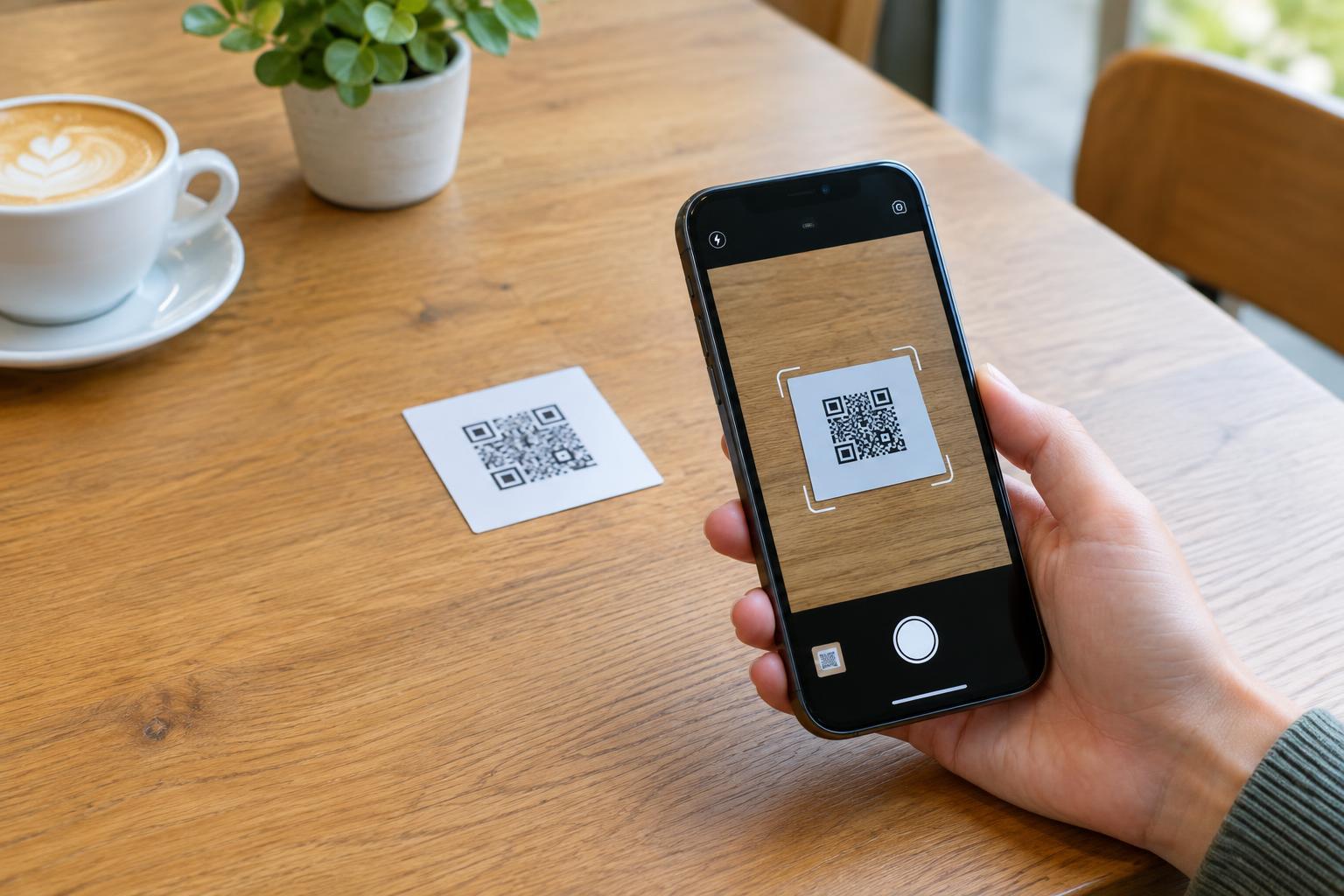
Scan a proof at its intended print size and distance using more than one common phone if possible. Check that the code is sharp, has enough contrast, and has clear space around it. For a URL, read the preview, open the destination, and confirm that the page works on a phone. For plain text, check the wording, line breaks, and whether the complete message is easy to view.
Scanning is also a moment to pause. A QR pattern does not reveal whether its contents are trustworthy, and a code placed over another code may send someone somewhere unexpected. Before opening a link, look at the address shown by the scanner and consider whether it matches the sign or context. Whether you publish a URL or a message, a clear label and a tested result make the scan less surprising and more useful.