Confirm what the code does
Start with the destination, not the artwork. Scan the final QR code and confirm that it opens the intended page or performs the intended action. Check spelling, redirects, and whether the destination works on a phone without requiring an unexpected login. If the code leads to a product page or instructions, make sure that page clearly matches the flyer, label, or package carrying it.
Decide whether the printed destination needs to remain useful for the life of the item. A short-lived promotion may be unsuitable for packaging that could sit in storage or on a shelf. If the destination may change, settle how it will be maintained before printing. Record which approved code belongs to each design version so an older image is not placed in the final file by mistake.
Prepare clean, scannable artwork
Use a high-quality source image or vector artwork, and avoid enlarging a small screenshot. A QR code depends on a clear grid of light and dark squares; soft edges, compression artifacts, and uneven resizing can make that grid harder for a camera to read. Keep the code square and do not stretch it to fit a rectangular space. If it is recolored, check the finished colors rather than relying on how the original black-and-white version scanned.
Leave a clear, light margin around the entire code. This empty area, often called the quiet zone, helps a scanner distinguish the code from nearby text, borders, patterns, and other graphics. Avoid placing a decorative frame against the outer squares. A dark code on a light, plain background is a dependable starting point; low contrast, gradients, and artwork inside the code add uncertainty and should be tested especially carefully.
Size and place it for the person scanning
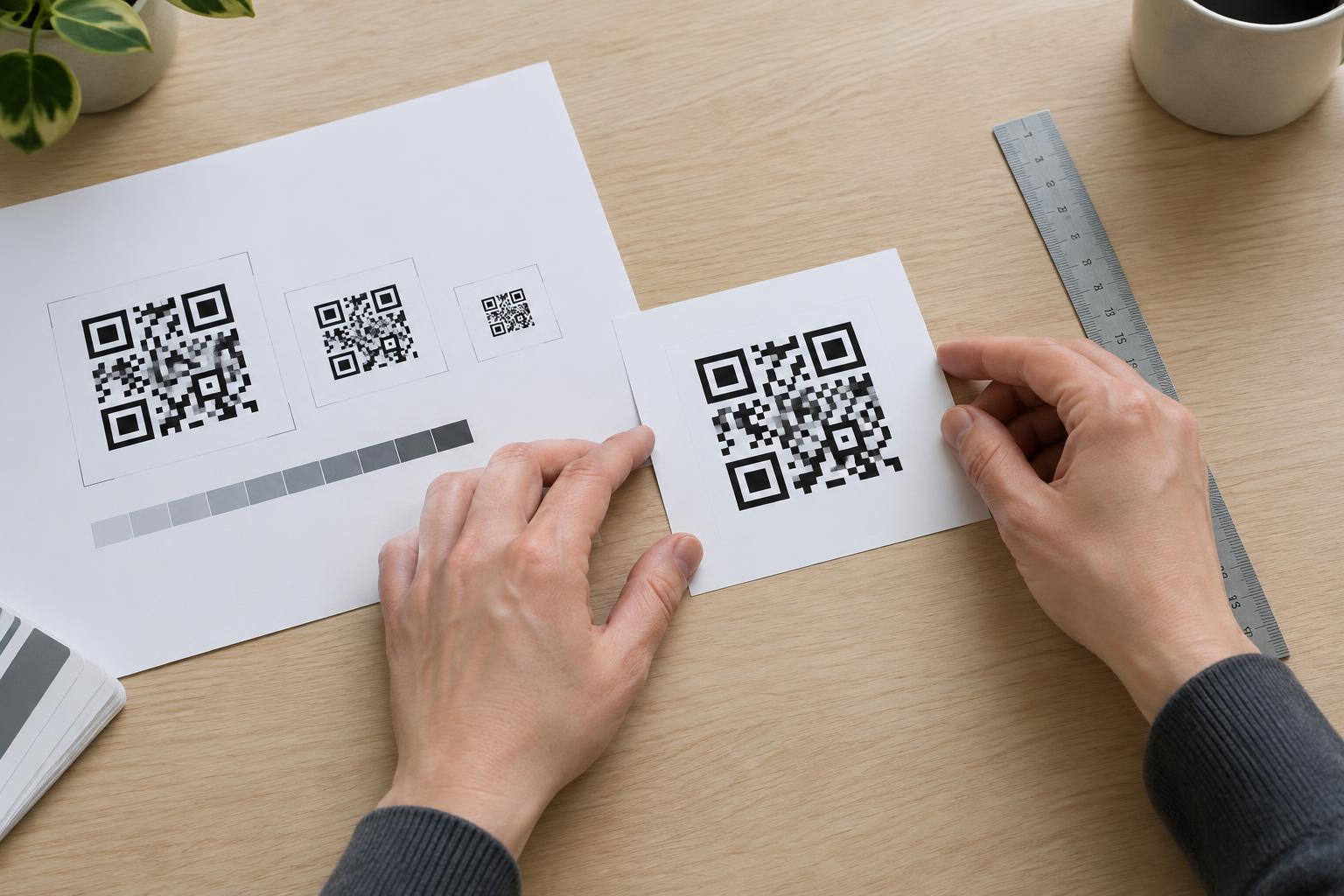
There is no single printed size that suits every job. The amount of information in the code, the print quality, the viewing distance, and the surface all matter. Before committing to a layout, print the code at its actual finished size. A code that looks prominent while zoomed in on a monitor may be difficult to find or scan on a crowded label.
Choose a place where someone can hold a phone steady and see the whole code. On a flyer, keep it clear of folds, trim edges, staples, and areas likely to be covered by a hand. On a label or package, avoid seams, tight curves, crimped edges, and surfaces that wrinkle during application. If the package is usually displayed on a shelf, consider whether the code remains visible in that position rather than only when the package is turned over.
Check the material and print proof
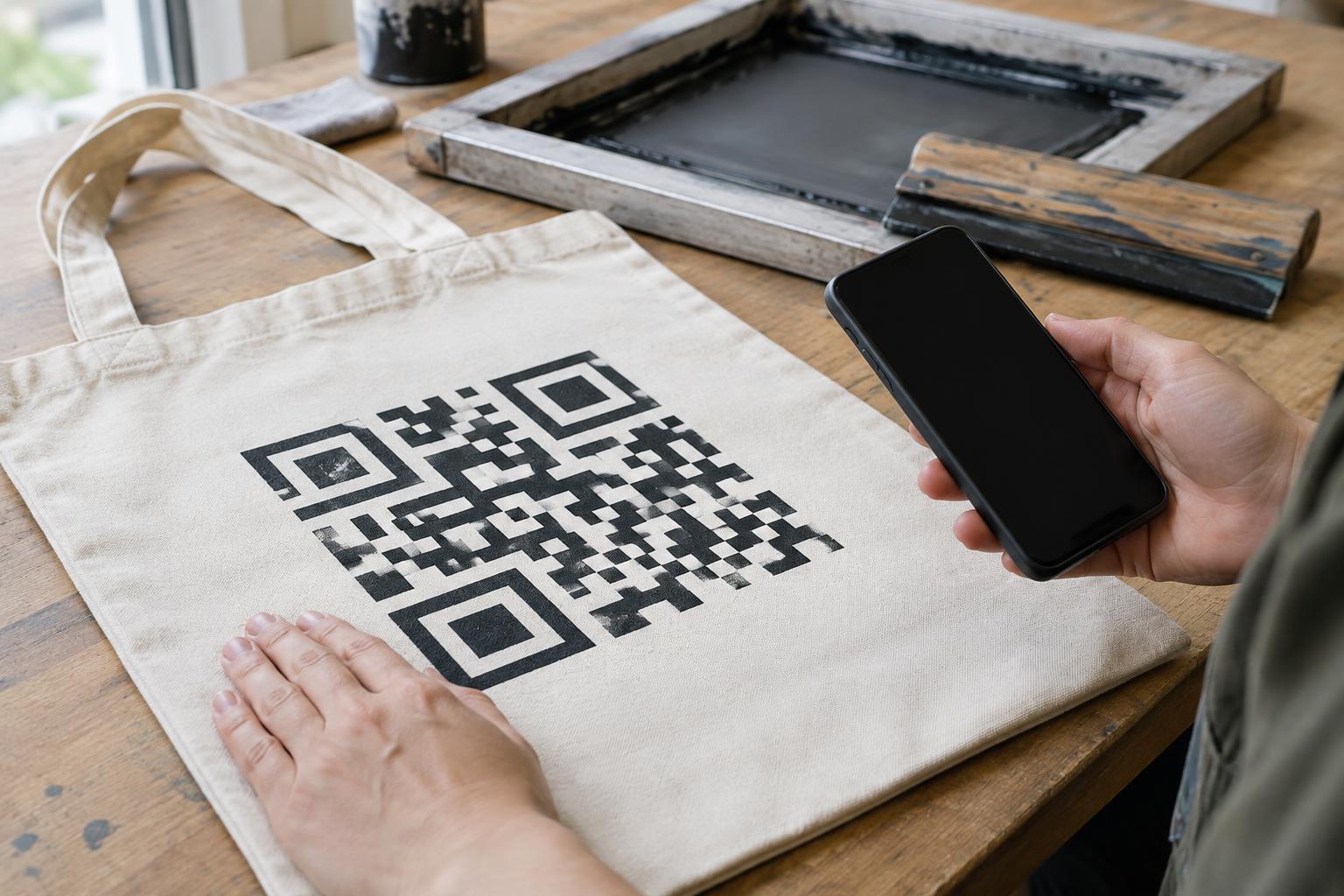
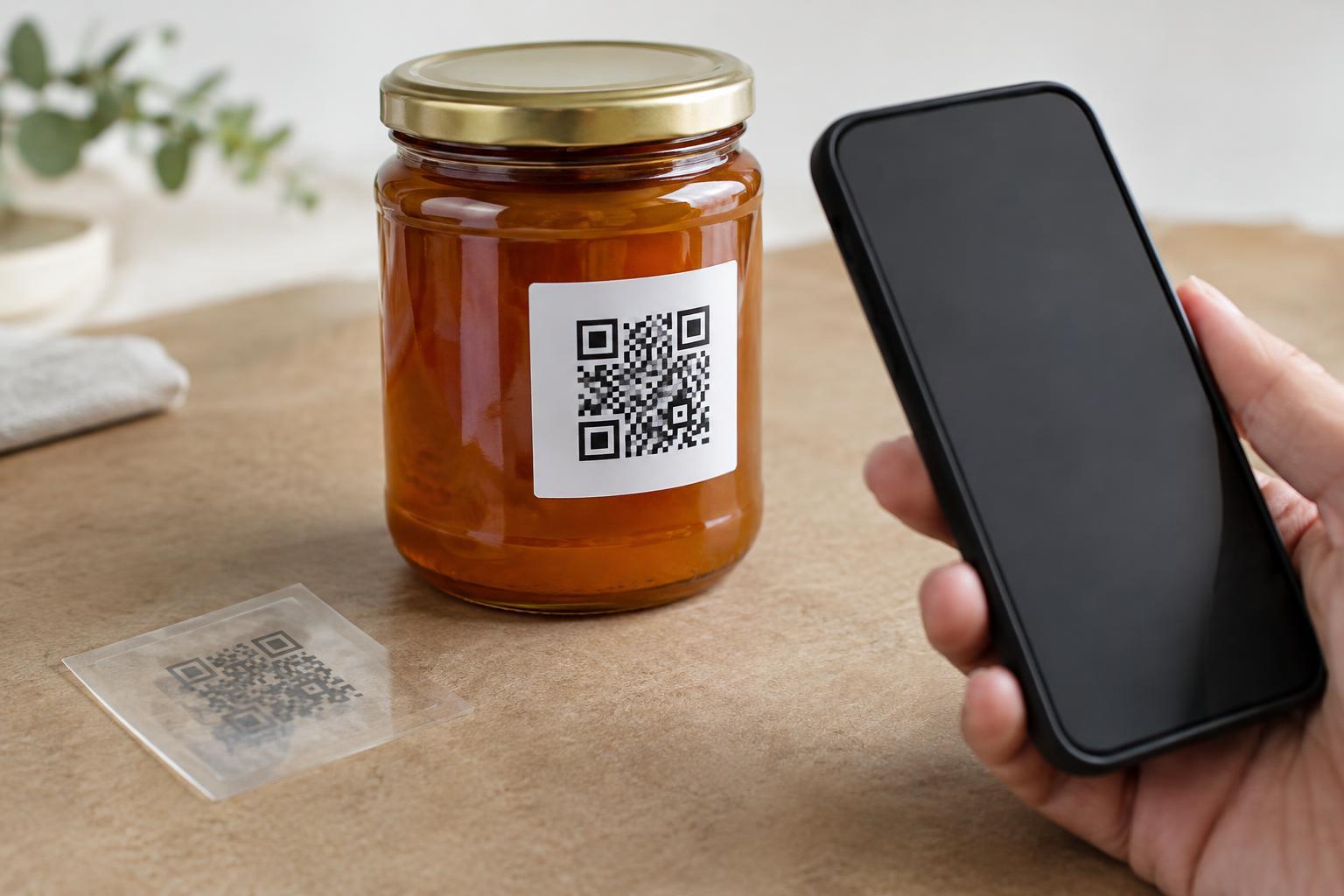
Ask for a proof that reflects the intended print method and material when possible. Fine details can change as ink spreads, toner behaves differently on coated stock, or artwork crosses a textured surface. Glossy finishes and reflective films may create glare under store or kitchen lighting. Transparent labels need particular care: the product behind them can change the apparent contrast, so assess the code on the actual container.
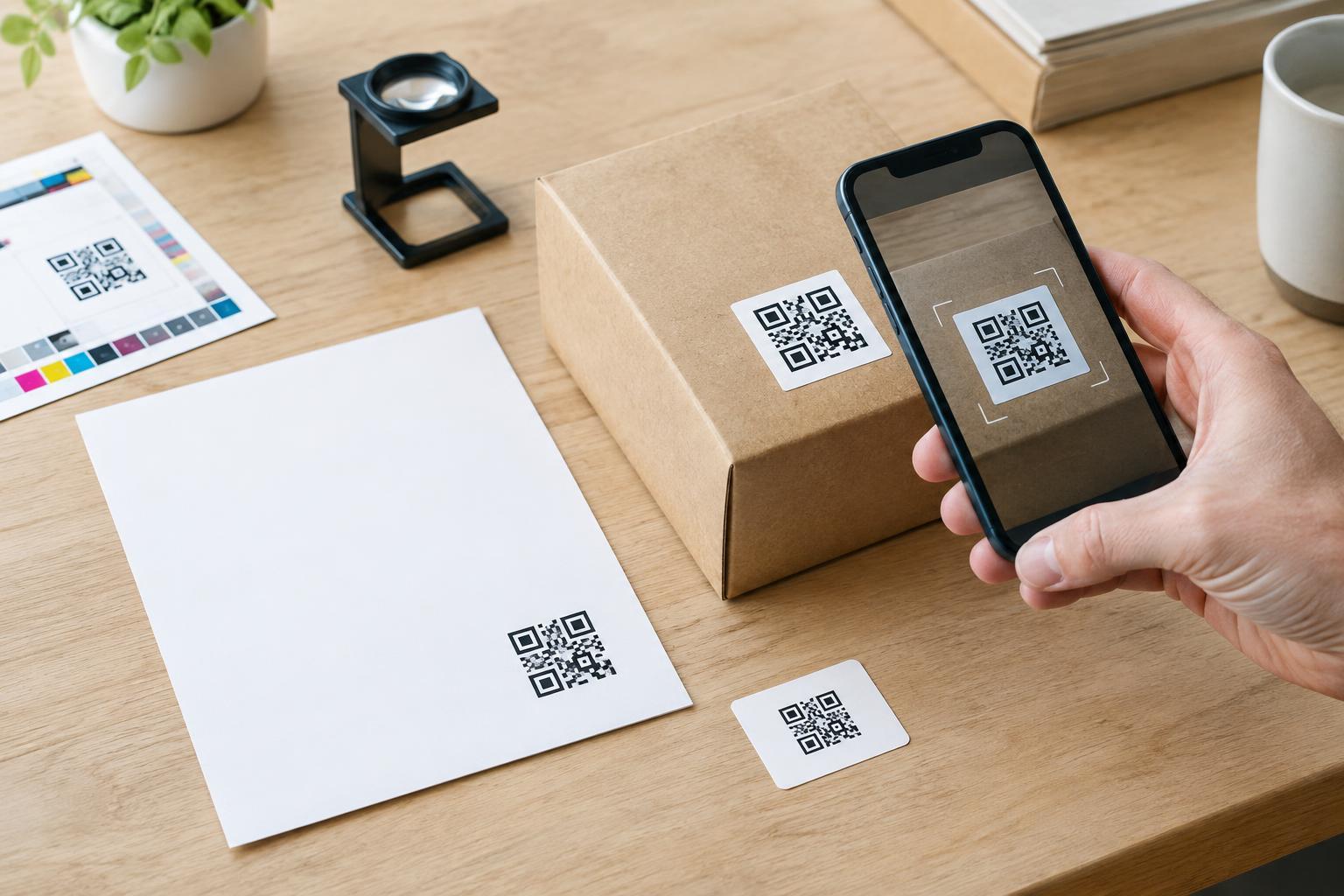
Scan a physical proof, not just a PDF. Test it with more than one phone if available, in ordinary lighting and at a natural distance. Try the code after the label has been applied or the package has been folded, since a flat proof may conceal a placement problem. If scanning takes repeated attempts, revise the artwork, increase the available space, or move the code before approving the run.
Give people context and a fallback
Add a short instruction beside the code that says what scanning will provide, such as “Scan for assembly steps” or “Scan for ingredient details.” This helps people decide whether they want to use it and makes an unfamiliar code less ambiguous. Keep the instruction outside the quiet zone. For important information, offer a readable alternative on the printed piece or a clearly printed web address where space allows; not everyone can or wants to scan.
Finish with a review of the complete layout. Check that the printed instruction matches the destination, the code has not been replaced during file preparation, and no fold or finishing step will cover it. On public-facing materials, a visible brand or purpose can also help people judge whether a code belongs there. Once the physical proof scans reliably and the surrounding information makes sense, the QR code is ready for print approval.